

Choose your cash for this survival round
Give yourself room to plan a different defense in offline Zombie Survival. Set a cash balance, add an amount or remove some cash before choosing supplies from the game's shop.

Adjust the balance you need
Refresh the current balance, enter a whole amount and choose Add, Remove or Set to amount. Close the shop and pause menus first. Normal earnings can change the balance, so refresh again if needed.
Start each round on its own terms
Cash belongs to the current survival round. Restarting the round restores the game's usual starting balance.
Available resources
Zombie Survival cashFree
Set, add or remove cash for supplies in your current offline Zombie Survival round.
Refresh the balance, enter a whole amount and choose Add, Remove or Set to amount.
Use a whole balance from 0 to 100,000 with the round running and menus closed. Restarting the round restores the usual starting cash.
More cash for your next defensive idea
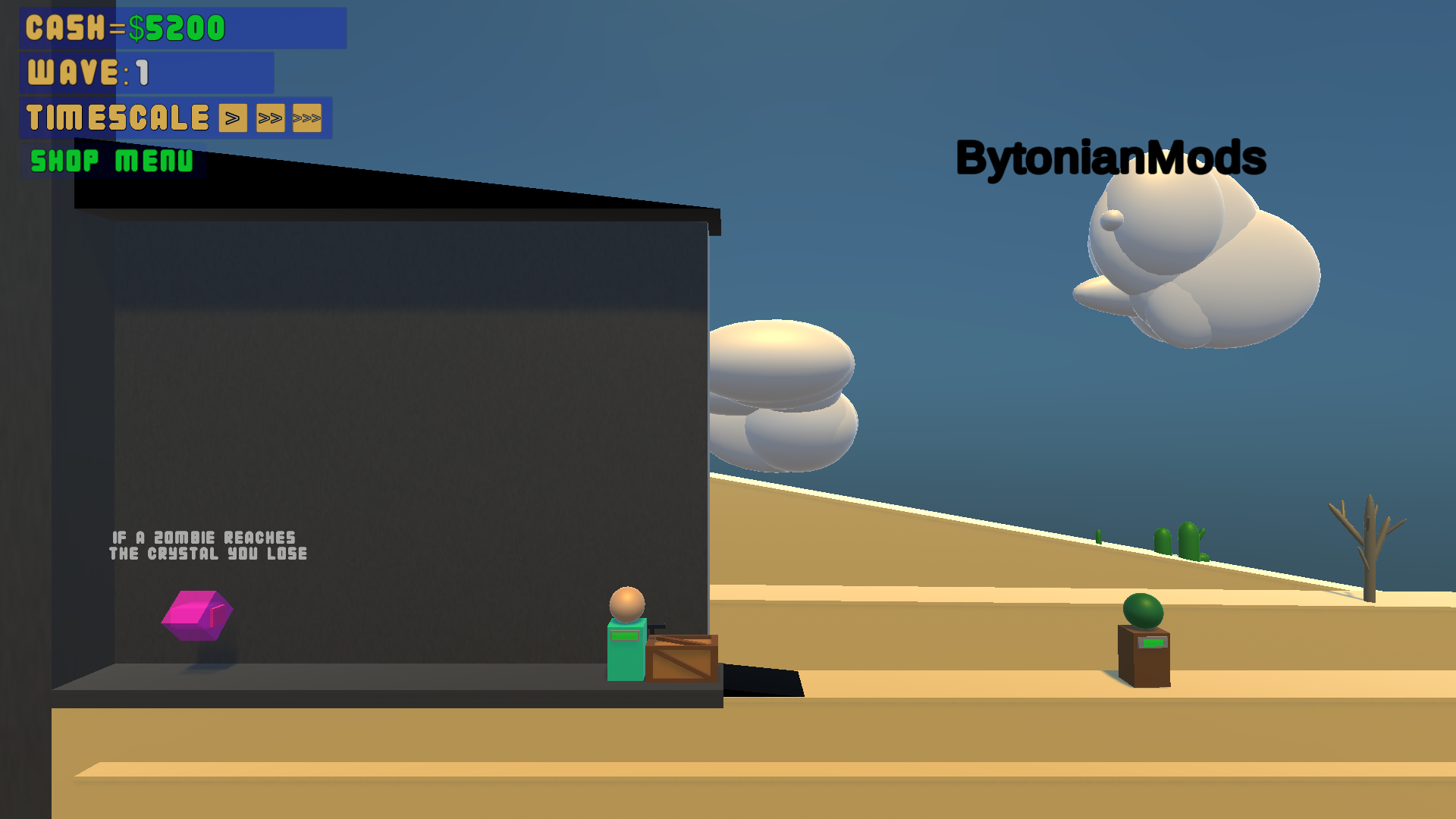
Zombie Survival cash raises the visible balance to 5,200 while the civilian guards the crystal and a zombie approaches outside.
More ways to customise Sandbox Anything
- Sandbox Anything world modifiers
Browse editor objects with previews and add one to your offline map.
Questions about resources
- Does this keep adding cash automatically?
- Each action makes one adjustment. The game continues to award its normal earnings during the round.
- Can I change cash after game over?
- Start a new round before adjusting cash again. The control is unavailable while the game is paused or the round has ended.
Using these features
Choose the feature in the Windows app after connecting your game. Check its requirements before making a change.
Setup for Sandbox Anything →