

Resources
1 optionSet, add or remove cash in your current offline Zombie Survival round.
View resources →Set cash for supplies in offline Zombie Survival or add an editor object to an offline map in Sandbox Anything. Search by name or category when building your next creation.

Start with free mods
Download Bytonian Mods for Windows and try these free features. Choose one to see how it works and any requirements.
Set, add or remove cash for supplies in your current offline Zombie Survival round.
Refresh the balance, enter a whole amount and choose Add, Remove or Set to amount.
Use a whole balance from 0 to 100,000 with the round running and menus closed. Restarting the round restores the usual starting cash.
Find an editor object by name or category and add it to your offline map.
Open Spawn, select an object and spawn one at a time. It appears selected at the centre of the editor view, ready to arrange with the original controls.
Use the offline level editor in edit mode. Stop the map, close menus and finish typing or dragging before adding an object.
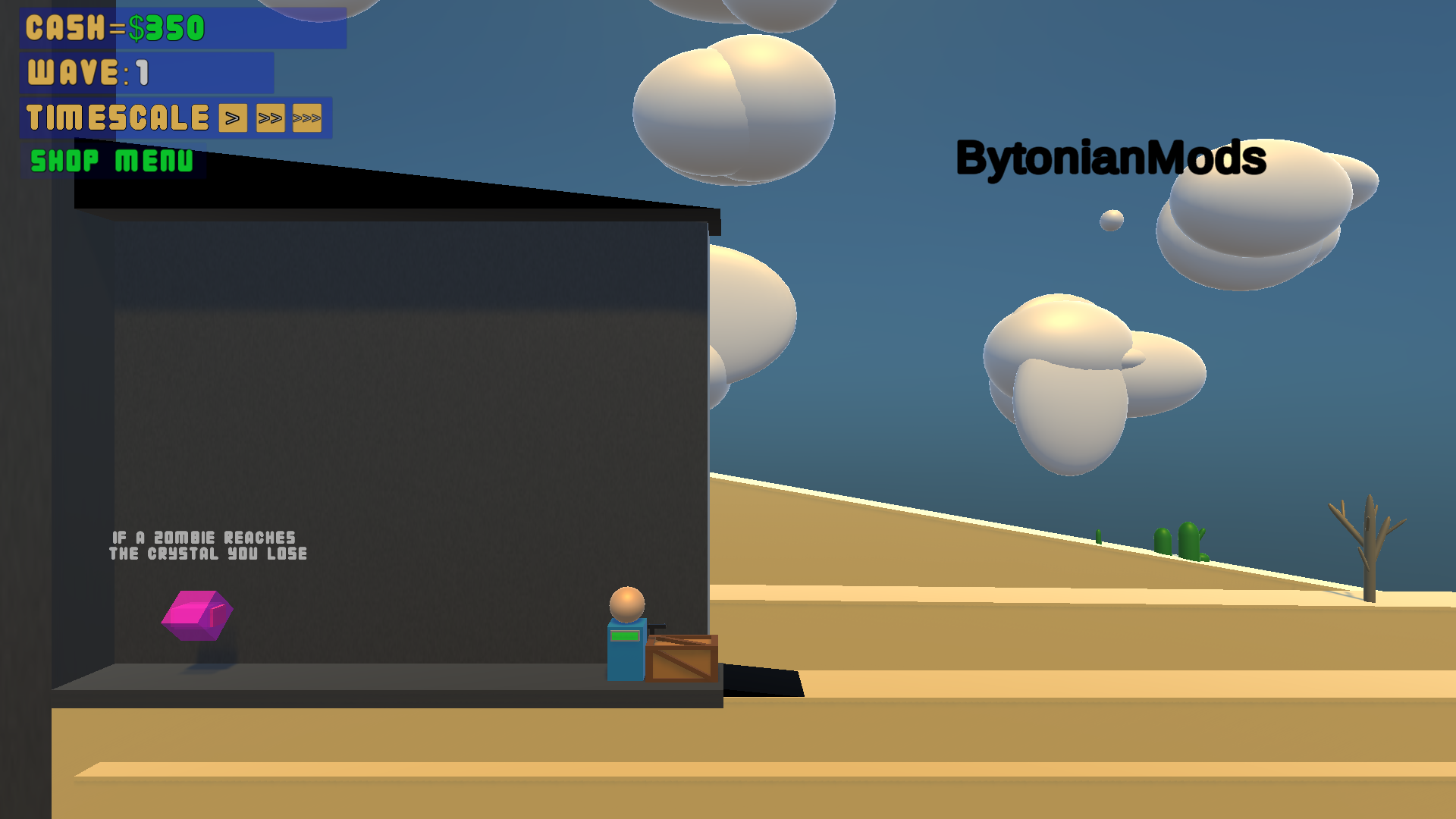
Defend your crystal in Zombie Survival
A civilian guards the crystal beside a wooden crate in Sandbox Anything, with the cash and wave counters visible above the scene.
Use Zombie Survival cash for the spending balance in your current round. Spawn editor objects helps you find a block, prop or tree and adds it at the centre of your editor view.
Leave online games and lobbies before using these controls. Start Zombie Survival for cash, or open the level editor and stay in edit mode to add objects.
Set, add or remove cash in your current offline Zombie Survival round.
View resources →Browse editor objects with previews and add one to your offline map.
View world modifiers →Browse the Steam achievement names and descriptions for Sandbox Anything. Choose and unlock achievements for free with Bytonian Mods in the Windows app.
View all achievements →Download the Windows app and follow the setup prompts.
Open Sandbox Anything and select it in Bytonian Mods. Follow the app’s connection prompts.
Review the available options in the app and choose the ones that suit how you play.