

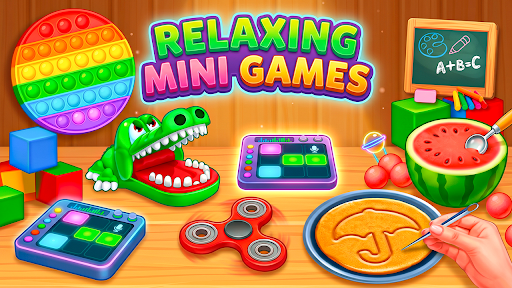
A fresh slice or a change of scene
Choose something new for the cutting board, take another run at an activity, or move on when you are ready for a change. These controls keep the next choice close at hand.
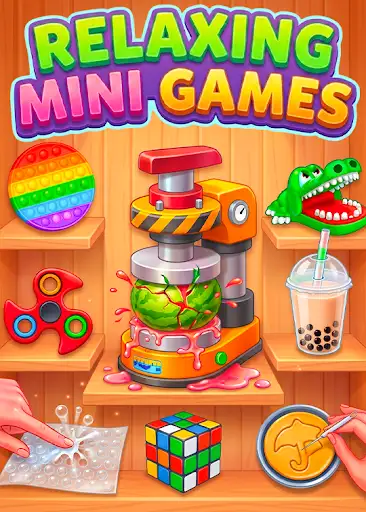
Choose your cutting-board favorite
Open ASMR Cutting, choose Carrot, Orange or Cucumber, then apply your choice. The selected item appears on the board, ready to slice.
Another go, or something different
Restart activity is free and starts your current mini game again. Next activity moves you on to the following mini game without returning to the menu. Use either control with a mini game open.
Available game actions
Choose your cutting fruitPremium
Choose a carrot, orange or cucumber for the ASMR Cutting board.
Open ASMR Cutting, pick your fruit or vegetable, then press the action button to apply it.
Before you use it: Look at the cutting board for your chosen item; the game's fruit buttons may keep their previous highlight.
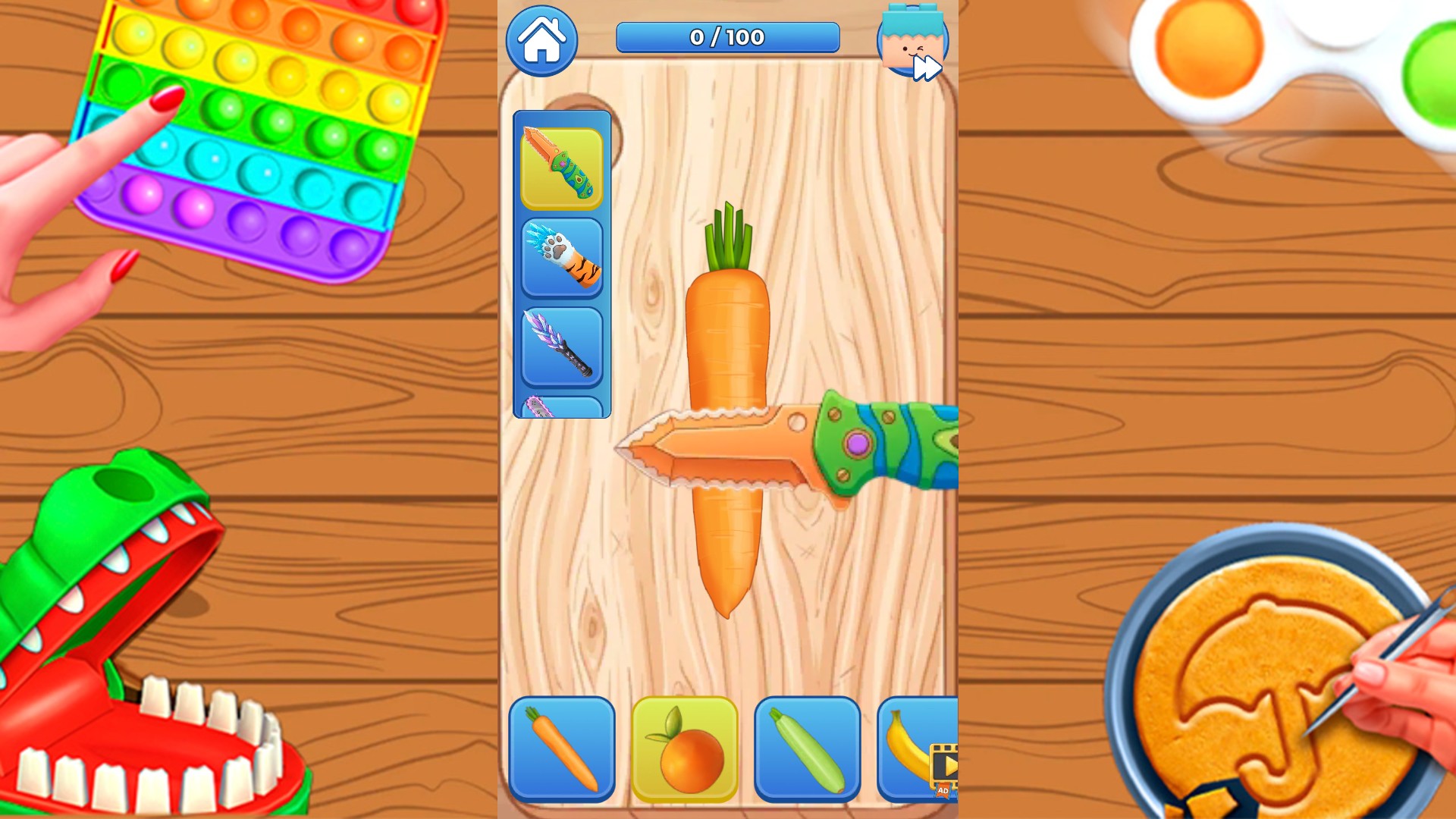
Pick what you feel like slicing
Choose a carrot, orange or cucumber and give your cutting board a fresh change.
Next activityPremium
Move on to the next mini game when you fancy a change.
With a mini game open, press Next activity to try the following one.
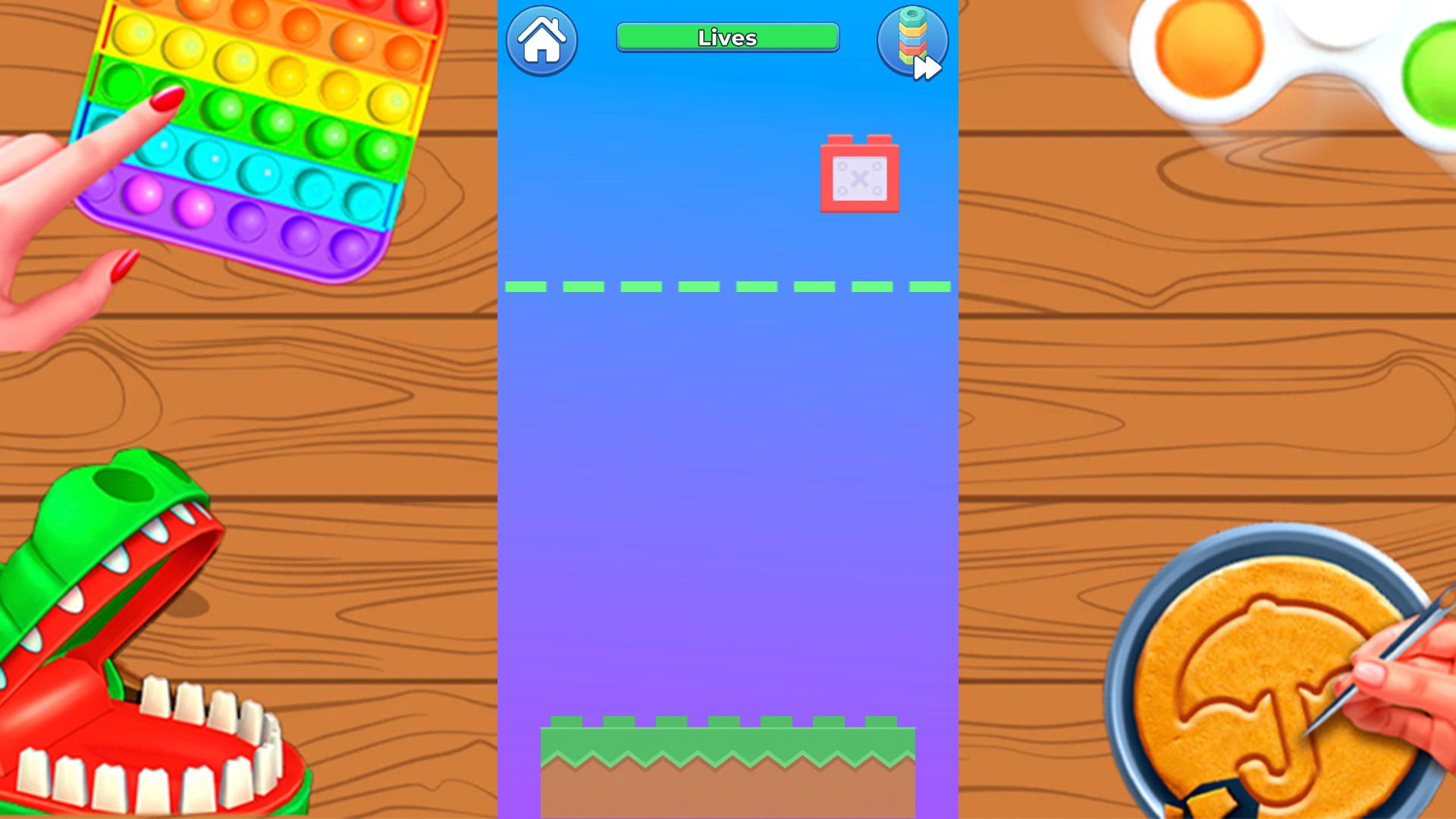
Try the next mini game
Fancy a change from slicing? Move on to Tower and line up your next block.
Restart activityFree
Start your current mini game again for a fresh attempt.
Open a mini game, then press Restart activity whenever you want another go.
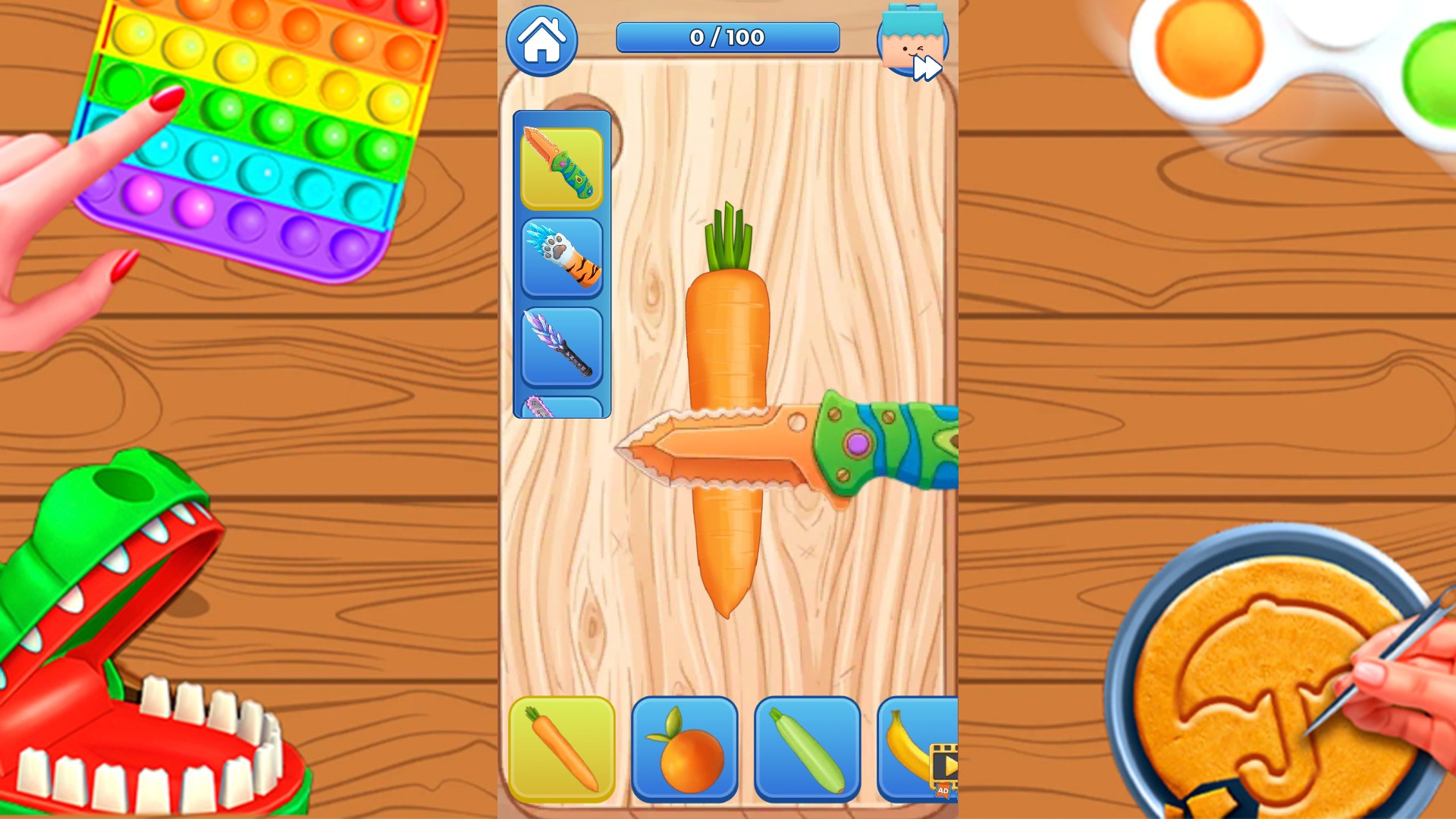
A fresh start for another slice
Start ASMR Cutting again with a fresh carrot, ready for another go.
More ways to customise Relaxing Mini Games
- Relaxing Mini Games resources
Set your remaining Tower chances during an active round.
Using these features
Choose the feature in the Windows app after connecting your game. Check its requirements before making a change.
Setup for Relaxing Mini Games →