

Resources
1 optionSet your remaining Tower chances during an active round.
View resources →Slice something colorful, line up another block, or switch to a different mini game when you fancy a change. These Relaxing Mini Games controls let you choose your cutting fruit, adjust your Tower chances and start an activity afresh.
Find your next little distraction
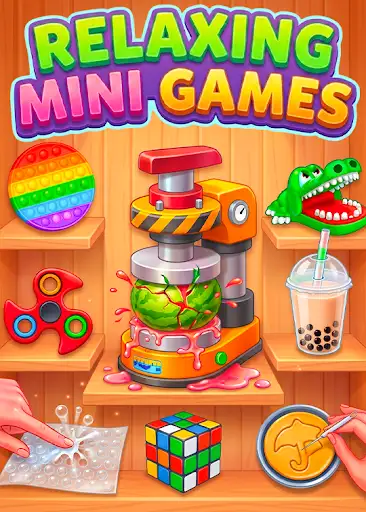
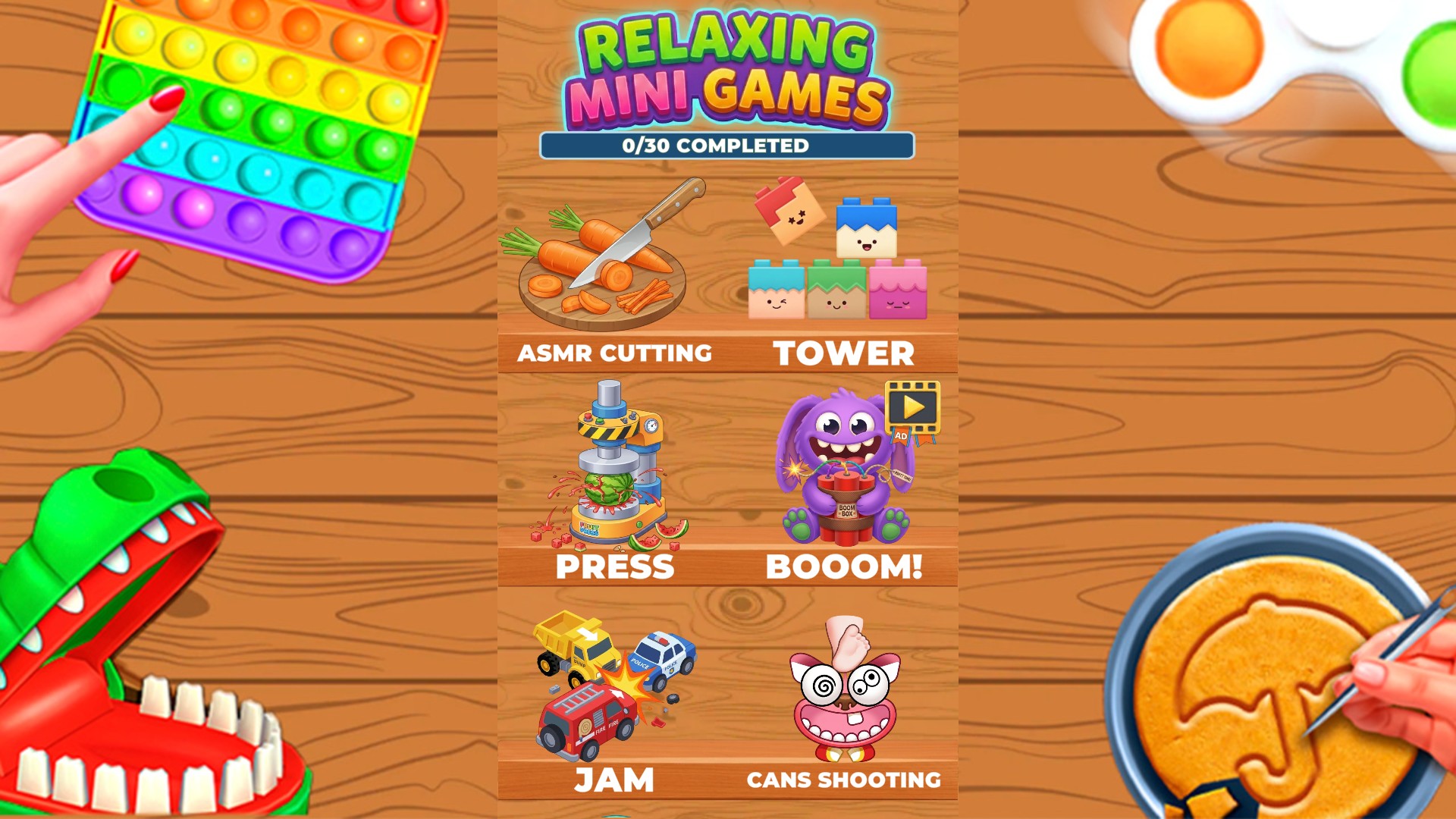
Take your pick from colorful mini games, from slicing fruit to stacking blocks.
The free Restart activity control gives you a fresh go at the mini game you have open. Next activity is there when you would rather try something different.
Pick a carrot, orange or cucumber for ASMR Cutting. In Tower, set your remaining lives to give yourself more chances to line up the blocks.
Open Relaxing Mini Games with Bytonian Mods connected, enable the controls you want, and enter the matching mini game. Use the controls while that activity is open.
Set your remaining Tower chances during an active round.
View resources →Restart, try the next activity, or choose what to slice in ASMR Cutting.
View game actions →Download the Windows app and follow the setup prompts.
Set up the browser extension in Chrome or Edge, then open the supported YouTube Playable. Follow the connection guide if the game is already running.
Review the available options in the app and choose the ones that suit how you play.