

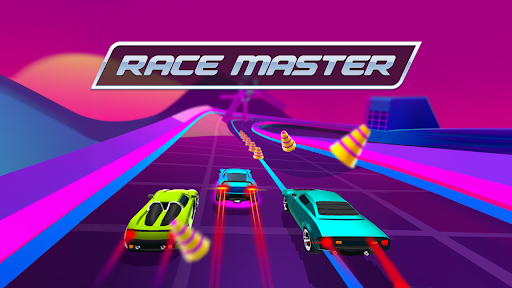
Choose your starting cash balance
Decide how much cash you want before heading back to the track. Enter your chosen balance in Customize, then Apply & reload. Our example shows 52,743 cash ready for the next race.

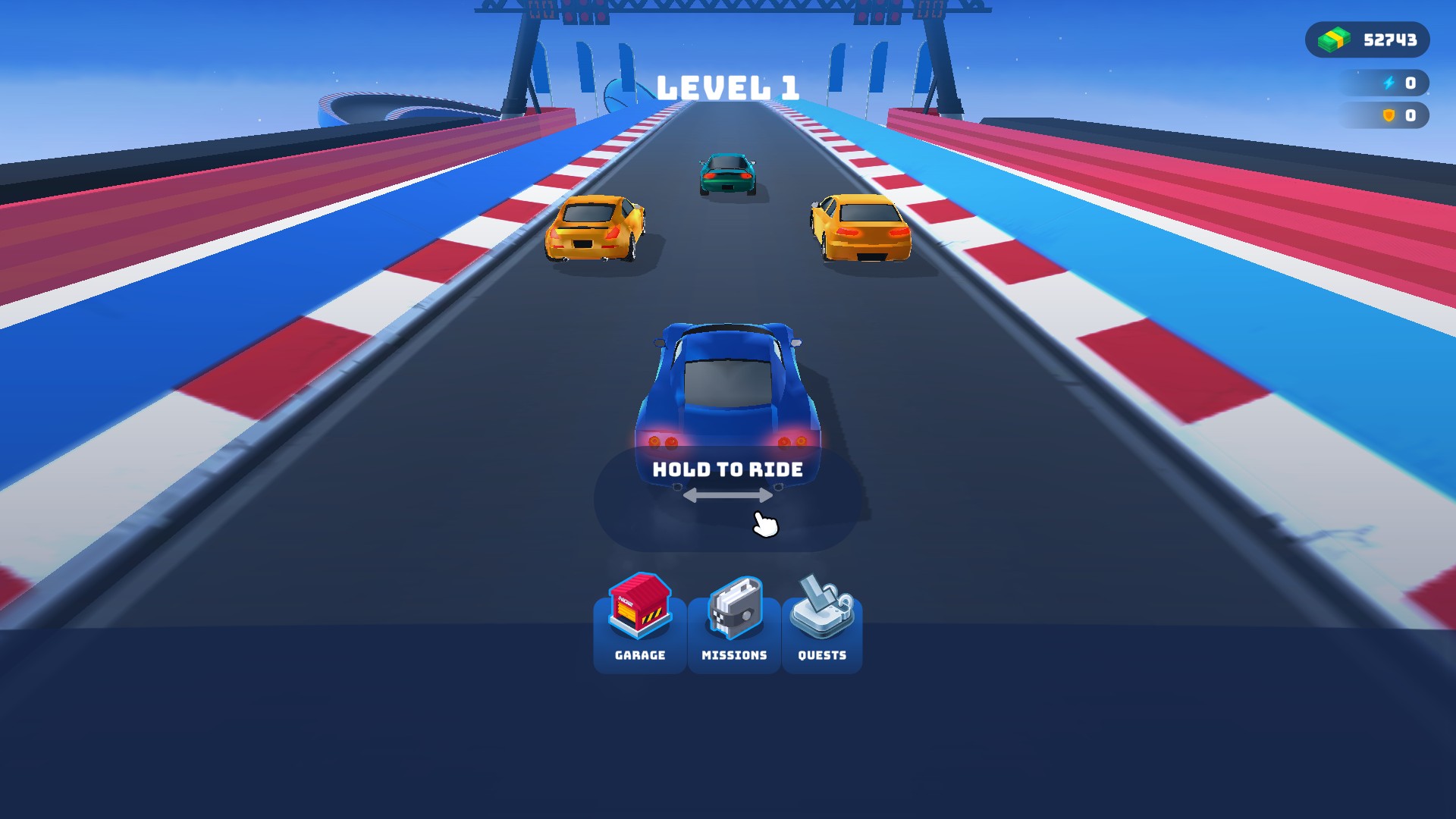
Start with 52,743 cash
Choose a cash balance before your next race. This example shows 52,743 cash.
Available customise
CashFree
Choose the cash balance you want after Apply & reload.
Enter a whole number from 0 to 1,000,000, then Apply & reload.
Before you use it: Start the game once before using this option. It changes cash only; it does not unlock cars or add nitro or shields.
More ways to customise Race Master 3D
- Race Master 3D resources
Set or add cash while you play.
Questions about customise
- Why is Cash unavailable before I start playing?
- Load the game once so it can create your player progress, then open Customize again.
Using these features
Choose the feature in the Windows app after connecting your game. Check its requirements before making a change.
Setup for Race Master 3D →