

Resources
1 optionSet or add cash while you play.
View resources →A blue car, three rivals and a track full of turns: Race Master 3D gets you straight to the starting line. Bytonian Mods gives you two ways to choose your cash balance for the YouTube Playables version.
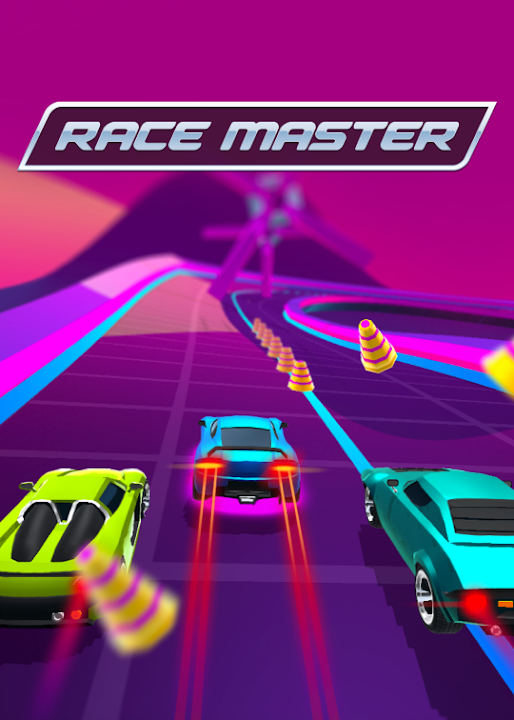
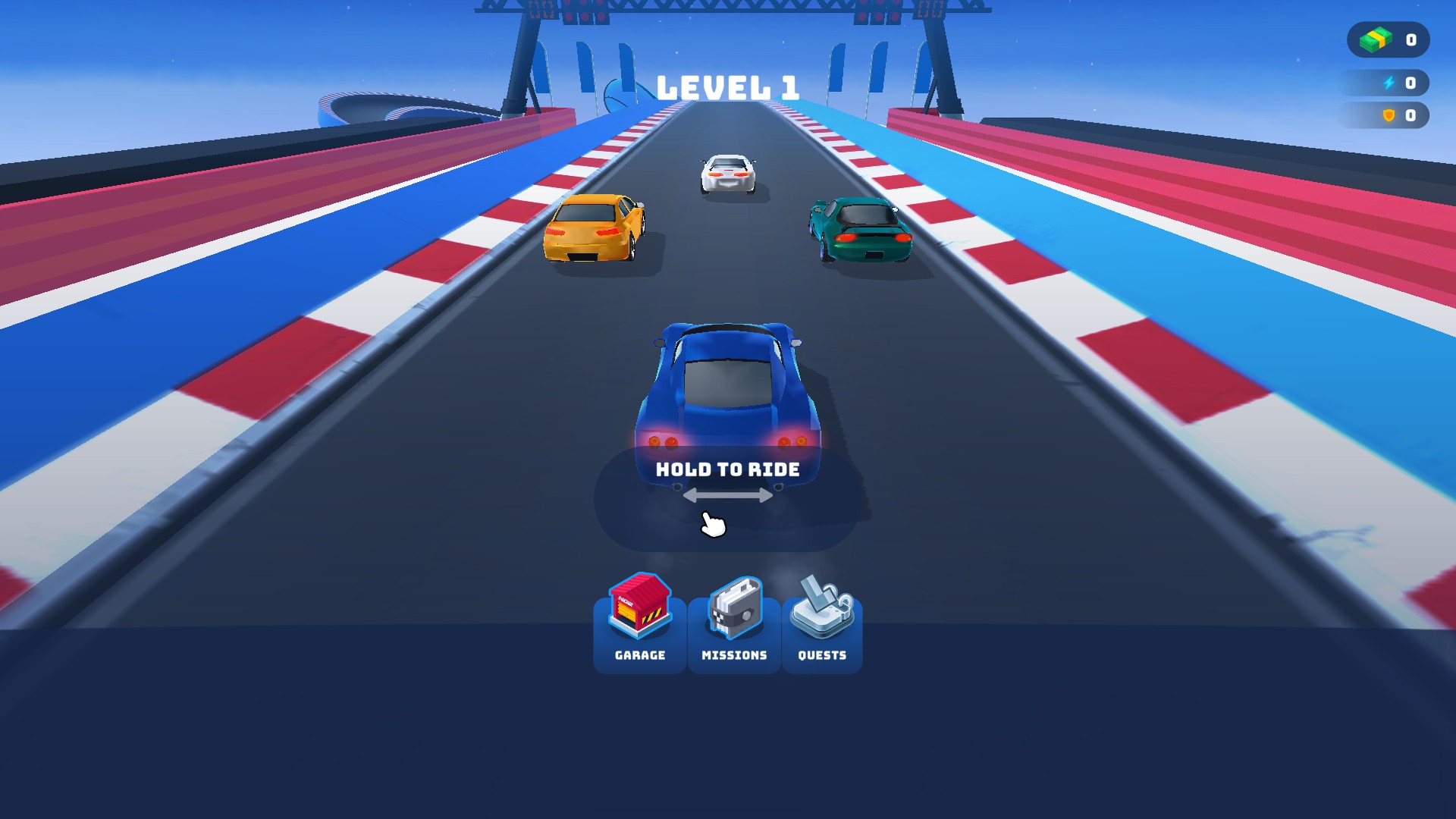
Race Master 3D at the starting line
Line up for the next race, with the garage just a tap away.
Use Customize to set a balance and Apply & reload. Prefer to keep the game open? The Cash card in Resources can set a total or add an amount, with the new balance shown on screen.
Set or add cash while you play.
View resources →Apply a chosen cash balance before returning to the track.
View customise →Download the Windows app and follow the setup prompts.
Set up the browser extension in Chrome or Edge, then open the supported YouTube Playable. Follow the connection guide if the game is already running.
Review the available options in the app and choose the ones that suit how you play.