

Manage your farm coins
Choose how much spending money your farmer has for seeds and farm upgrades. Coins lets you add a useful amount, remove some or set the balance directly during Normal play.

Choose an amount
Open Settings on Coins, enter a whole Amount and choose Add, Remove or Set to amount. You can choose a balance from 0 to 100,000 coins. Close the game menus before applying a change.
Available resources
CoinsFree
Adjust the coins you can spend on seeds and farm upgrades during Normal play.
Open Settings on Coins, enter a whole Amount, then choose Add, Remove or Set to amount.
Use a balance from 0 to 100,000 with menus closed and your farmer alive. Coin changes also affect the game's money-based totals.
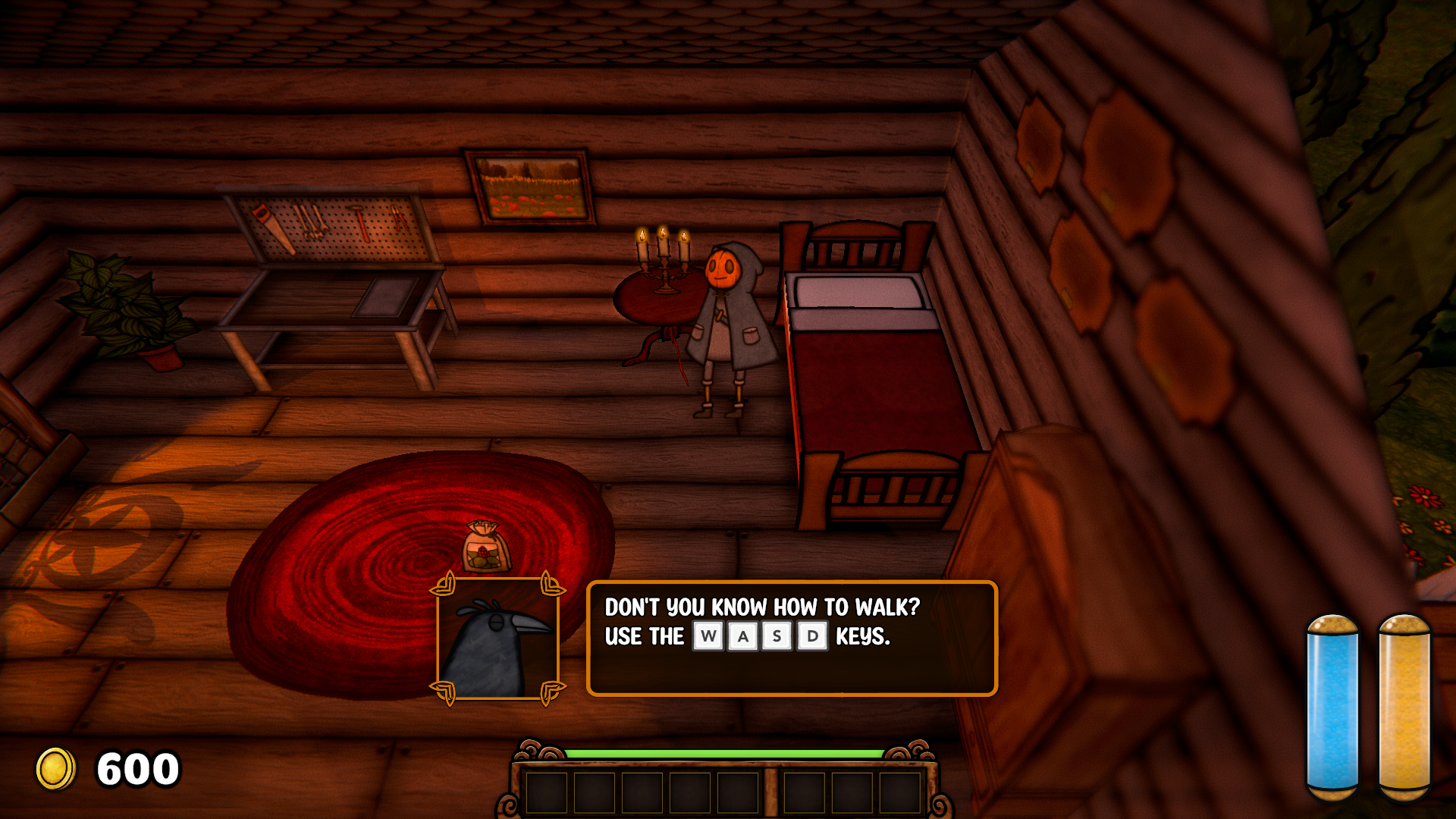
600 coins ready for the farm
The Coins control changes the balance shown by the game's original coin counter during Normal play.
More ways to customise PUMPKIN PANIC
- PUMPKIN PANIC game actions
Top up water and sprint stamina together with one action.
Questions about resources
- Do coin changes affect money-based totals?
- Yes. Changing your current balance also affects the game's money-based totals.
Using these features
Choose the feature in the Windows app after connecting your game. Check its requirements before making a change.
Setup for PUMPKIN PANIC →