

Cash, rent and shop resource controls
Choose the shop value you want to change. Cash, the rent amount and the rent countdown have separate cards, while Store attractiveness and Garbage level let you tune two parts of your shop's condition.
Playing the demo? View Probably Stolen Demo mods.
Read a value before changing it
Refresh a card to see the current value, then set a new number or add an amount. Work with the shop you have loaded, and check the card again after applying your change.
Check the shop display
The rent sign can keep its previous countdown after you change Days until rent. For attractiveness changes, reopen the Status screen to see the score; base attractiveness and the garbage penalty contribute separately.
Available resources
CashPremium
Choose the cash balance for the shop you have loaded.
Refresh the Cash card, then set a new balance or add an amount.
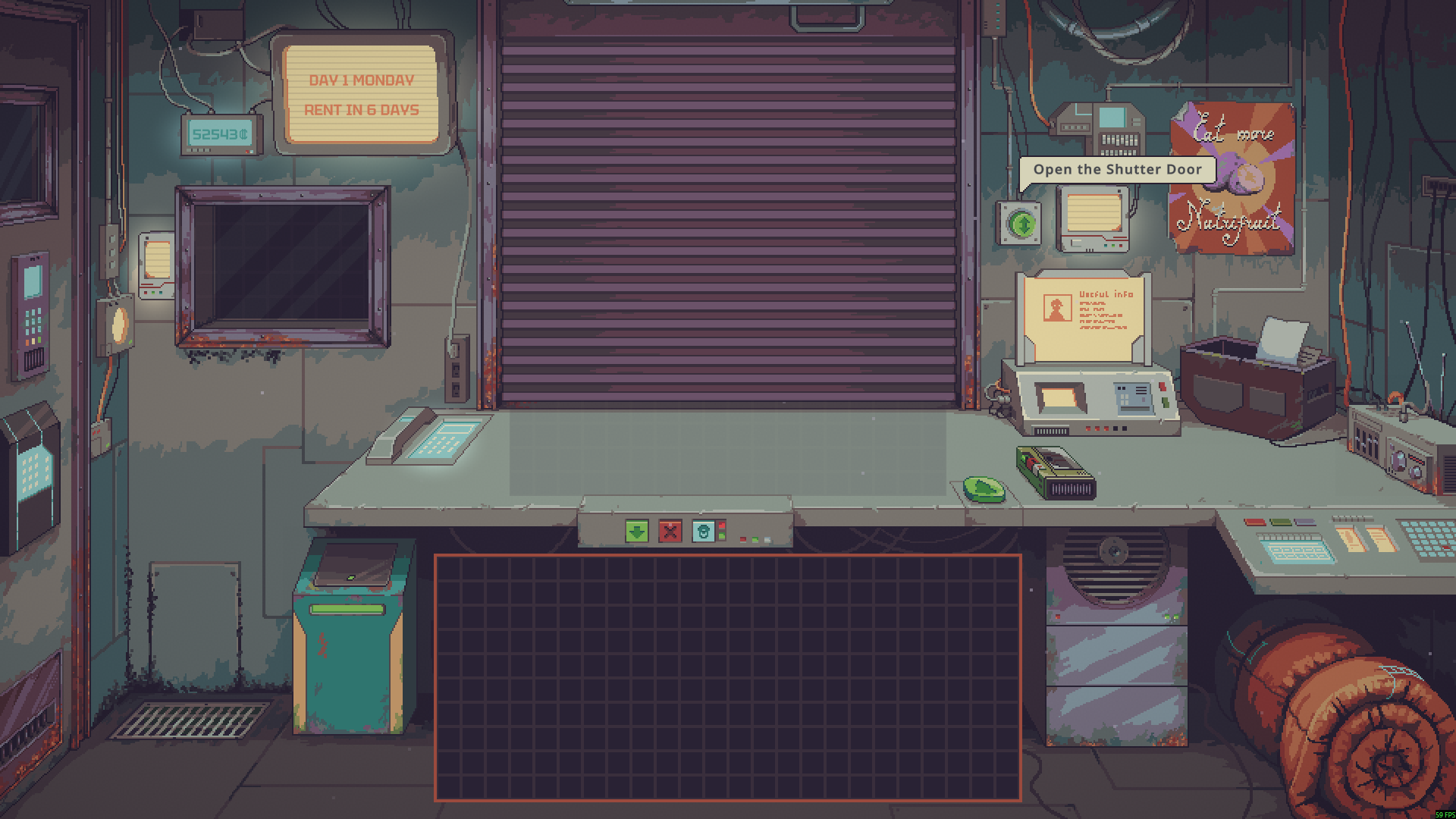
Choose your cash balance
Set the cash balance in your current shop. The cash display here shows 52,543¢.
Days until rentFree
Adjust the days-until-rent counter for your current shop.
Read the current count before choosing a new number of days.
Before you use it: The shop sign can keep showing the previous count after a change.
Garbage levelPremium
Clear the garbage penalty from your shop's attractiveness by setting Garbage level to zero.
Refresh the card to read the level, then set it to zero to clear the penalty.
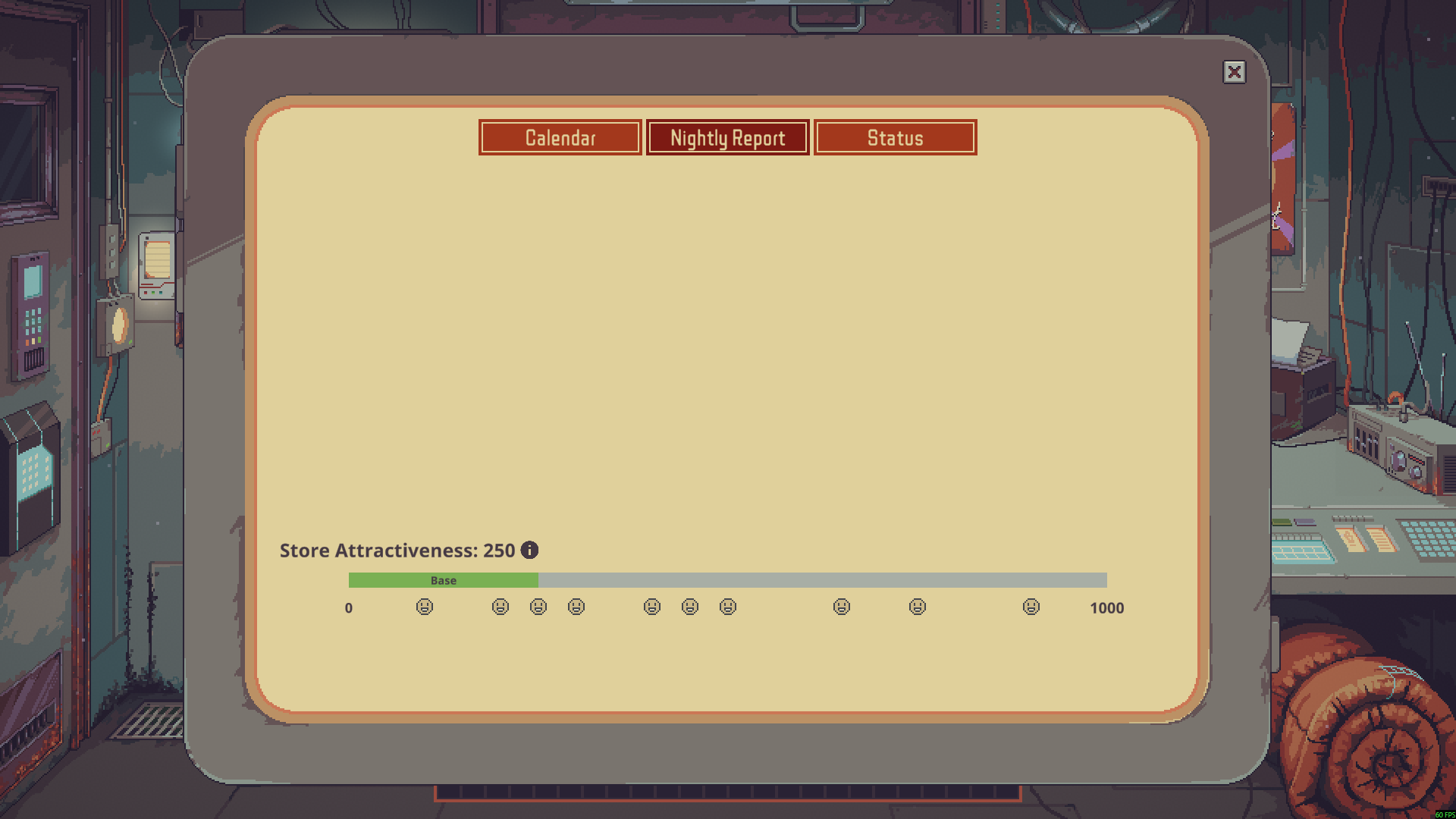
Remove the garbage penalty
Reset your shop's garbage level to zero. The Status screen shows 250 attractiveness with no Trash penalty on the bar.
Rent amountPremium
Choose the rent amount for your current shop.
Refresh the card, then set a new rent amount or add to it.
Before you use it: The amount is not displayed in the ordinary shop view.
Store attractivenessPremium
Choose your shop's base attractiveness and check the score on the Status screen.
Set a base value, then reopen the Status screen to see the result.
Before you use it: Other shop conditions, including garbage, can still affect the final attractiveness score.
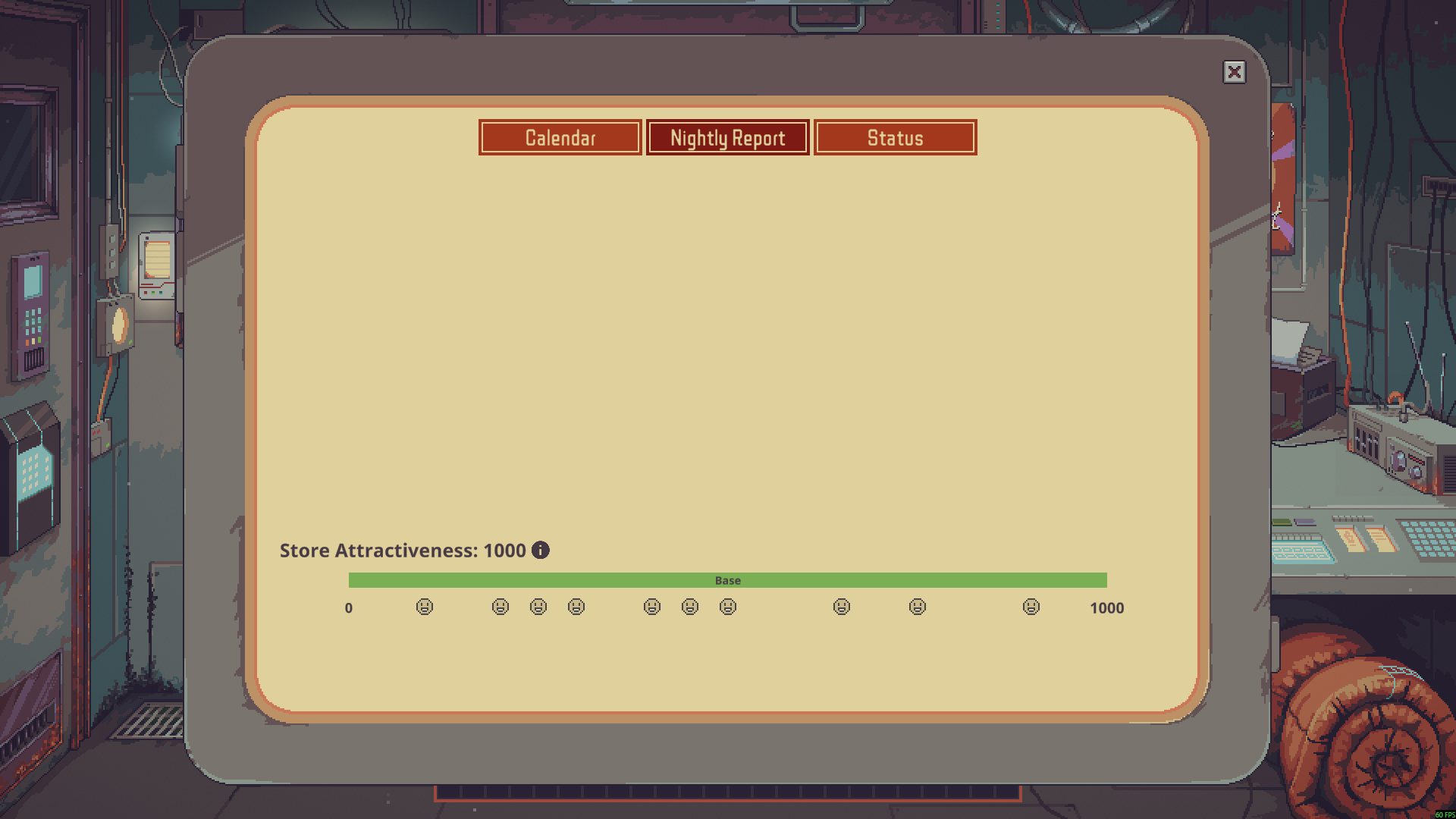
Boost your shop's attractiveness
Choose your shop's base attractiveness. The Status screen here shows 1,000 with the base bar filled.
Questions about resources
- Does base attractiveness remove the garbage penalty?
- No. Base attractiveness and Garbage level have separate controls. Set Garbage level to zero to remove that penalty, and choose your base attractiveness independently.
Using these features
Choose the feature in the Windows app after connecting your game. Check its requirements before making a change.
Setup for Probably Stolen - Cyberpunk Shopkeeper Sim →