

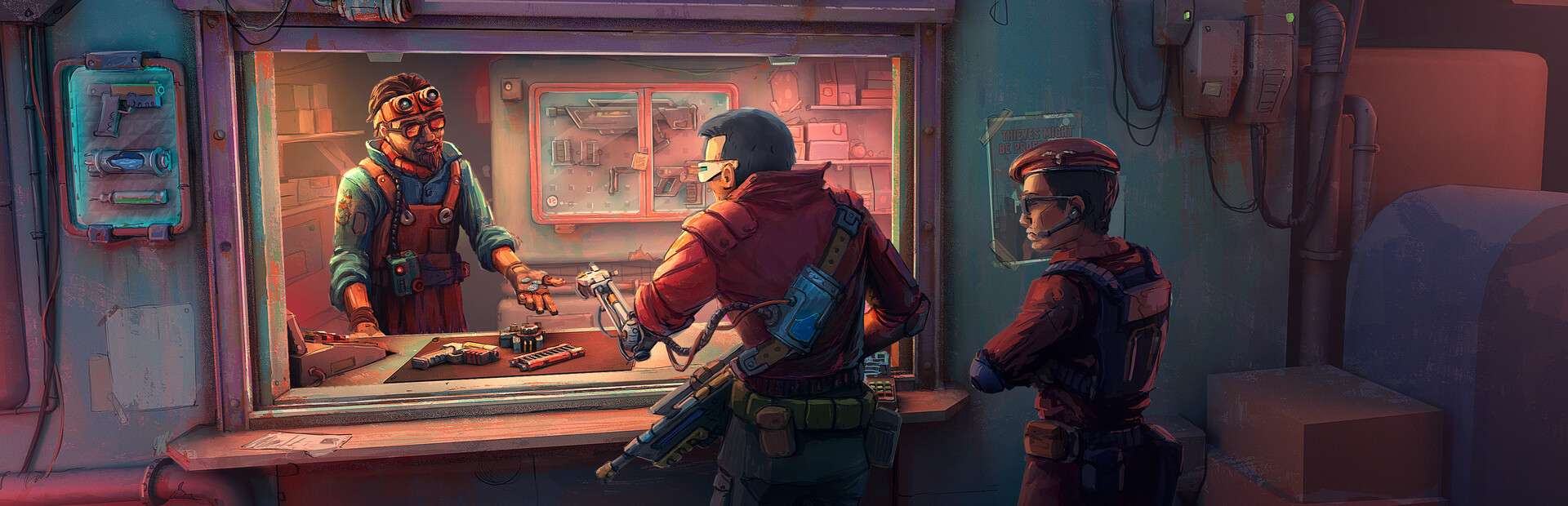
Resources
5 optionsFive resource cards for money, rent and shop condition.
View all resources →Run your space-station shop with more control over the numbers behind the counter. Adjust your cash, rent values and shop conditions while you trade goods and build your business in Probably Stolen - Cyberpunk Shopkeeper Sim.
Playing the demo? View Probably Stolen Demo mods.
Space-station trading puts your shop's finances under pressure. Choose the Cash control to set your balance, or use the two rent controls to adjust the amount and days-until-rent counter separately.
Change base attractiveness or clear the garbage penalty with individual resource cards. You can choose the values you want without enabling every control. See the Resources page for each card's instructions and practical limits.
Open Probably Stolen - Cyberpunk Shopkeeper Sim and load your shop, then select the full game in Bytonian Mods. Enable the resource cards you want, refresh their current values and choose your changes.
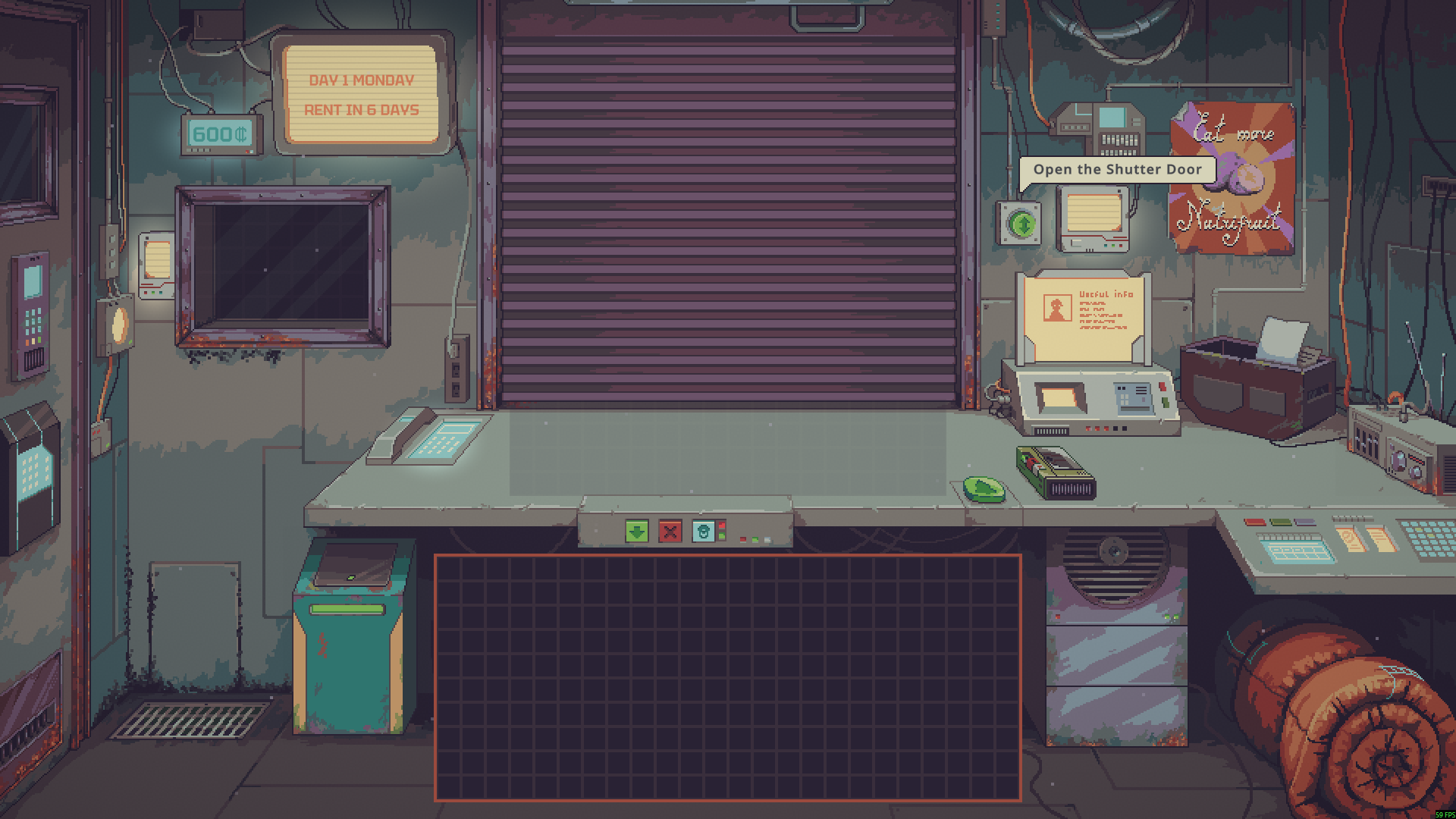
Your Probably Stolen shop
A shop counter, cash display and daily workspace on the space station.
Five resource cards for money, rent and shop condition.
View all resources →Download the Windows app and follow the setup prompts.
Open Probably Stolen - Cyberpunk Shopkeeper Sim and select it in Bytonian Mods. Follow the app’s connection prompts.
Review the available options in the app and choose the ones that suit how you play.