
Separate modded saves and reduce interruptions
Keep your attention on the world map by automatically dismissing supported routine disease notifications during single-player Classic gameplay.
Keep normal and modified saves separate
Enable Separate Modded Saves at the main menu before starting or loading a modified Classic game. Save and resume it through the normal menus. The normal save collection remains separate.
The selected collection stays with a modified run even if you unload the feature. Finish or leave that run before switching back. Unreadable entries offer Keep files or Set aside, which preserves the affected files and their previous copies.
Keep the notices that need your attention
Warnings, instructions and confirmation dialogs remain visible. This control targets routine disease notifications rather than every message in the game.
Available system modifiers
Reduce Gameplay PopupsFree
Dismiss supported routine disease notifications automatically to reduce interruptions.
Enable during single-player Classic gameplay. Warnings, instructions and confirmation dialogs remain visible.
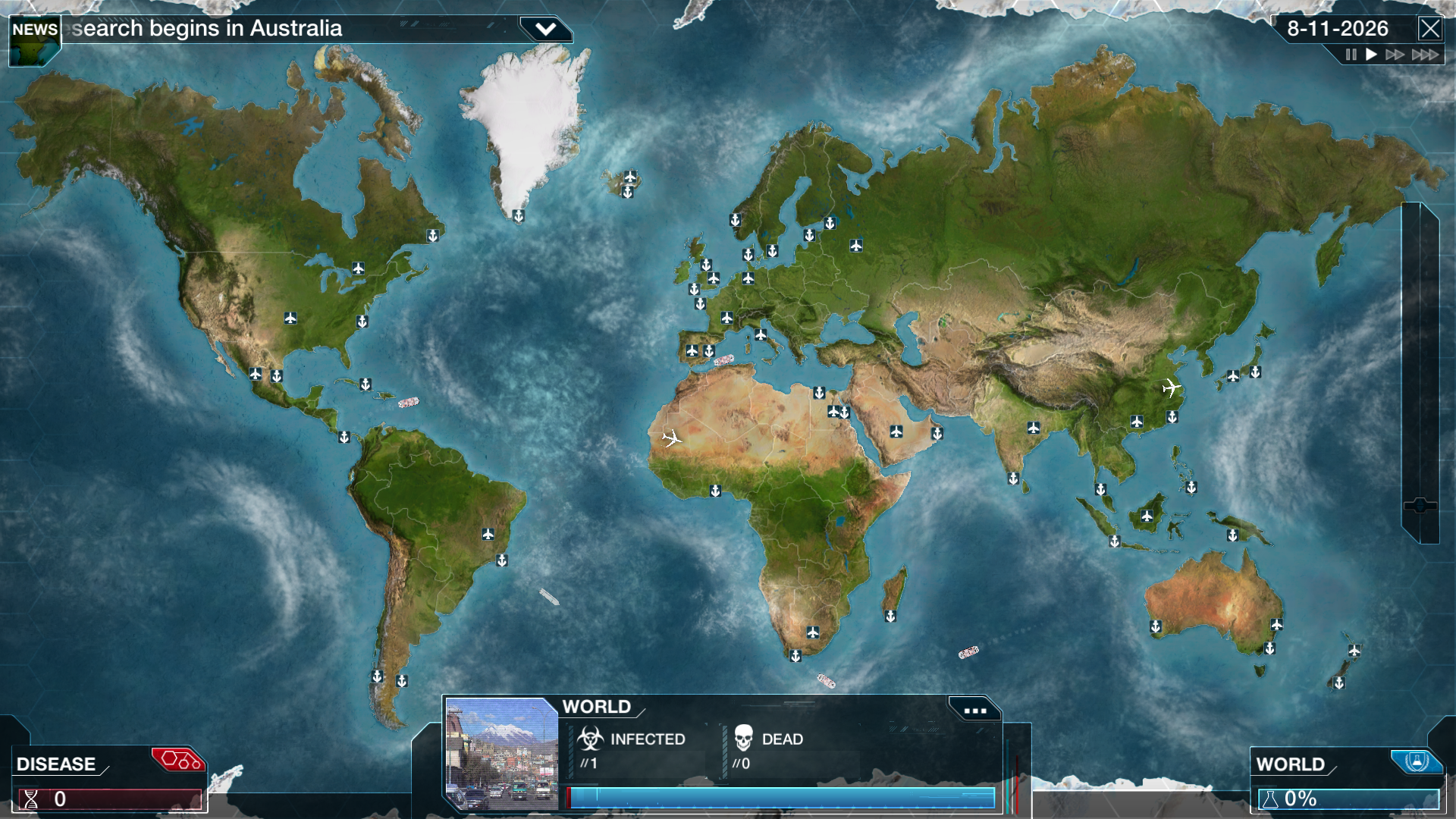
A clearer view of the world
Reduce routine disease notices during a single-player Classic game while keeping messages that need your response.
Separate Modded SavesFree
Keep modified Classic games in a separate save collection, with normal Save and Load menus.
Select at the main menu before starting or loading a modified Classic run. Finish or leave that run before returning to normal saves.
Single-player Classic games only.
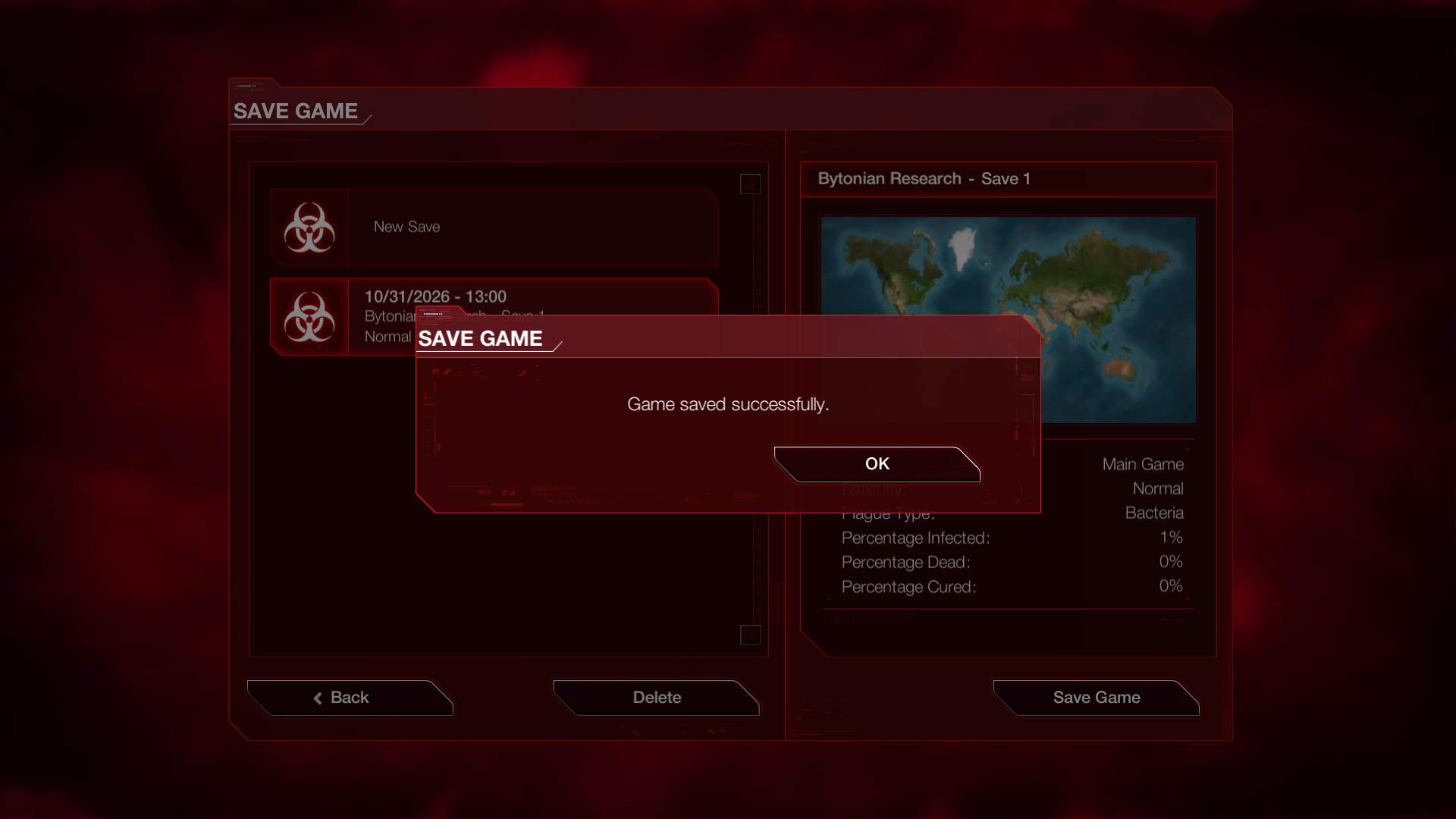
Keep modded runs in a separate save collection
Save your Classic game in the separate modded collection. The normal save collection stays separate.
More ways to customise Plague Inc: Evolved
- Plague Inc: Evolved resources
Set DNA points once your Classic game has a starting country.
- Plague Inc: Evolved unlocks
More disease, gene, cheat and official scenario choices.
- Plague Inc: Evolved rule modifiers
Control collection, random mutations and cure research.
Using these features
Choose the feature in the Windows app after connecting your game. Check its requirements before making a change.
Setup for Plague Inc: Evolved →