

Choose your DNA balance
DNA gives you choices as your disease develops. Set the balance you want rather than waiting for the next collection opportunity.

Select modded saves first
Enable Separate Modded Saves at the main menu before starting or loading a modified Classic run. Use the normal Save and Load menus for that separate collection. Modified games are for personal single-player play.
Use the DNA control
Choose your starting country, open DNA Points and enter the amount you want. The control sets the balance directly, so use the amount you want to keep rather than an amount to add.
Available resources
DNA PointsFree
Set your DNA points to the amount you want for your next evolution choices.
Enable Separate Modded Saves at the main menu first. Start a single-player Classic game and choose your starting country before setting DNA.
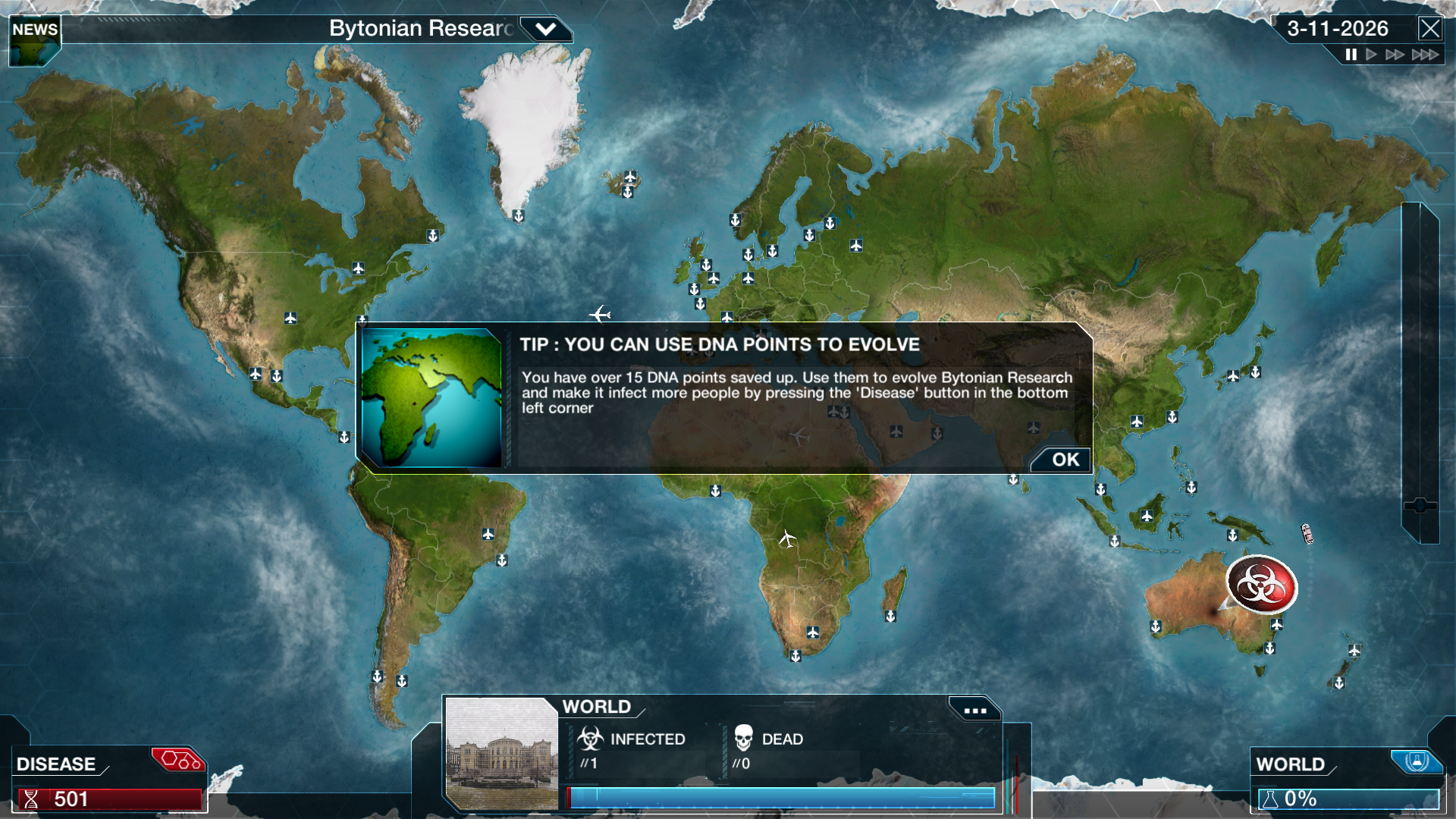
DNA ready for upgrades
Set the DNA points you want to spend during a single-player Classic game.
More ways to customise Plague Inc: Evolved
- Plague Inc: Evolved unlocks
More disease, gene, cheat and official scenario choices.
- Plague Inc: Evolved rule modifiers
Control collection, random mutations and cure research.
- Plague Inc: Evolved system modifiers
A separate collection for modified Classic runs, plus fewer routine disease notifications.
Using these features
Choose the feature in the Windows app after connecting your game. Check its requirements before making a change.
Setup for Plague Inc: Evolved →