

Game Actions
4 optionsPractical controls for the current countdown, the results screen and your next puzzle.
View all game actions →Sort scattered items, clear the mess and work through Perfect Tidy's little puzzles. Add extra seconds when the clock gets tight, pause it while you think, or choose another activity when you feel like a change.

Extra time gives you more seconds to work. Pause timer holds the countdown while you keep moving items, then lets it run again when you switch the control off.
Finish puzzle takes your current activity to its results screen. Choose puzzle lets you enter a puzzle number and open that activity directly.
Open Perfect Tidy with Bytonian Mods and enable the controls you want. Enter a puzzle and move an item to begin playing before using the timer controls.
A little tidying to get you started
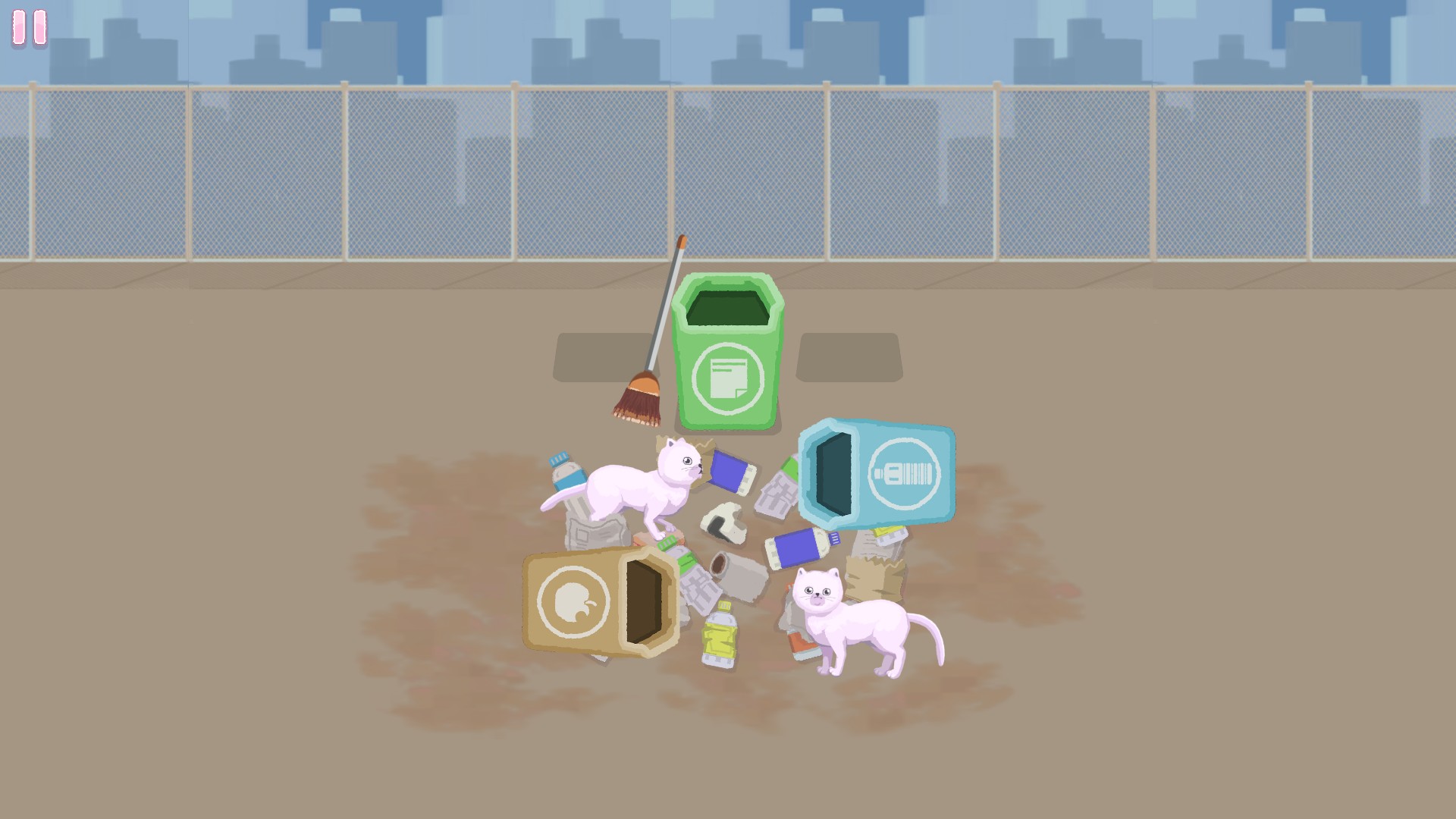
Sort the clutter, clean up the mess and find your next puzzle in Perfect Tidy.
Practical controls for the current countdown, the results screen and your next puzzle.
View all game actions →Download the Windows app and follow the setup prompts.
Set up the browser extension in Chrome or Edge, then open the supported YouTube Playable. Follow the connection guide if the game is already running.
Review the available options in the app and choose the ones that suit how you play.