
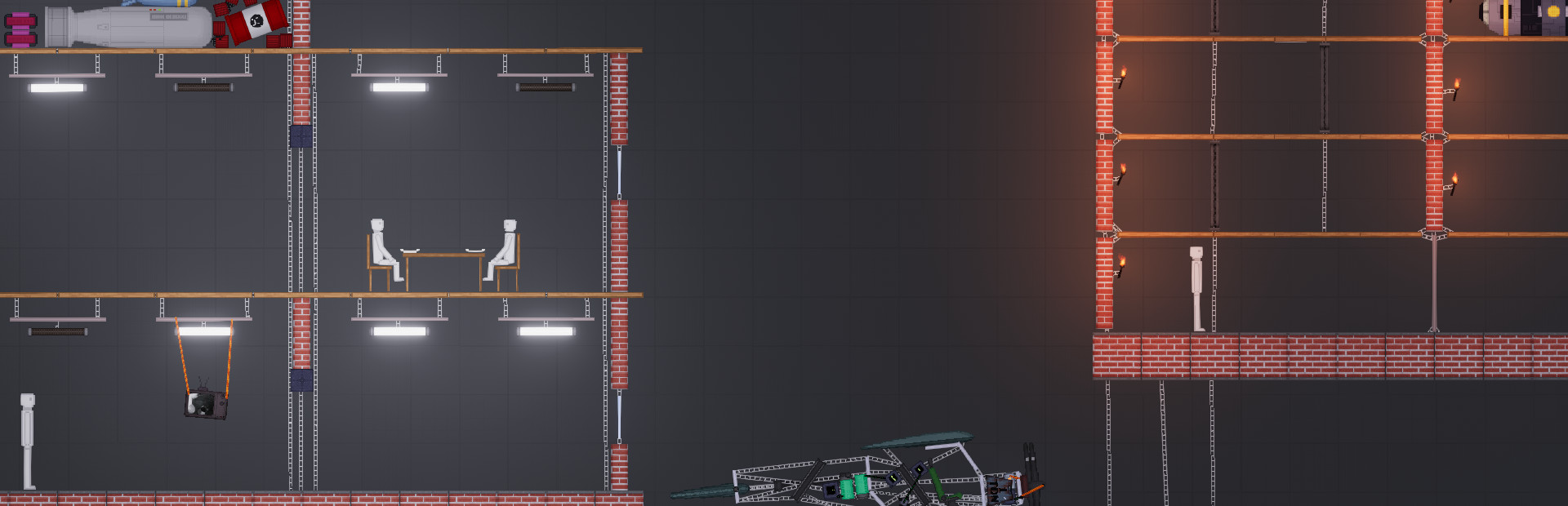
Sandbox actions and settings
Shape a physics experiment with gravity, weather, slow motion and selected-object controls. Add objects with Spawn, then clear debris or reset the chamber when you are ready for a new setup.
Clear debris or living objects
Clear Debris removes loose fragments from broken objects. Clear Living removes living objects while leaving nonliving props in place.
Clear a specific type
Refresh Thing To Clear to see the available object types. Select one and press Clear to remove its matching objects. Refresh again after adding or removing objects.
Clear the whole setup
Clear Everything uses the game's normal chamber cleanup. Choose it when you want to remove the current arrangement rather than preserve selected props.
Change gravity, weather and time
Use Custom Gravity for downward, zero or upward gravity. Weather and Lighting controls rain, snow, fog and floodlights. Custom Slow Motion lets you choose the simulation speed as a percentage.
Turn these controls off to restore the previous settings. The game's physics pause still works while custom slow motion is enabled.
Work with selected objects
Select spawned objects before using Extinguish Selected, Make Weightless, Restore Weight, Stop Selected Motion or Set Charge. Stopping motion is a one-time action; gravity and collisions can move objects again.
Select an attached part of a living character to restore attached-limb health and heal broken bones. Repair does not revive dead characters or reconnect missing limbs.
Set a charge value and apply it to selected objects. Charge can dissipate or spread during normal simulation.
Choose objects with Spawn
Search by name or browse a category, preview an object, then choose a quantity and spawn it in view. The browser respects the game's existing hidden and locked entries.
You can spawn up to ten of an available object at once. Objects are placed together and may overlap, so pause physics when arranging a new setup.
Available game actions
Charge Selected ObjectsFree
Set electrical charge on selected objects.
Choose a charge value, select spawned objects and press Set Charge.
Charge can dissipate or spread during normal simulation.
Clear DebrisFree
Remove loose debris from broken objects while keeping intact props.
Activate Clear Debris in your sandbox. It also works while physics is paused.
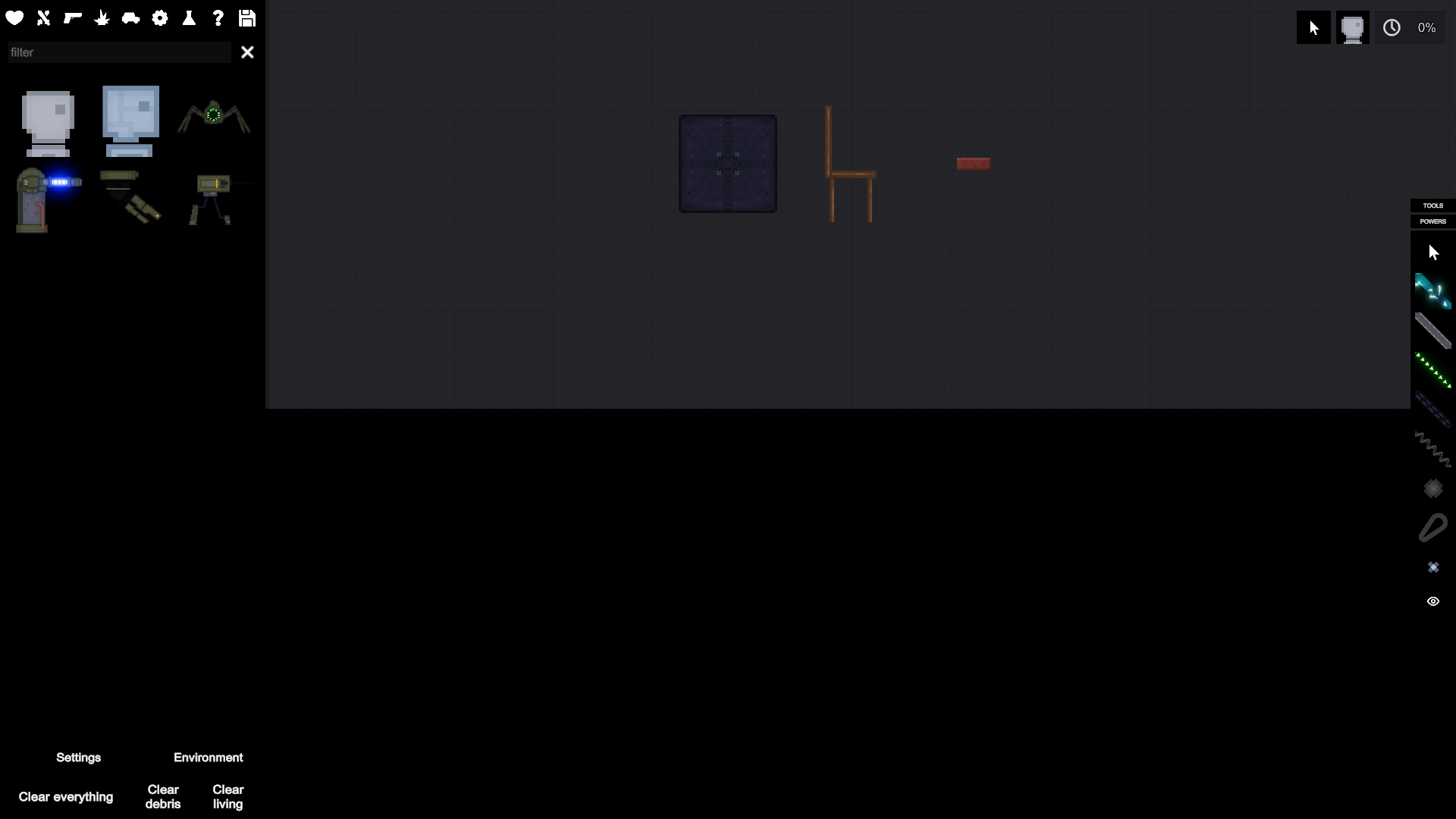
Clear fragments and keep intact props
Clear Debris removes the broken crate fragments while leaving the cube, chair and brick in place.
Clear EverythingFree
Clear the current sandbox setup so you can begin another experiment.
Open a map, then activate Clear Everything.
This removes the current arrangement. Choose a focused cleanup action if you want to keep some props.
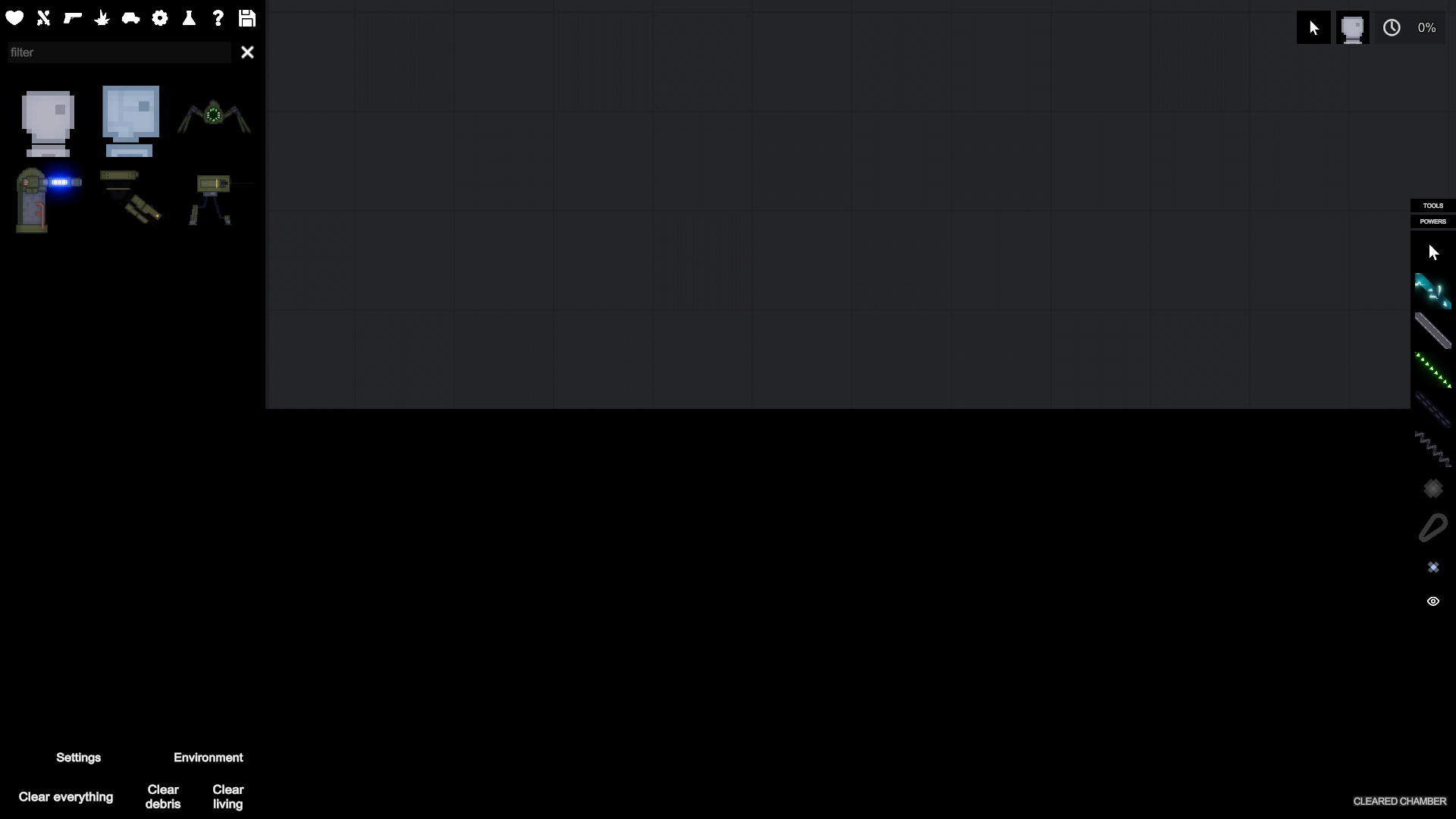
Start again with a clear chamber
Clear Everything removes the remaining props so you can begin a new setup in the same map.
Clear LivingFree
Remove living objects while keeping the nonliving props in your setup.
Activate Clear Living in an open sandbox.
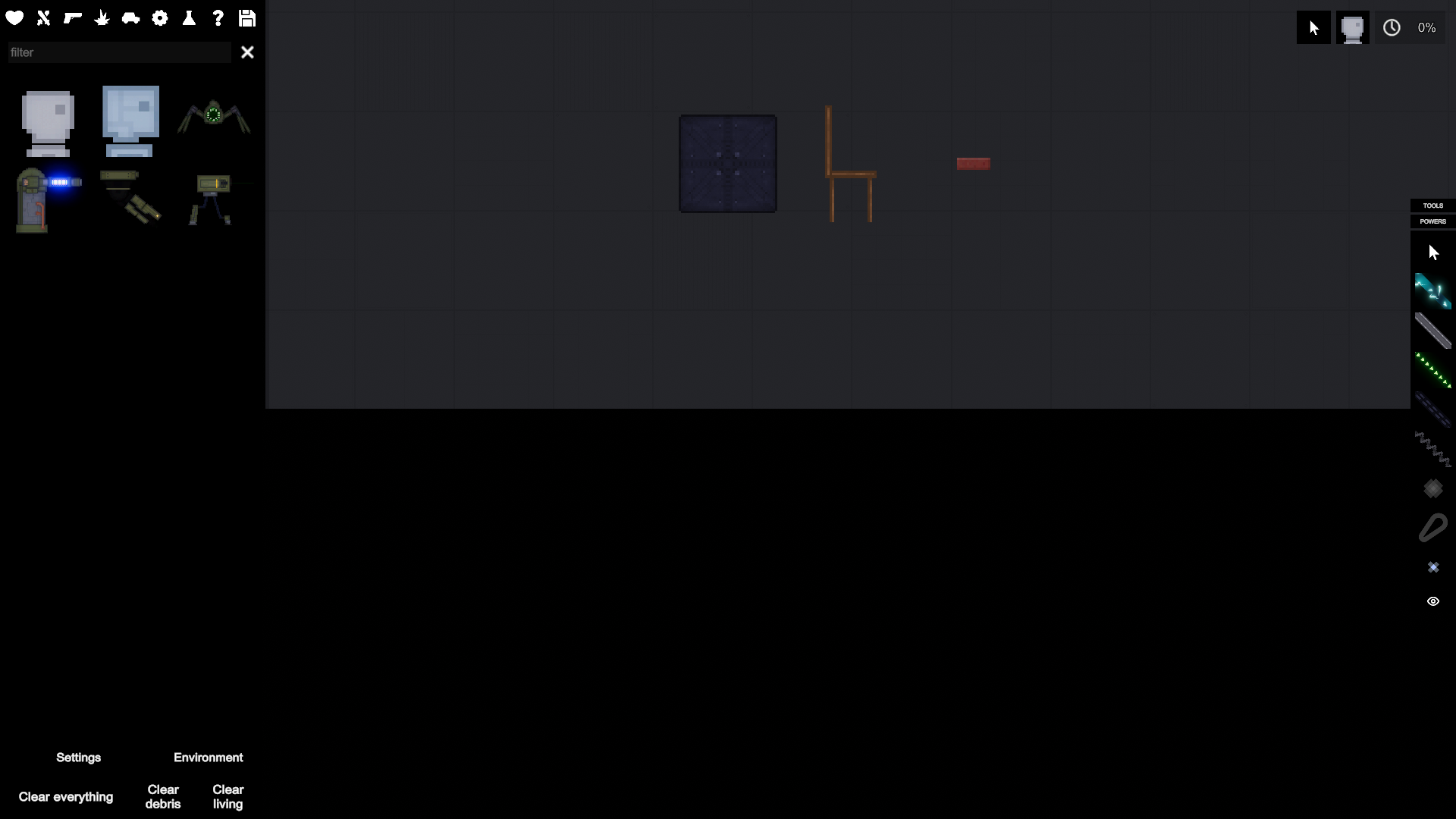
Clear living objects and keep your props
Clear Living removes the spawned person while leaving the metal cube, chair and brick in place.
Clear Specific ThingFree
Clear one available object type without removing the rest of your setup.
Refresh the list, choose a type and press Clear.
Only the types currently available in the list can be selected.
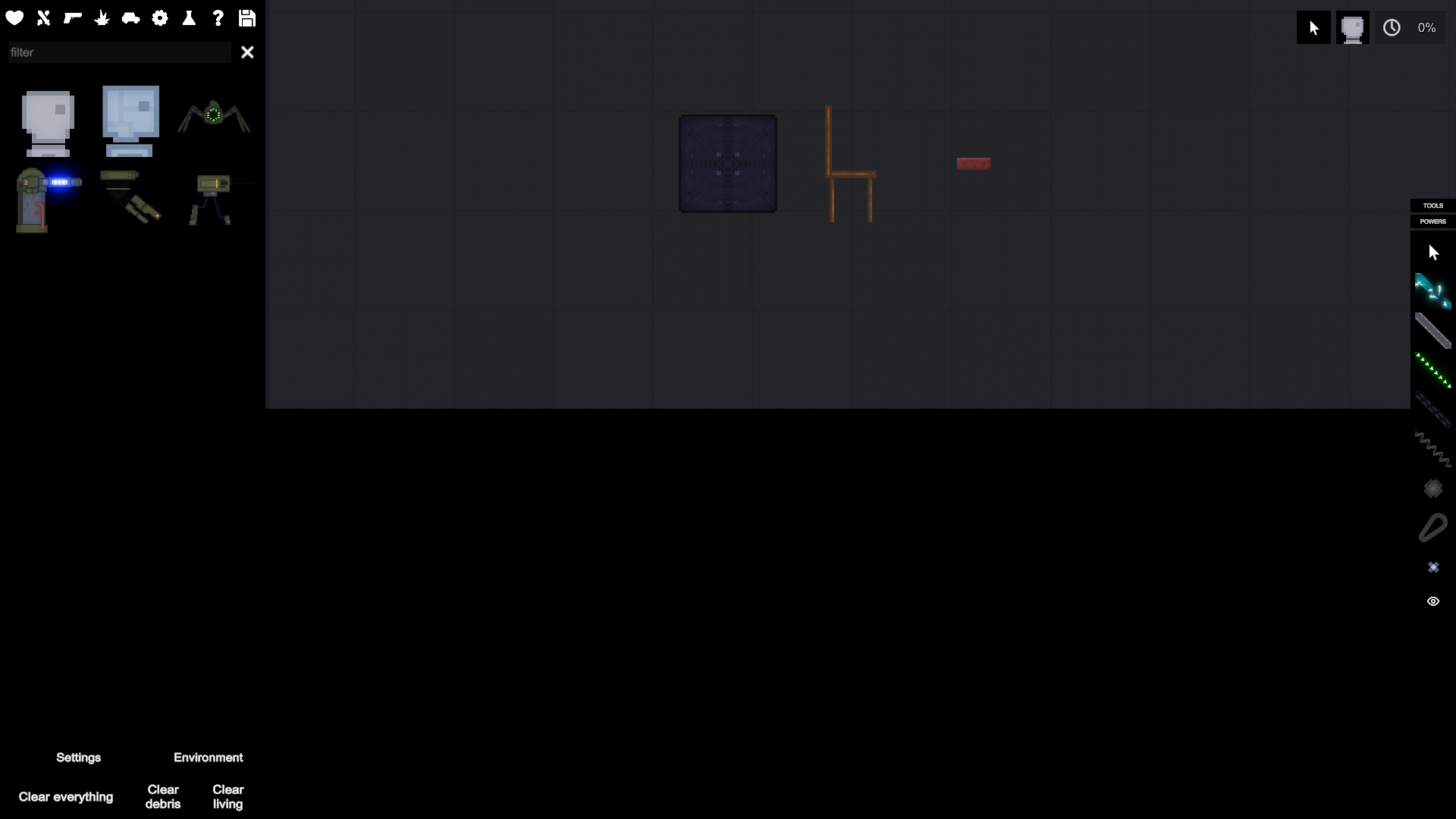
Clear one object type
Clear Specific Thing removes both crates while keeping the metal cube, wooden chair and brick.
Custom GravityFree
Choose downward, zero or upward gravity for the current sandbox.
Open a map, enable Custom Gravity and choose the gravity value. Turn it off to restore the previous gravity.
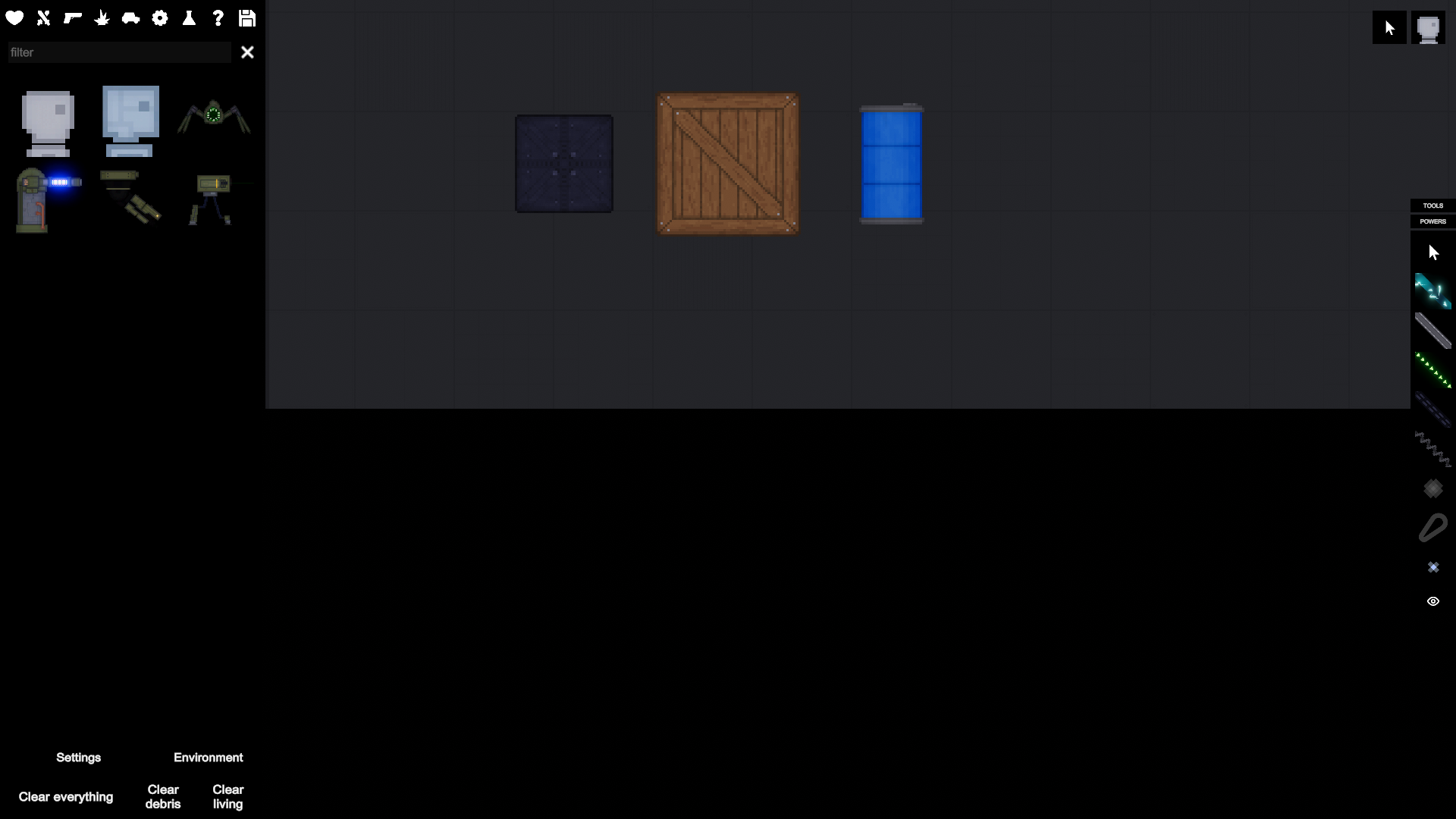
Build without gravity
Set gravity to zero to keep your sandbox objects floating, or choose a different pull for your experiments.
Custom Slow MotionFree
Choose a slower simulation speed for your experiment.
Enable Custom Slow Motion and set the speed percentage. Turn it off to restore the previous speed settings.
Extinguish SelectedFree
Put out the current fire on selected spawned objects.
Select the objects you want to extinguish, then activate this action.
This does not make objects fireproof.
Repair Living CharactersFree
Restore attached-limb health and heal broken bones on selected living characters.
Select an attached part of a living character, then activate Repair Living Characters.
This does not revive dead characters or reconnect missing limbs.
SpawnFree
Search and browse the available object catalog, preview your choice and spawn it in view.
Open a sandbox, choose an object and a quantity, then spawn it.
Existing hidden and locked entries stay unavailable. Quantities are limited to ten per object and may overlap.
What you can spawn
- Misc. (57)
- Including 1000kg Weight, Anchor, Balloon, Bell, Bottle.
- Melee (19)
- Including Axe, Baseball Bat, Chainsaw, Crossbow Bolt, Crystal.
- Entities (6)
- Including Android, Ceiling Turret, Gorse, Human, Laser sentry turret.
- Vehicles (7)
- Including Bicycle, Bus, Car, Container Wagon, Hovercar.
- Chemistry (21)
- Including Acid Syringe, Adrenaline Syringe, Blood Flask, Bone Eating Syringe, Coagulation Syringe.
- Machinery (87)
- Including Accumulator, Activation Fuse, Activation Toggle, Activation Transformer, Activator Electrode.
- Explosives (17)
- Including Atom Bomb, Dynamite, EMP Generator, Energy Vessel Explosive, Fireworks.
- Firearms (54)
- Including 9mm Pistol, AK-47, Accelerator, Archelix Caster, Assault Rifle.
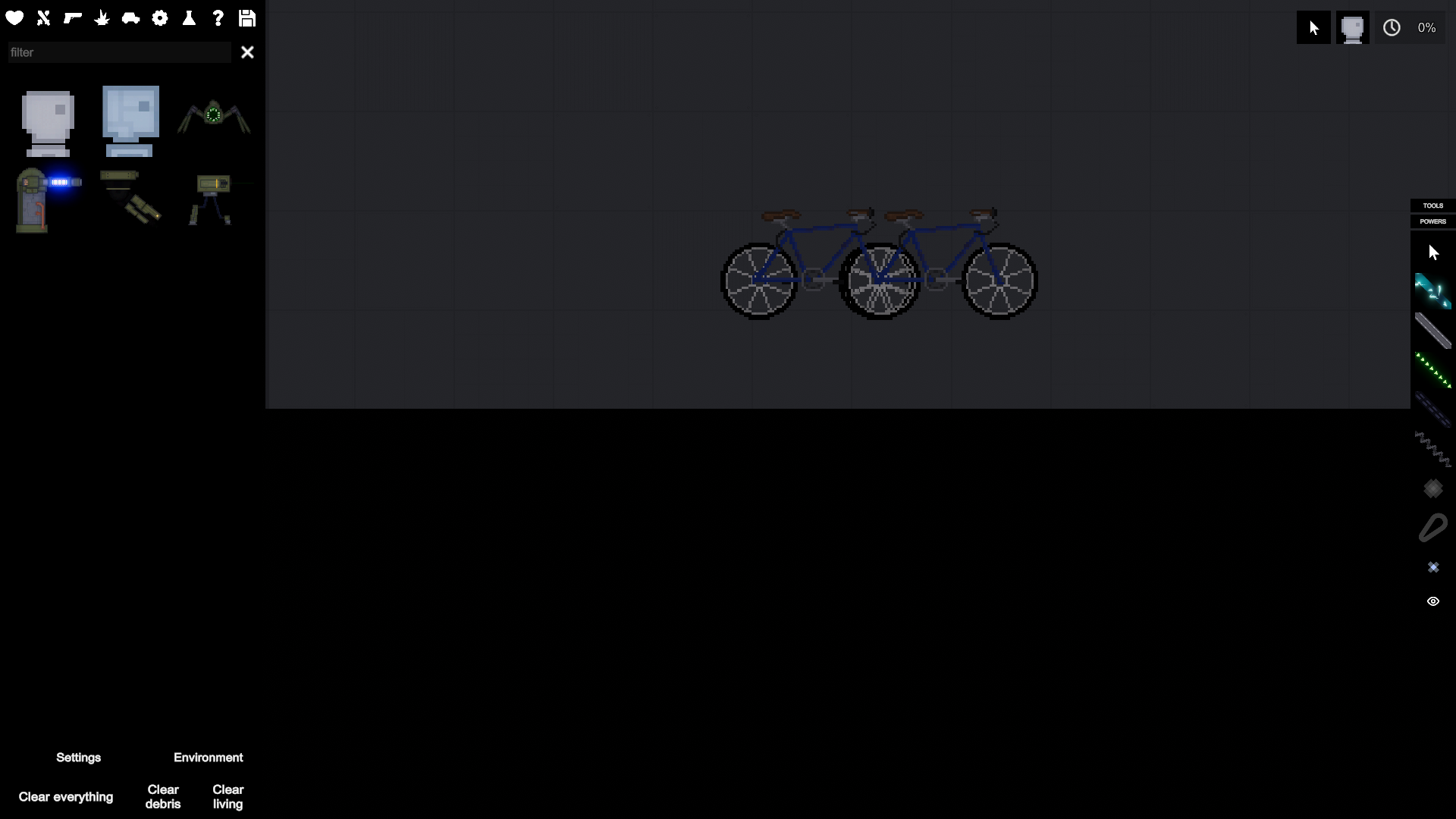
Add objects to your sandbox
Search the available object catalog, preview your choice and spawn the quantity you want in view.
Stop Selected MotionFree
Stop selected objects moving and spinning.
Select spawned objects, then activate Stop Selected Motion.
This is a one-time stop. Gravity and collisions can move the objects afterward.
Weather and LightingFree
Set the rain, snow, fog and floodlights for your sandbox.
Enable Weather and Lighting, then choose the conditions below. Turn it off to restore the previous settings.
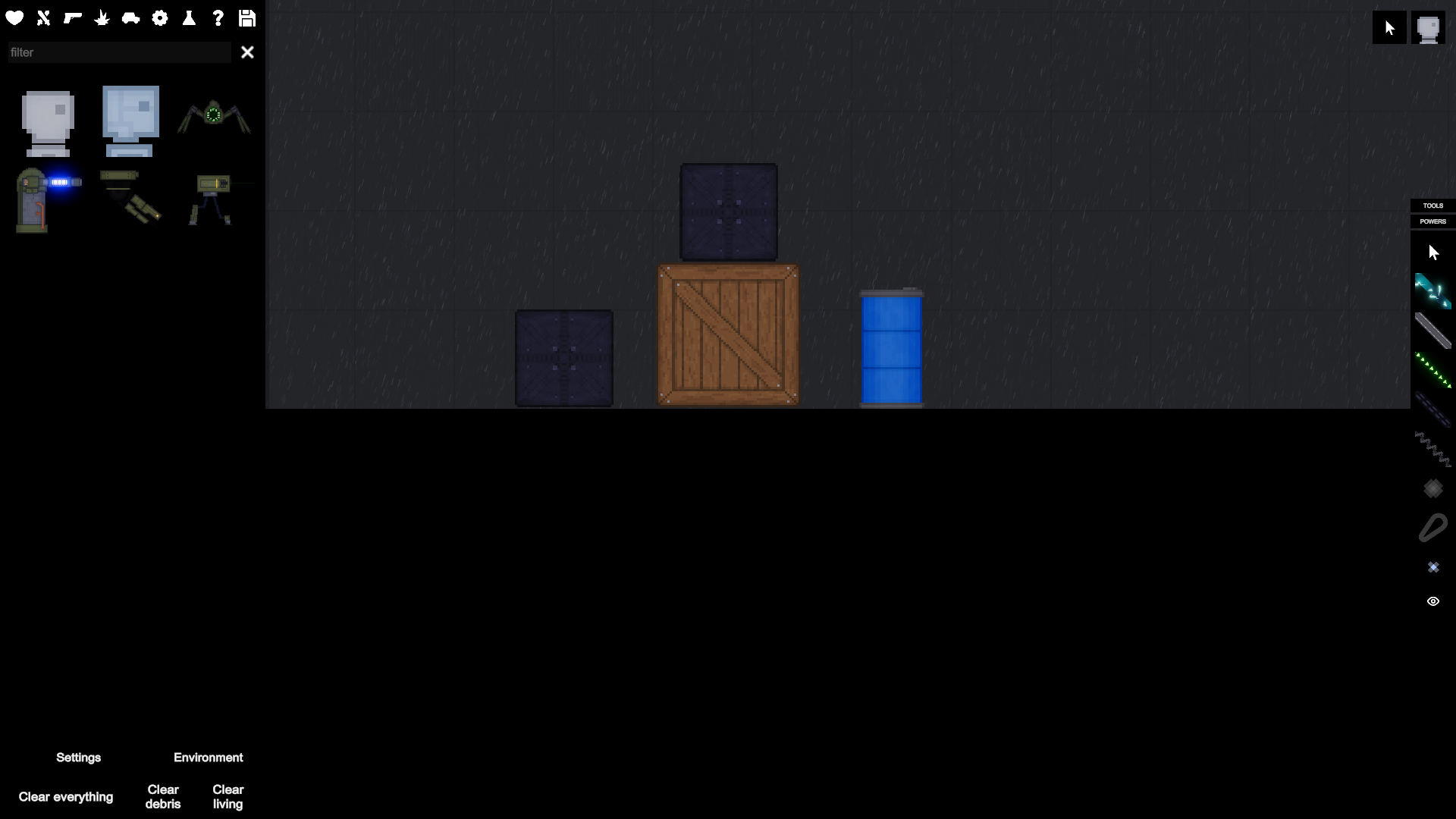
Change the weather
Add rain to your sandbox and adjust snow, fog and floodlights from one set of controls.
Weightless ObjectsFree
Make selected objects weightless and bring back their normal weight when needed.
Select spawned objects, then choose Make Weightless or Restore Weight.
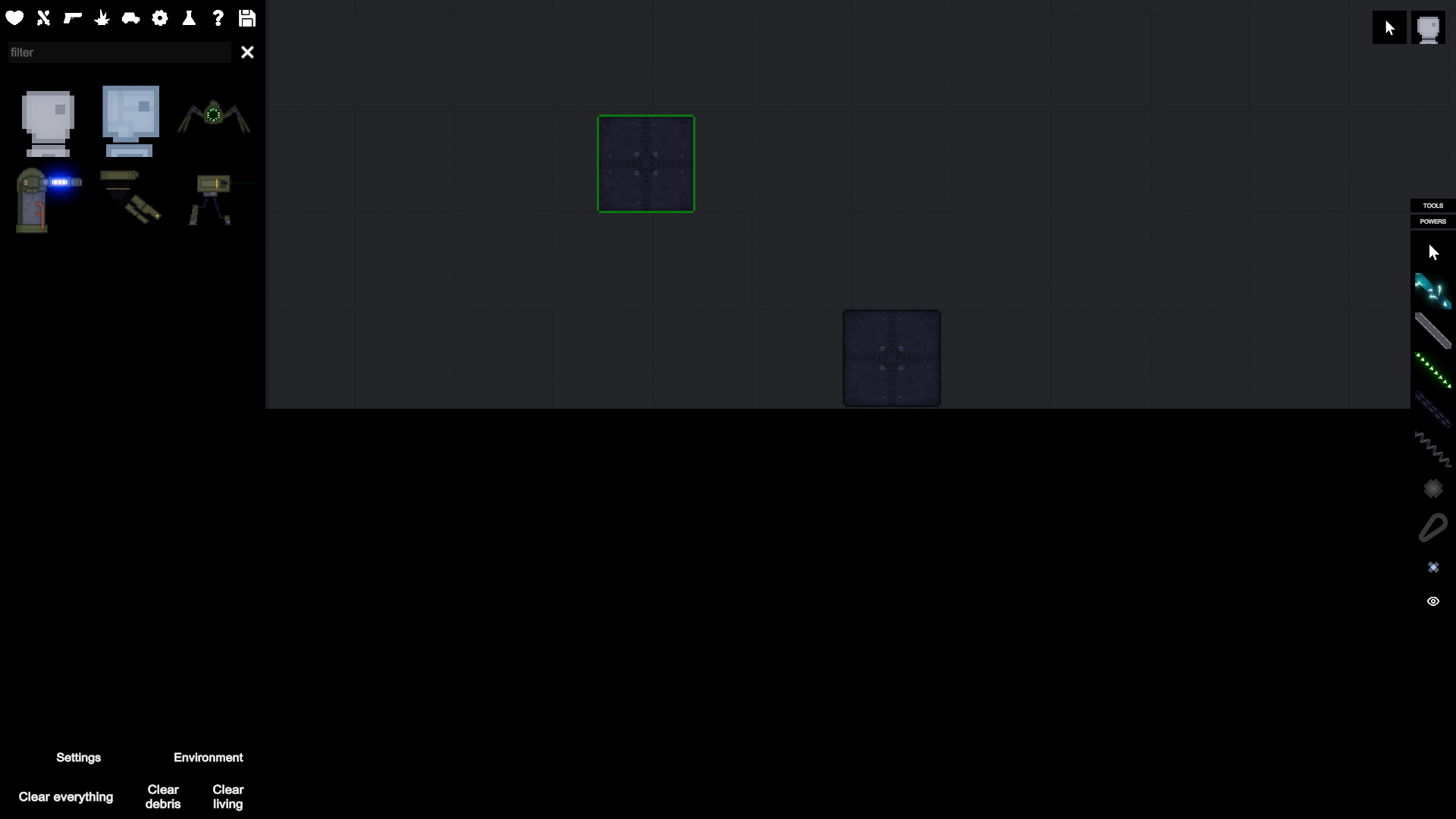
Keep selected objects weightless
Make selected objects weightless for floating builds, then restore their normal weight when you are ready.
Using these features
Choose the feature in the Windows app after connecting your game. Check its requirements before making a change.
Setup for People Playground →