
Game Actions
13 optionsCleanup actions, sandbox conditions, selected-object tools and a free searchable Spawn browser.
View all game actions →Spend more time building your next physics experiment and less time cleaning up the last one. Choose focused cleanup tools, adjust the sandbox conditions, work with selected objects or find something new to spawn.
Start with free mods
Download Bytonian Mods for Windows and try these free features. Choose one to see how it works and any requirements.
Choose downward, zero or upward gravity for the current sandbox.
Open a map, enable Custom Gravity and choose the gravity value. Turn it off to restore the previous gravity.
Search and browse the available object catalog, preview your choice and spawn it in view.
Open a sandbox, choose an object and a quantity, then spawn it.
Existing hidden and locked entries stay unavailable. Quantities are limited to ten per object and may overlap.
Make selected objects weightless and bring back their normal weight when needed.
Select spawned objects, then choose Make Weightless or Restore Weight.
Clear one available object type without removing the rest of your setup.
Refresh the list, choose a type and press Clear.
Only the types currently available in the list can be selected.
Set up a physics sandbox
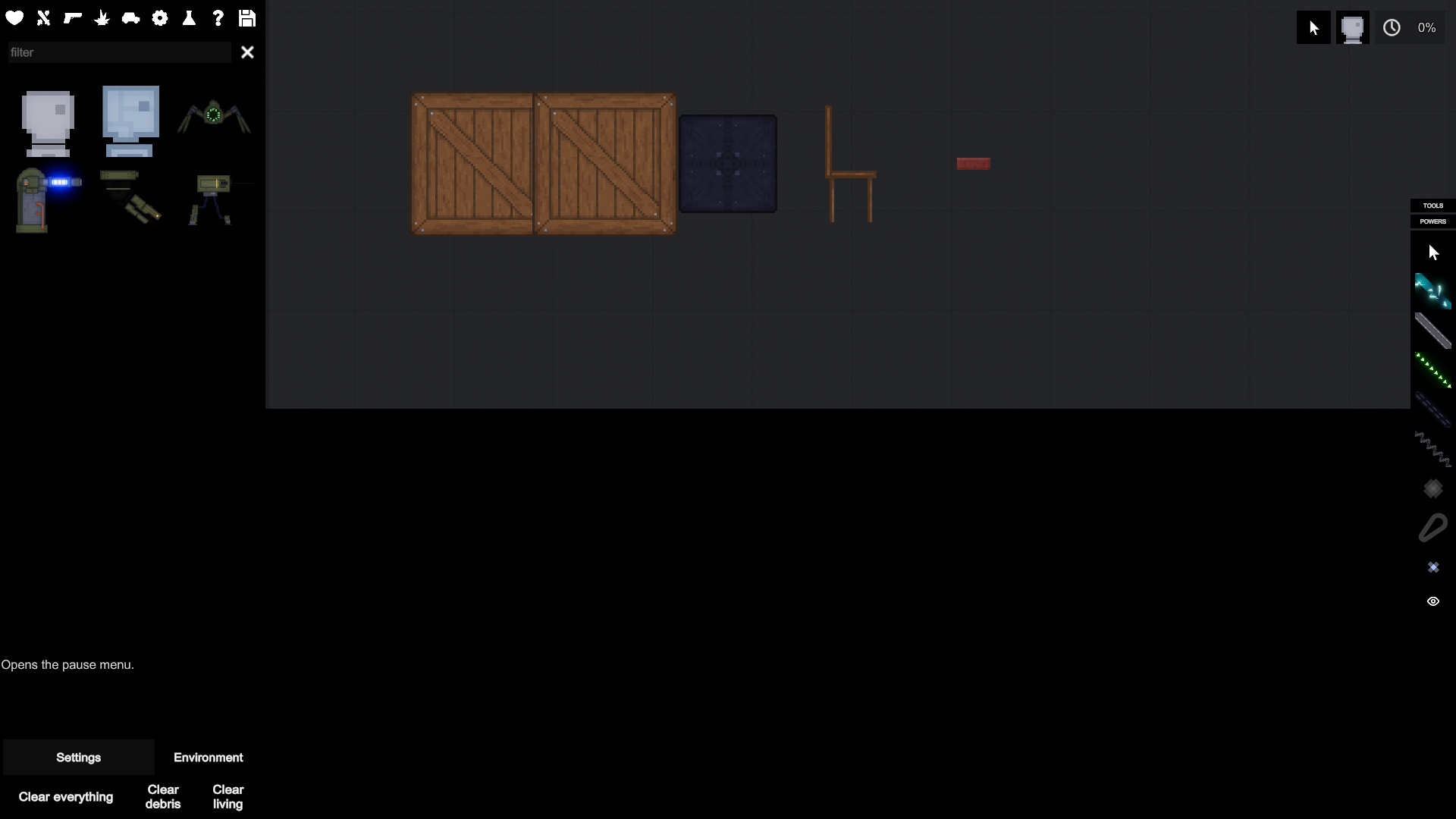
Arrange crates, a metal cube, a chair and a brick in the sandbox before choosing what to clear.
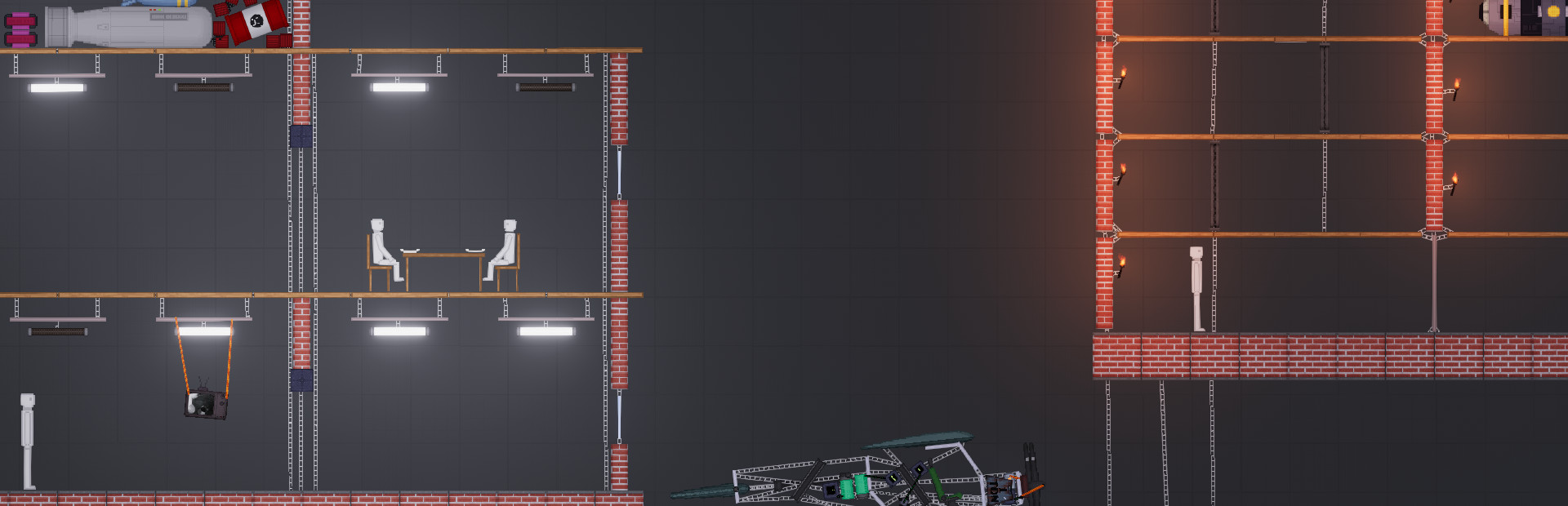
I Turned Off Gravity. My Car Kept Falling.
My zero-gravity parking plan fails, so I stop the car’s movement instead. Now it needs a driveway in midair.
People Playground - Threat Evasion
A selected shelter dodges a grenade before the blast, carrying the crate while leaving its loose passenger behind.
Clear Debris removes loose fragments while keeping intact props. Clear Living removes living objects so you can keep working with the rest of your setup.
Refresh Clear Specific Thing, choose an available object type and press Clear. Choose Clear Everything when you want an empty chamber for a new setup.
Open a map before using the cleanup controls. The actions work while sandbox physics is paused, so you can arrange your next experiment without letting everything move first.
Choose the gravity, weather and slow-motion speed that suit your setup. Try floating props, a rainy scene or a slower simulation.
Put out fires, change weight, stop movement, repair living characters or set electrical charge on your selected objects.
Use the free Spawn browser to search the available object catalog, browse categories and preview your choice before adding it.
Cleanup actions, sandbox conditions, selected-object tools and a free searchable Spawn browser.
View all game actions →Browse the Steam achievement names and descriptions for People Playground. Choose and unlock achievements for free with Bytonian Mods in the Windows app.
View all achievements →Download the Windows app and follow the setup prompts.
Open People Playground and select it in Bytonian Mods. Follow the app’s connection prompts.
Review the available options in the app and choose the ones that suit how you play.