


Adjust your shop resources
Choose a cash or Token balance with its own resource card. Increase carrying capacity when you want to move more stock from storage to your displays.

Pay for construction and staff
Use the Cash card to set a whole-number balance, then return to the shop's normal purchase spots and menus. You choose the displays, offices and staff you want to fund.
Carry bigger loads from storage
Set carrying capacity before collecting products. The larger load can be placed on the usual shop displays; changing your carrying limit does not increase the display's own capacity.
Choose your Token balance
Use the Tokens card to refresh the balance, set a whole-number total or add to the amount shown in the shop HUD.
Available resources
Carrying CapacityPremium
Choose how many products you can carry from storage.
Set the limit before collecting stock, then walk the load to the appropriate shop display.
Before you use it: Changes carrying capacity rather than the display's own stock limit.
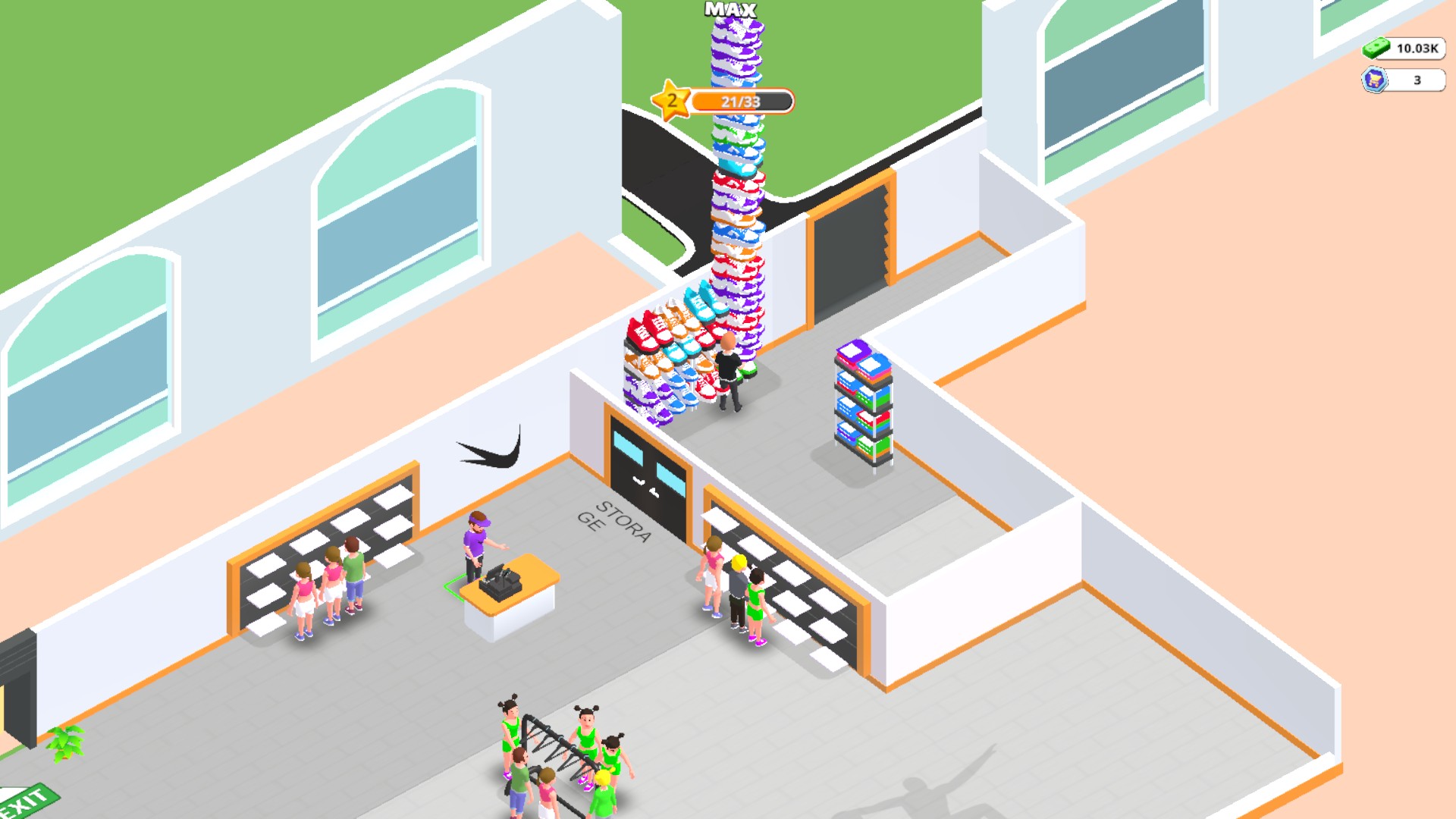
Carry a bigger load from storage
Increase your carrying capacity to collect more shoes before returning to the shop displays.
CashFree
Set cash for shop displays, offices and staff.
Refresh the card, choose a whole-number balance and spend cash through the usual shop purchase spots or menus.
Before you use it: Supports whole-number cash balances from 0 to 1,000,000.
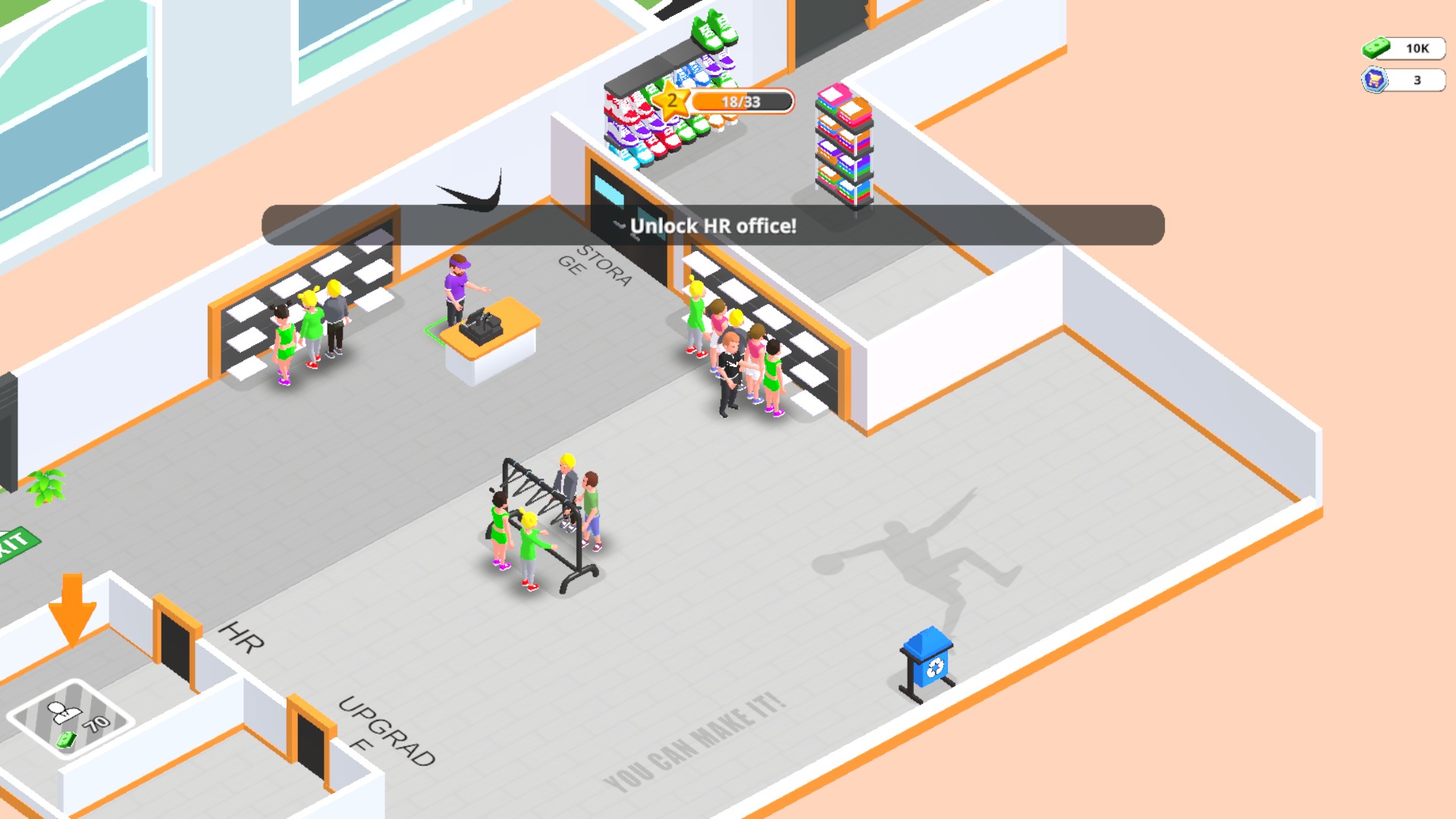
10,000 cash in your shop
The Cash control sets the balance shown in the top-right corner while you manage your store.
TokensPremium
Choose the Token balance shown in your shop.
Refresh the Tokens card, then set a whole-number total or add to your balance.
Before you use it: Choose a Token balance from 0 to 1,000,000.
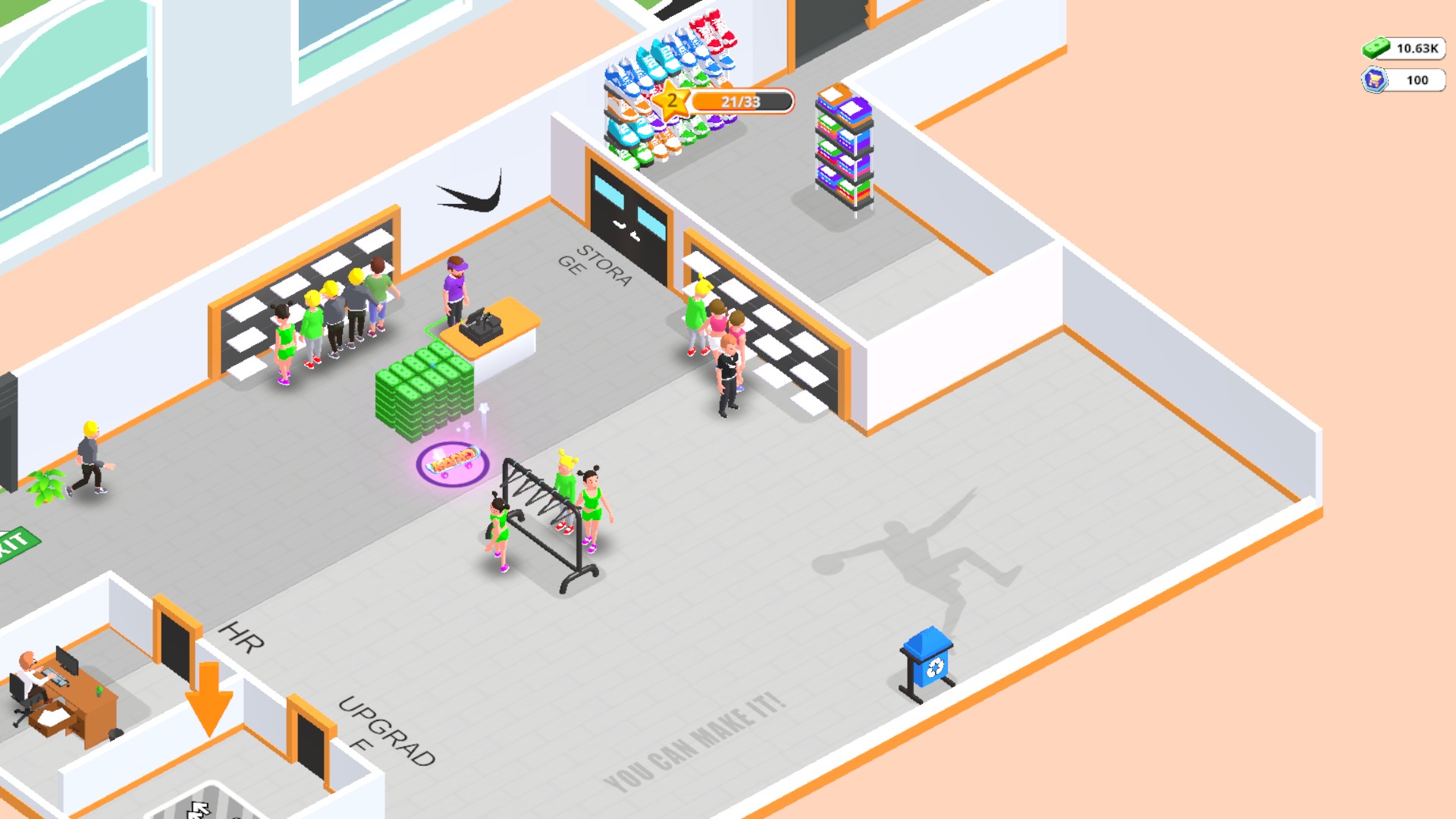
Set your Token balance
The Token resource control sets the displayed balance to100 in Outlets Rush.
More ways to customise Outlets Rush
- Outlets Rush stat modifiers
Walking Speed.
Using these features
Choose the feature in the Windows app after connecting your game. Check its requirements before making a change.
Setup for Outlets Rush →