

Resources
3 optionsCarrying Capacity, Cash, Tokens.
View resources →Running your store means keeping displays stocked while customers queue at the register. These Outlets Rush controls help fund new shop areas, carry more products and get between jobs faster.

Set your cash balance before building a display or hiring staff. Spend through the usual shop purchase spots and menus to choose what to add next.
Increase carrying capacity to collect a larger load from storage, then walk it back to a display. Customers still choose products and shop normally.
Choose walking speed from 100% to 300%. Adjust it while the control is on, or turn it off to restore your original walking speed.
Carrying Capacity, Cash, Tokens.
View resources →Walking Speed.
View stat modifiers →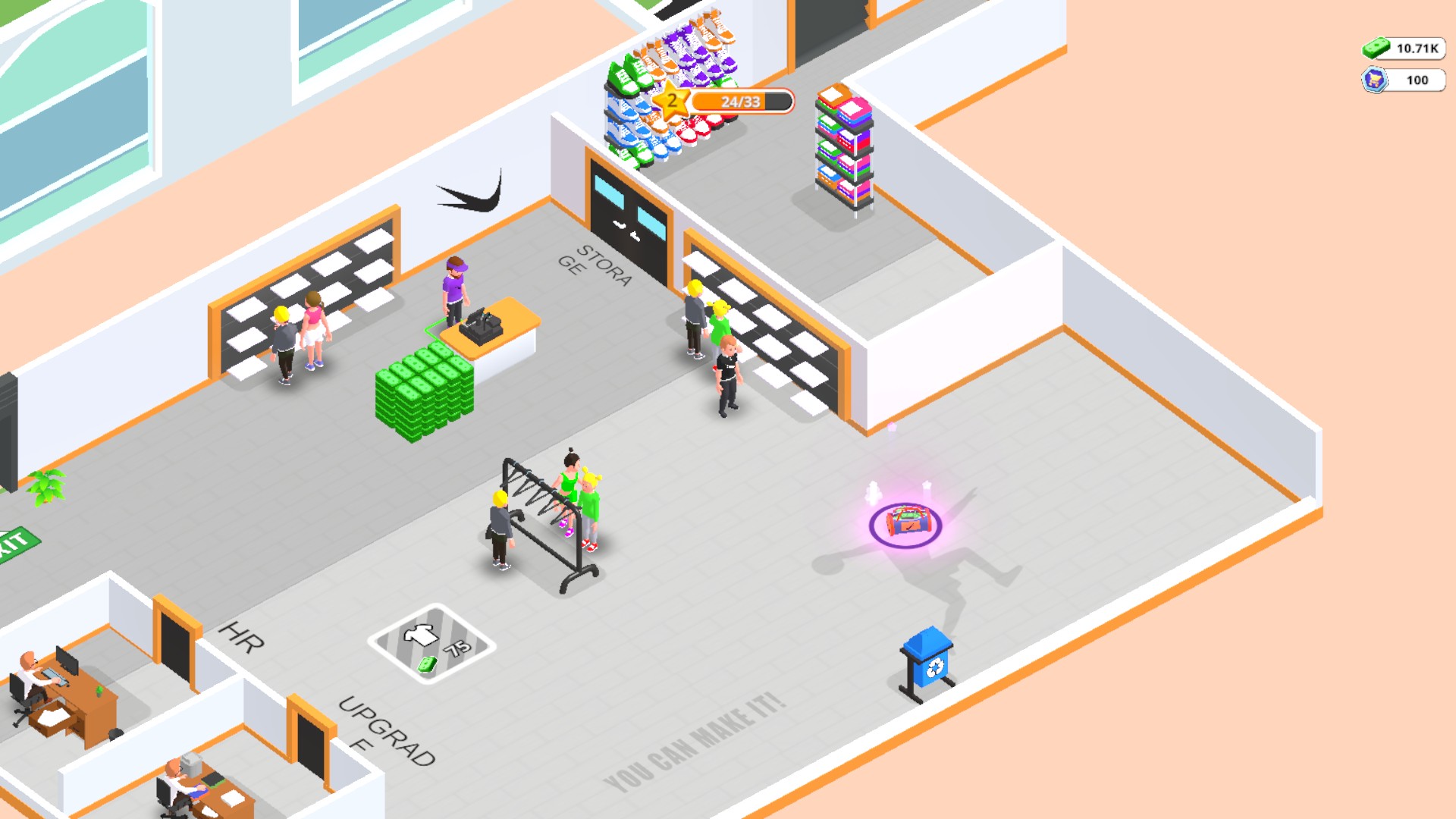
Build and manage your outlet shop
Bring stock from storage, fill the displays and keep customers supplied as your shop grows.
Download the Windows app and follow the setup prompts.
Set up the browser extension in Chrome or Edge, then open the supported YouTube Playable. Follow the connection guide if the game is already running.
Review the available options in the app and choose the ones that suit how you play.