
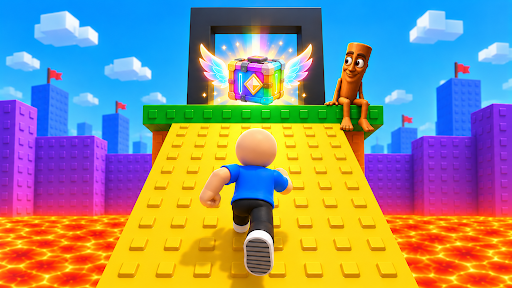
A quicker way back
Keep a return point within reach while you explore. Head straight to the starting base with Return to Base, or choose a spot of your own with the saved spot controls.
Requires the Windows app and the Bytonian Mods browser extension for Chrome or Edge. Browser setup guide
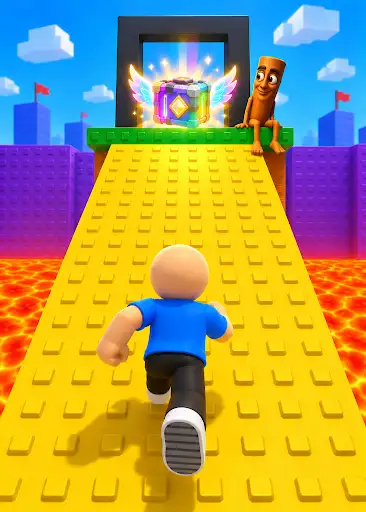
Return to Base
Use Return to Base for a quick trip to the starting base area. You can keep walking as soon as you arrive.
Choose your own return point
Stand where you want to return and press Save This Spot. Explore elsewhere, then press Return to Saved Spot to come back. Saving again replaces your previous spot.
The saved spot brings you back to the same place without changing which way you are looking.
Available game actions
Return to BaseFree
Jump back to the starting base area and carry on exploring.
Press Return to Base when you want a quick way back.
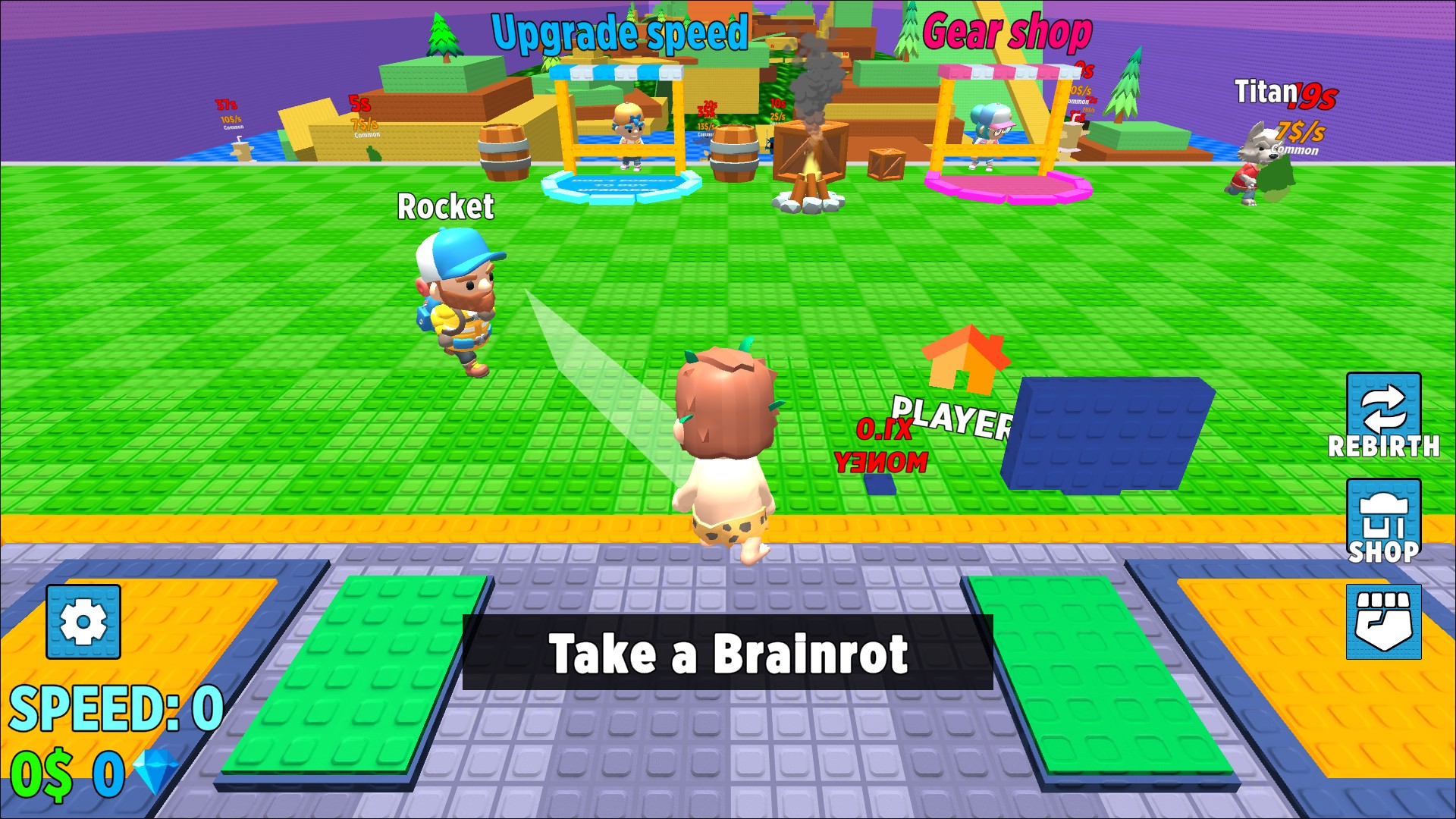
A quick way back to base
Return to your starting area with one press, ready to choose your next route through the course.
Return to Saved SpotPremium
Return to the place you marked with Save This Spot.
Use Save This Spot first, then press Return to Saved Spot whenever you want to come back.
Returns you to the saved place without changing which way you are looking.
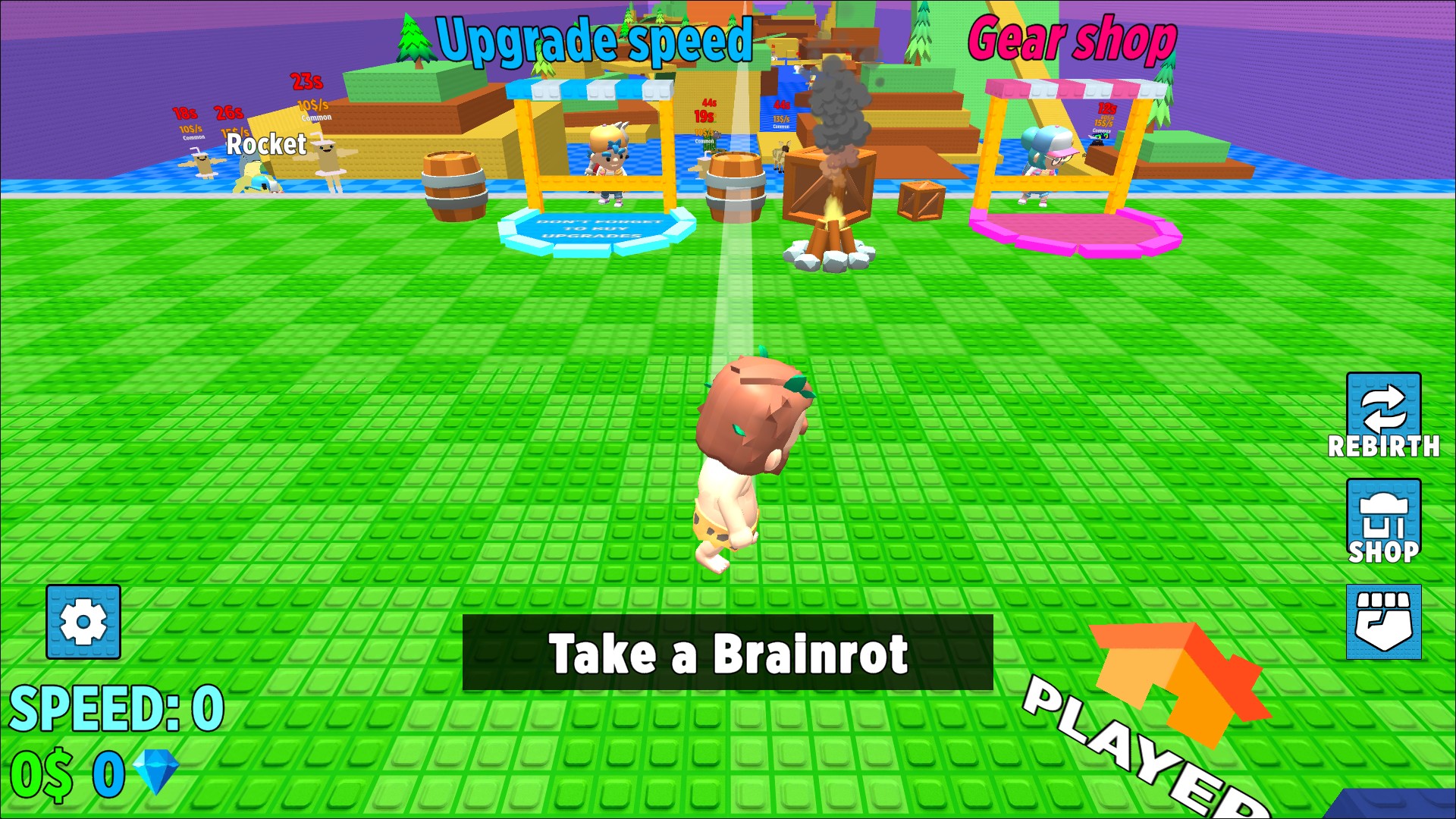
Come back to your chosen spot
Mark a place with Save This Spot, explore elsewhere, then use Return to Saved Spot to jump back.
Save This SpotPremium
Mark a place you want to come back to.
Stand at your chosen spot and press Save This Spot. Saving again replaces the previous spot.
More ways to customise Obby: Survive Lava for Brainrots!
- Obby: Survive Lava for Brainrots! ability modifiers
Explore from the air with adjustable flight speed and controls.
Questions about game actions
- Do I need to save a spot before using Return to Base?
- No. Return to Base uses the starting base area. Save This Spot is for choosing a separate return point.
Using these features
Choose the feature in the Windows app after connecting your game. Check its requirements before making a change.
Setup for Obby: Survive Lava for Brainrots! →