
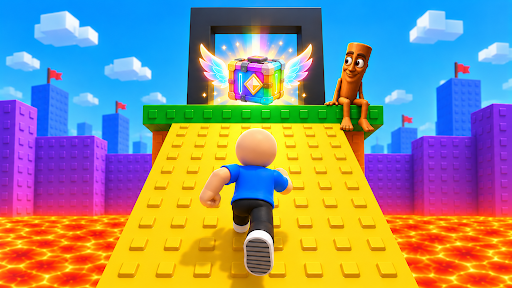
Fly above the lava
Get a fresh view of the course from above. Fly lets you steer through the air, climb higher and head toward the part of the course you want to explore.
Requires the Windows app and the Bytonian Mods browser extension for Chrome or Edge. Browser setup guide
Take control in the air
With the default controls, press V to switch flight on or off. Use W, A, S and D to move, Space to rise and Ctrl to descend. Hold Shift to move faster.
You can adjust the flight speeds and key bindings to suit how you play. Switch Fly off to return to normal movement.
Available ability modifiers
FlyPremium
Rise above the lava and explore the course from the air.
Switch Fly on, then use the flight controls to move around. The default keys are V to toggle, W/A/S/D to move, Space to rise, Ctrl to descend and Shift for faster flight.
Supported movement styles: Fly
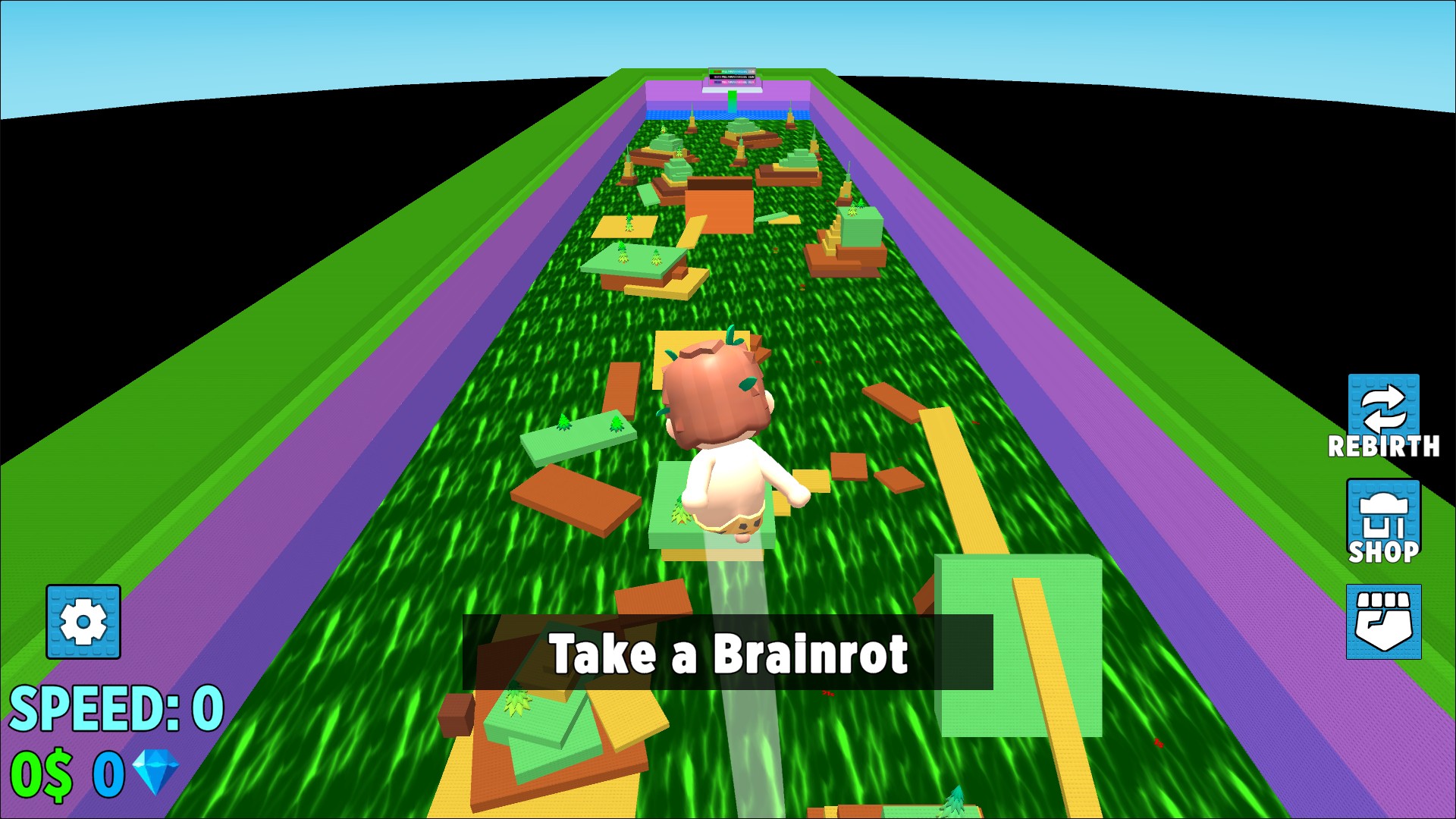
Fly above the lava
Take to the air and explore the obstacle course from above, with platforms and lava spread out below you.
More ways to customise Obby: Survive Lava for Brainrots!
- Obby: Survive Lava for Brainrots! game actions
Jump back to base or return to a place you marked.
Questions about ability modifiers
- Can I change the flight controls?
- Yes. Fly includes adjustable key bindings and flight speeds.
Using these features
Choose the feature in the Windows app after connecting your game. Check its requirements before making a change.
Setup for Obby: Survive Lava for Brainrots! →