
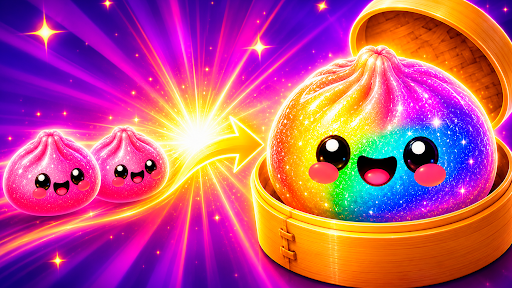
Choose your coins and diamonds
Keep your next dumpling purchase within reach. Adjust coins for regular shop purchases, or change your diamond balance for the offers that use diamonds.
Requires the Windows app and the Bytonian Mods browser extension for Chrome or Edge. Browser setup guide

Coins for regular purchases
Choose your coin balance before buying more dumplings for the merge board. You can set a new total or add to and subtract from your current balance.
Diamonds for available shop offers
Use Diamonds for offers such as the Icy dumpling. Choose a balance, then make the purchase through the game's shop. Locked offers still follow the shop's requirements.
Refresh before making a change
The game can keep earning coins while you play. Refresh the resource card before entering a new amount so you can work from your latest balance.
Available resources
CoinsFree
Choose your coin balance to buy more dumplings and keep merging.
Refresh your balance, then set a new total or add and subtract coins. Return to the shop to spend them.
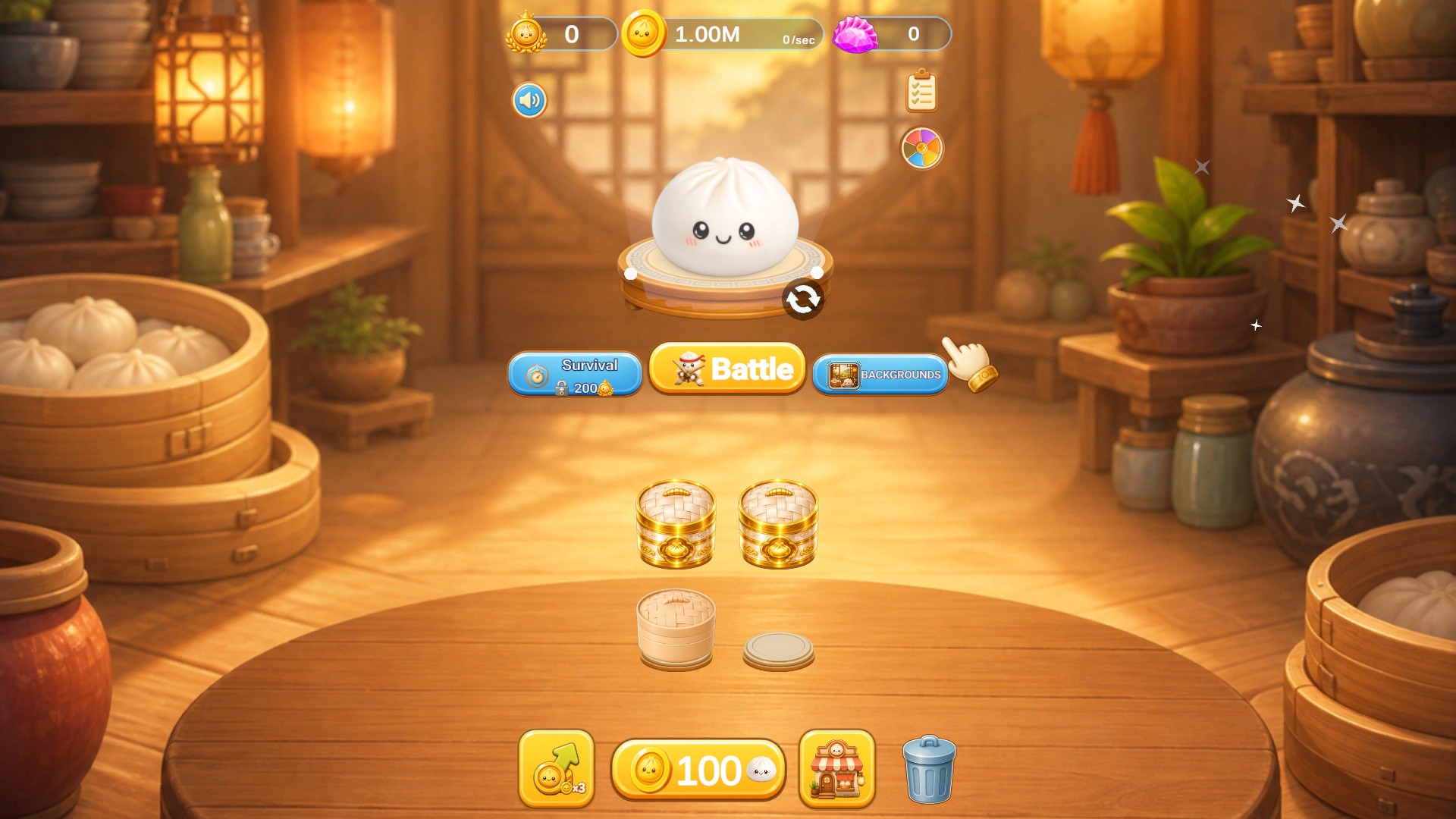
More coins for your dumpling collection
Choose your coin balance, then buy more dumplings to grow your collection and keep merging.
DiamondsPremium
Choose a diamond balance for available dumpling shop offers.
Refresh your diamonds, set or adjust the amount, then buy your chosen offer in the shop.
Shop requirements still apply to locked offers.
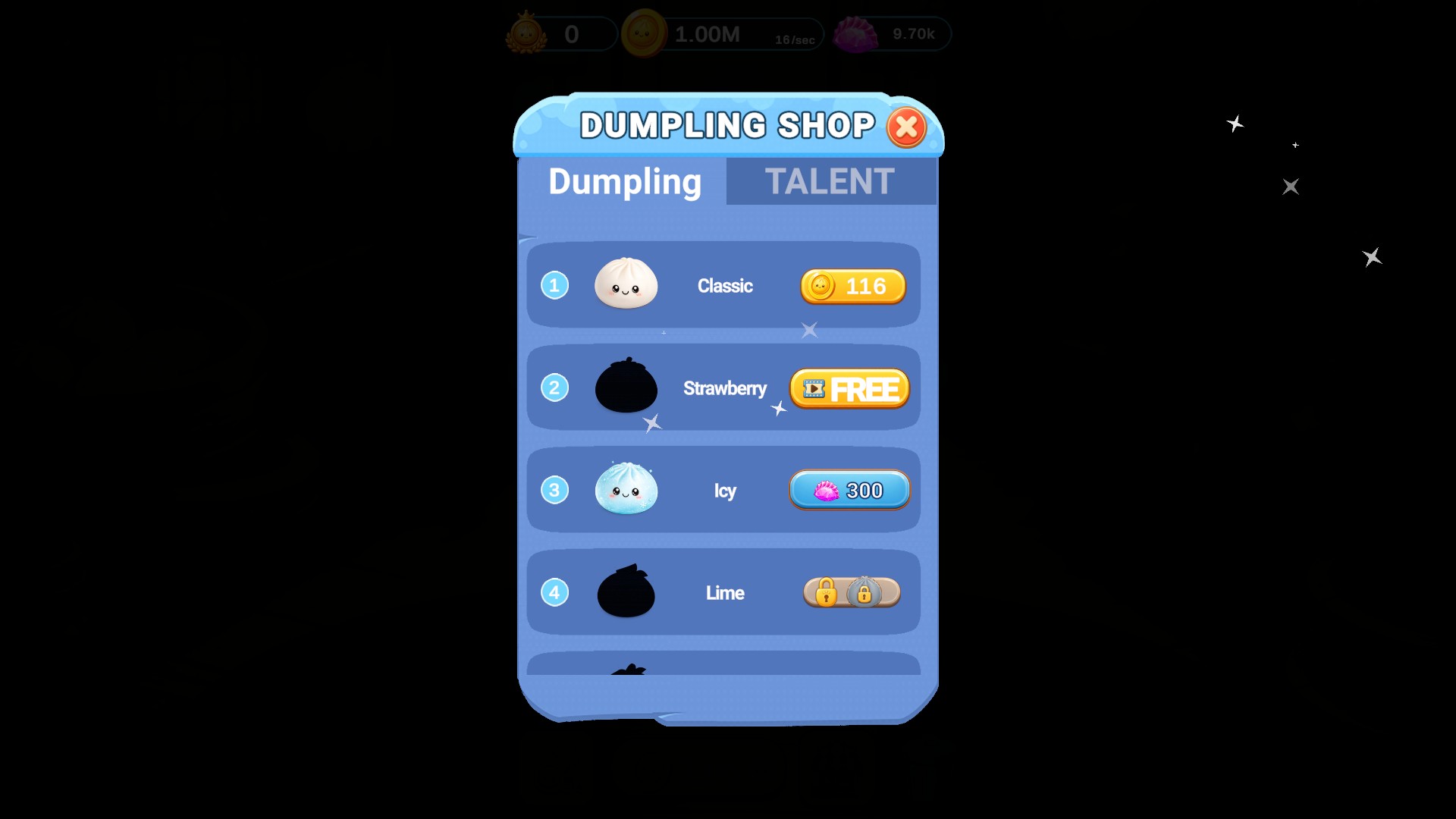
Shop for more dumplings with diamonds
Choose your diamond balance, then spend it on available shop offers, including the frosty Icy dumpling.
Questions about resources
- Can I change coins and diamonds separately?
- Yes. Each currency has its own control, so you can adjust one without changing the other.
Using these features
Choose the feature in the Windows app after connecting your game. Check its requirements before making a change.
Setup for Mystery Dumpling Go: Merge IO →