
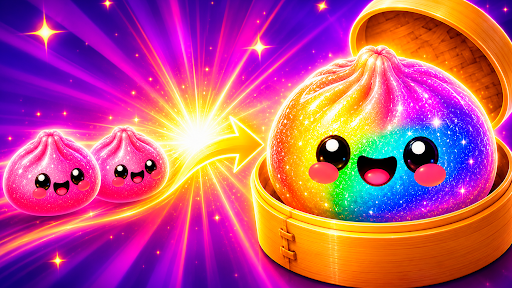
Resources
2 optionsSeparate coin and diamond controls for your dumpling shop purchases.
View resources →Choose coins for regular dumpling purchases or diamonds for the offers that use them. Buy new additions, merge matching dumplings and prepare for the arena.
Requires the Windows app and the Bytonian Mods browser extension for Chrome or Edge. Browser setup guide

Start with free mods
Download Bytonian Mods for Windows and try these free features. Choose one to see how it works and any requirements.
Choose your coin balance to buy more dumplings and keep merging.
Refresh your balance, then set a new total or add and subtract coins. Return to the shop to spend them.
Use the Resources page to find separate Coins and Diamonds controls. Coins cover regular dumpling purchases, while diamonds can buy available offers such as Icy.
Open the game with Bytonian Mods enabled and choose the resource you want to change. Refresh its balance, enter your amount and apply it, then return to the shop to make your purchase.
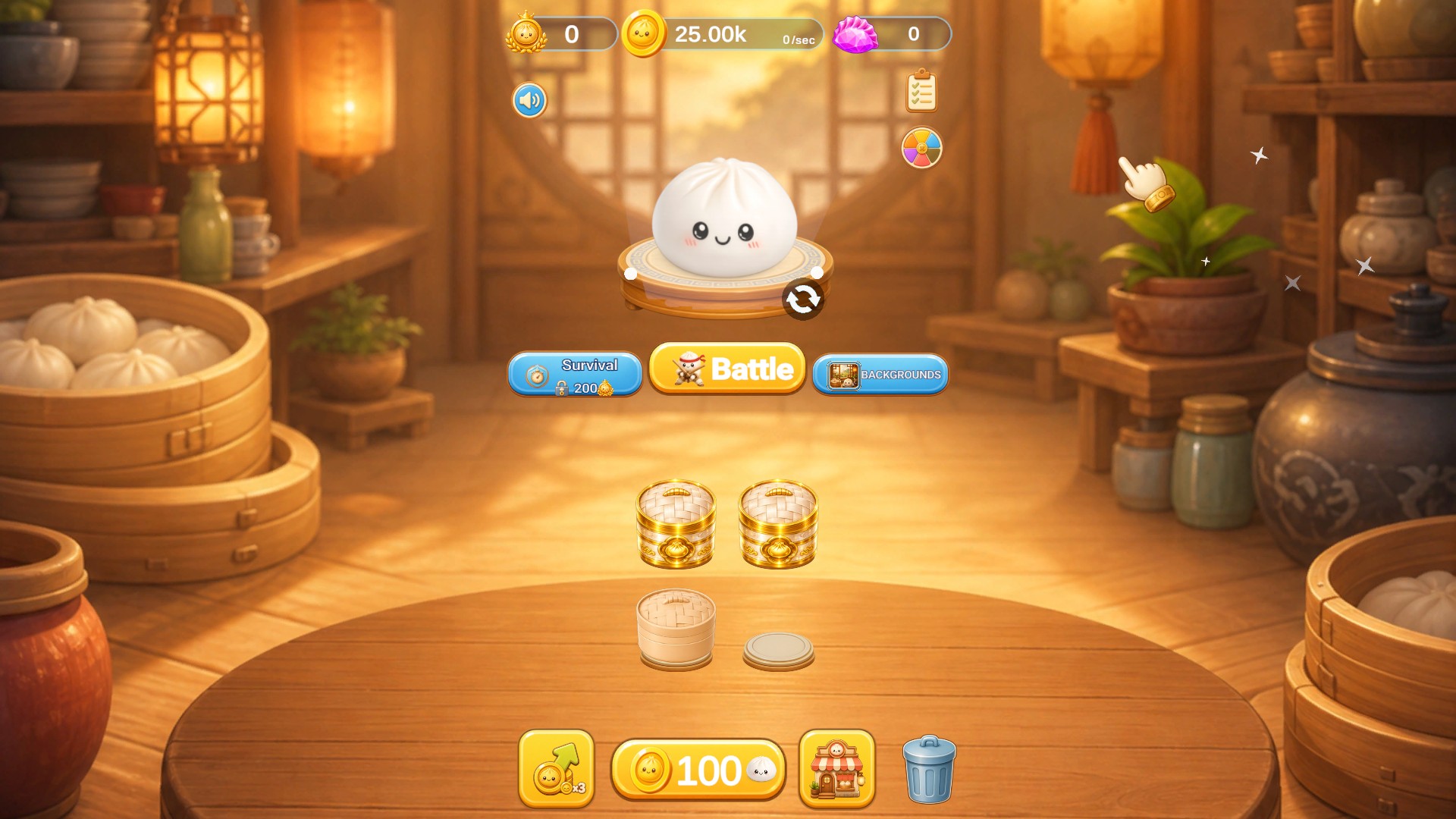
Prepare your dumpling collection
Buy dumplings, merge matching pairs and grow your collection before heading into the arena.
Separate coin and diamond controls for your dumpling shop purchases.
View resources →Download the Windows app and follow the setup prompts.
Set up the browser extension in Chrome or Edge, then open the supported YouTube Playable. Follow the connection guide if the game is already running.
Review the available options in the app and choose the ones that suit how you play.