

Choose your starting cash
If you want a different budget for your next session, choose your cash here and return to the mart. This is a one-time change to your balance, not a constant refill.
Start with the cash you choose
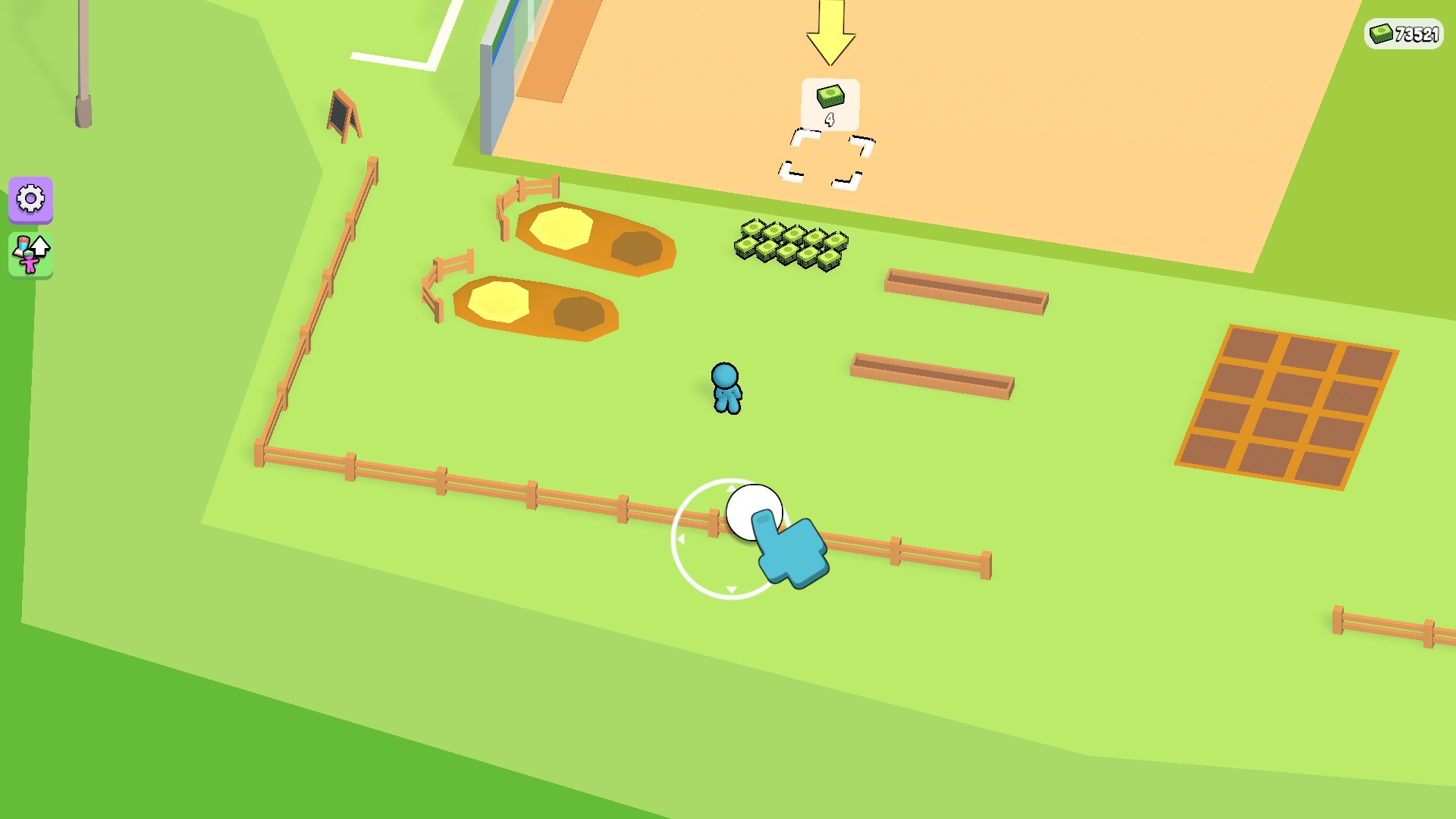
Choose a cash balance, then Apply & reload to get back to your mart. The cash counter here shows 73,521.
Pick a budget that suits your shop
Enter a whole number from 0 to 1,000,000. Apply & reload restarts the game with that balance. Choosing a lower number reduces your current cash, so check it before applying.
Want to change cash without reloading?
Use the Cash card in Resources instead. It changes your balance while the game is running.
Available customise
CashFree
Choose a cash balance from 0 to 1,000,000, then Apply & reload.
Before you use it: Choosing less than you currently have reduces your balance.
More ways to customise My Mini Mart
- My Mini Mart resources
Set or add cash without restarting the game.
- My Mini Mart stat modifiers
Adjust movement speed from normal to twice as fast.
Questions about customise
- Does Customize unlock the whole shop?
- No. This option changes your cash balance. You still choose what to build and progress through the shop yourself.
Using these features
Choose the feature in the Windows app after connecting your game. Check its requirements before making a change.
Setup for My Mini Mart →