

Resources
1 optionSet or add cash without restarting the game.
View resources →A little shop can keep you busy: collecting supplies, stocking shelves and saving for the next expansion. These controls give you more room to play your way in My Mini Mart on YouTube Playables.
Start your own mini mart
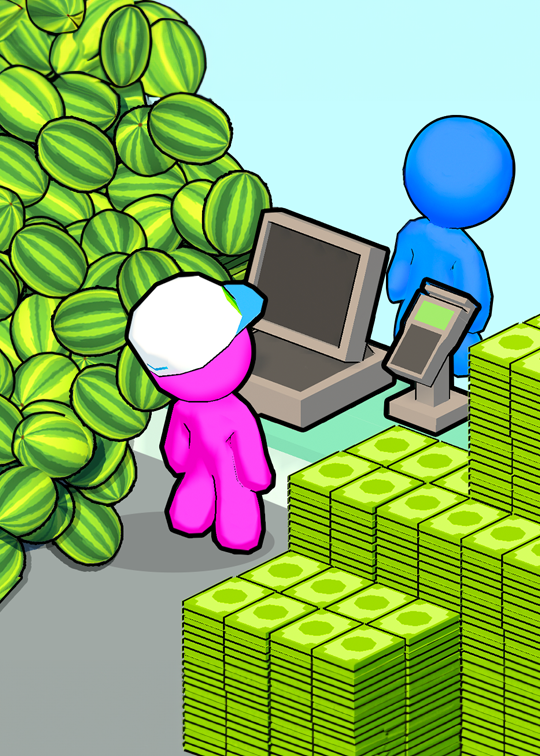
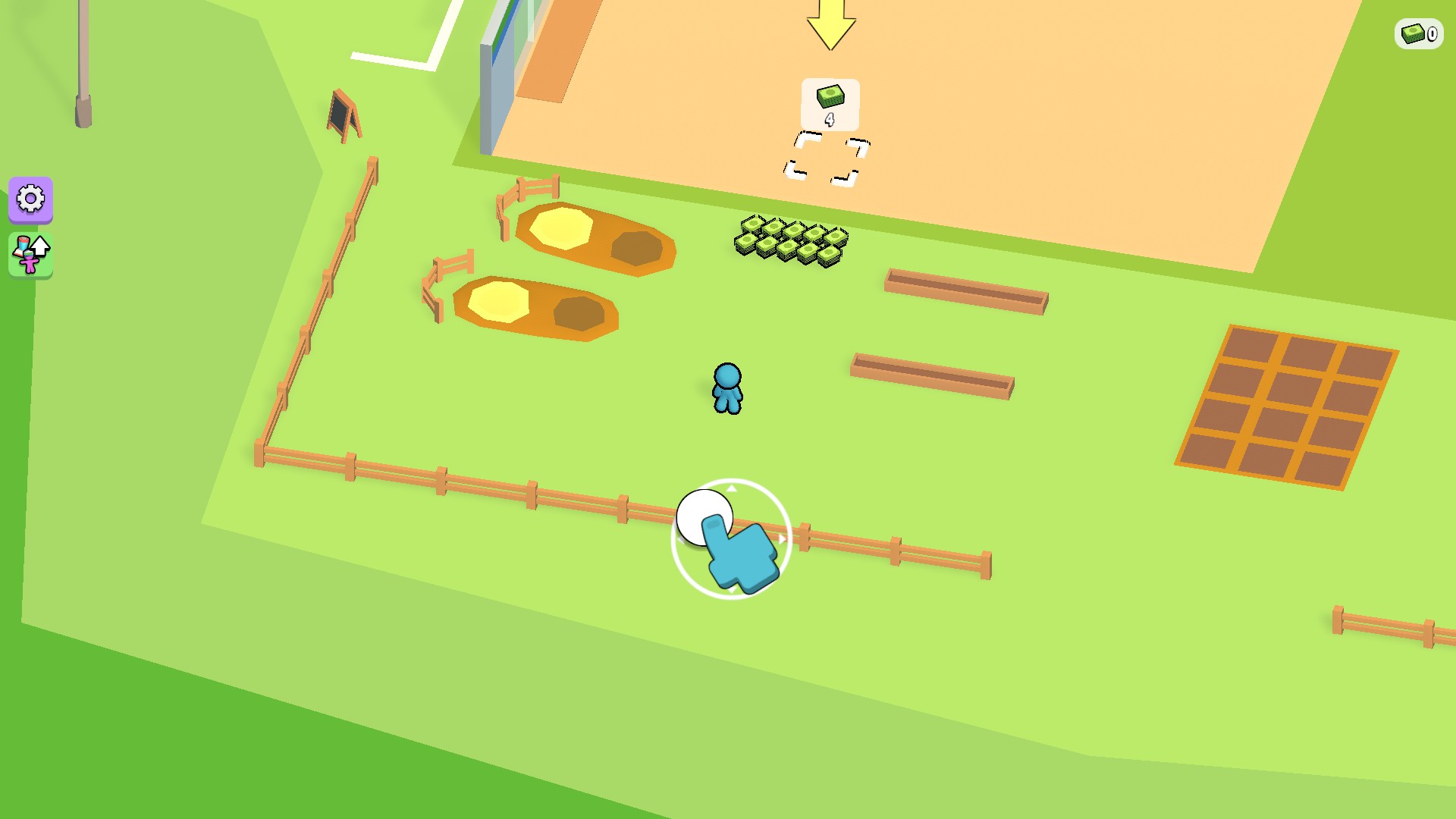
Your mini mart starts small, with room to grow. Collect cash, build the shop and keep expanding in My Mini Mart.
Customize lets you choose your cash before returning to the game. Resources changes it while you play. Movement speed lives in Stats, so you can turn the boost on when you want quicker trips and off when you want normal movement.
Open My Mini Mart through the Bytonian Mods app, then pick the control you want to use. Cash is free. Movement speed requires Premium. These controls leave building and running your shop up to you.
Set or add cash without restarting the game.
View resources →Adjust movement speed from normal to twice as fast.
View stat modifiers →Pick your cash, then Apply & reload.
View customise →Download the Windows app and follow the setup prompts.
Set up the browser extension in Chrome or Edge, then open the supported YouTube Playable. Follow the connection guide if the game is already running.
Review the available options in the app and choose the ones that suit how you play.