

Move around your garage your way
Get between workshop areas faster with walking speed, or use Fly to move and hover above the garage floor.
Set your walking pace
Turn on Walking speed and expand the card to choose a percentage of normal walking and running speed. Turn it off to return to your usual pace.
Fly and hover
Enable Fly, then use W, A, S and D to move, Space to rise and Ctrl to descend. Hold Shift for the fast speed. Expand the card to change these keys and set your normal and fast fly speeds.
Fly keeps collisions with walls, rafters and workshop fixtures. Leave enough room around your character when moving above the floor.
Available ability modifiers
FlyPremium
Fly and hover around your garage with adjustable speeds and movement keys.
Use W/A/S/D to move, Space to rise, Ctrl to descend and Shift for the fast speed. Expand the card to customize the keys and both speeds.
Before you use it: Collisions remain active. Walls, low rafters and workshop fixtures can block your path.
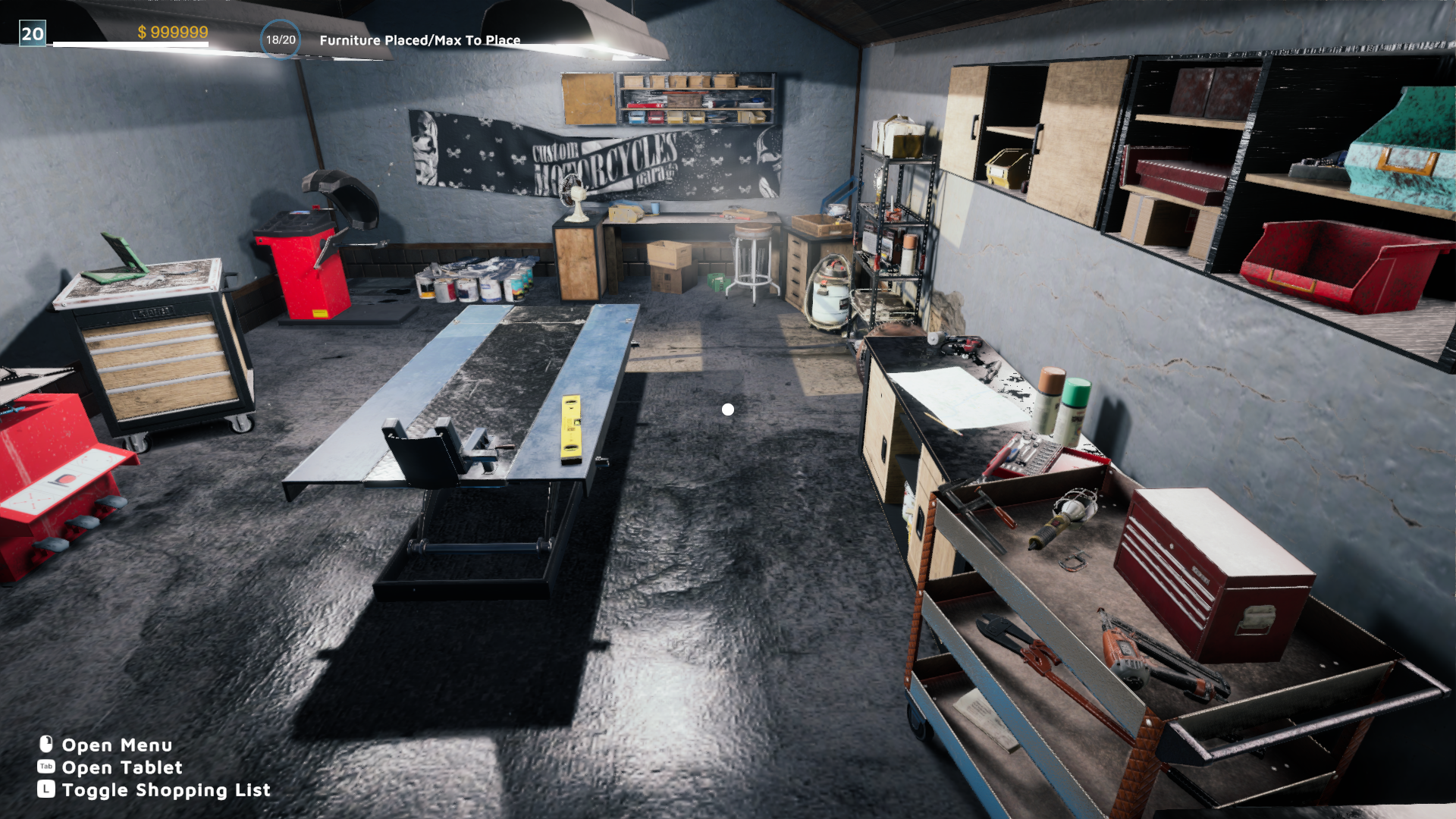
Hover above your garage floor
Look across your workshop from above the floor with Fly enabled. Adjust the flying speed and movement keys from the Fly card.
Walking speedFree
Walk and run faster between areas of your garage.
Enable the card and expand it to choose a percentage of your normal speed. Disable it to return to your usual pace.
Before you use it: Applies while walking in the garage. Motorcycle driving is unchanged.
More ways to customise Motorcycle Mechanic Simulator 2021
- Motorcycle Mechanic Simulator 2021 resources
Add configurable cash and spend it through the normal garage shops.
Questions about ability modifiers
- What happens when I open a menu?
- The movement changes stop while the game disables your walking controls. They resume when you return to walking with the card still enabled.
- Can Fly pass through walls?
- No. Fly keeps the garage's collisions, so walls and fixtures still block movement.
Using these features
Choose the feature in the Windows app after connecting your game. Check its requirements before making a change.
Setup for Motorcycle Mechanic Simulator 2021 →