

Resources
1 optionAdd configurable cash and spend it through the normal garage shops.
View resources →Run your motorcycle workshop, buy parts and get bikes back into shape. Adjust how you move around the garage or add cash for your next purchase.
Open the movement category for walking speed and Fly. Open the cash category to add a chosen amount to your garage balance.
Walking speed is free. Fly and garage cash are premium features.
Launch the game through Bytonian Mods and load your garage. Use these controls while walking around the workshop, then open the tablet when you want to browse parts.
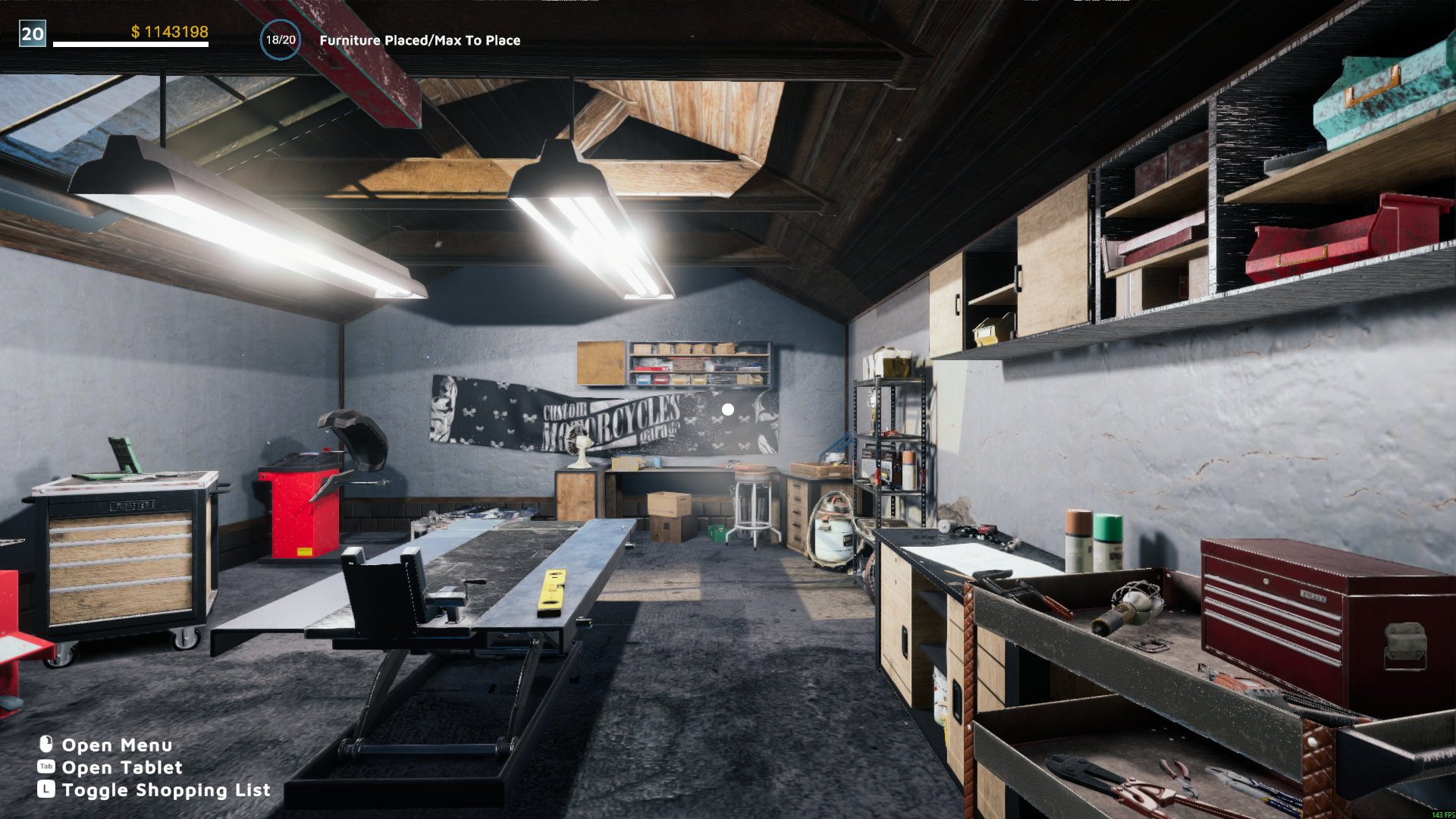
Your motorcycle workshop
A garage workspace with a motorcycle lift, tools and parts storage in Motorcycle Mechanic Simulator 2021.
Add configurable cash and spend it through the normal garage shops.
View resources →Adjust walking and running speed, or fly with configurable controls.
View ability modifiers →Browse the Steam achievement names and descriptions for Motorcycle Mechanic Simulator 2021. Choose and unlock achievements for free with Bytonian Mods in the Windows app.
View all achievements →Download the Windows app and follow the setup prompts.
Open Motorcycle Mechanic Simulator 2021 and select it in Bytonian Mods. Follow the app’s connection prompts.
Review the available options in the app and choose the ones that suit how you play.