


Choose your phone-game resources
Change the two counters shown around the phone-game house. Coins and Energy have separate cards, so you can adjust either amount without changing the other.

Coins
The free Coins card reads your current balance and lets you set an amount from 0 to 1,000,000. Refresh the card before making a change.
Energy
The premium Energy card lets you set a whole-number amount from 0 to 999. Your chosen value appears in the energy counter at the top left of the phone-game screen.
Use the cards in the phone game
Follow the setup on the overview page, then finish the opening dialogue before using either control. Enter a whole number within the card's range and apply it.
Available resources
CoinsFree
Set your coin balance in the demo's phone game.
Finish the opening dialogue, refresh the card, then enter a whole number from 0 to 1,000,000 and apply it.
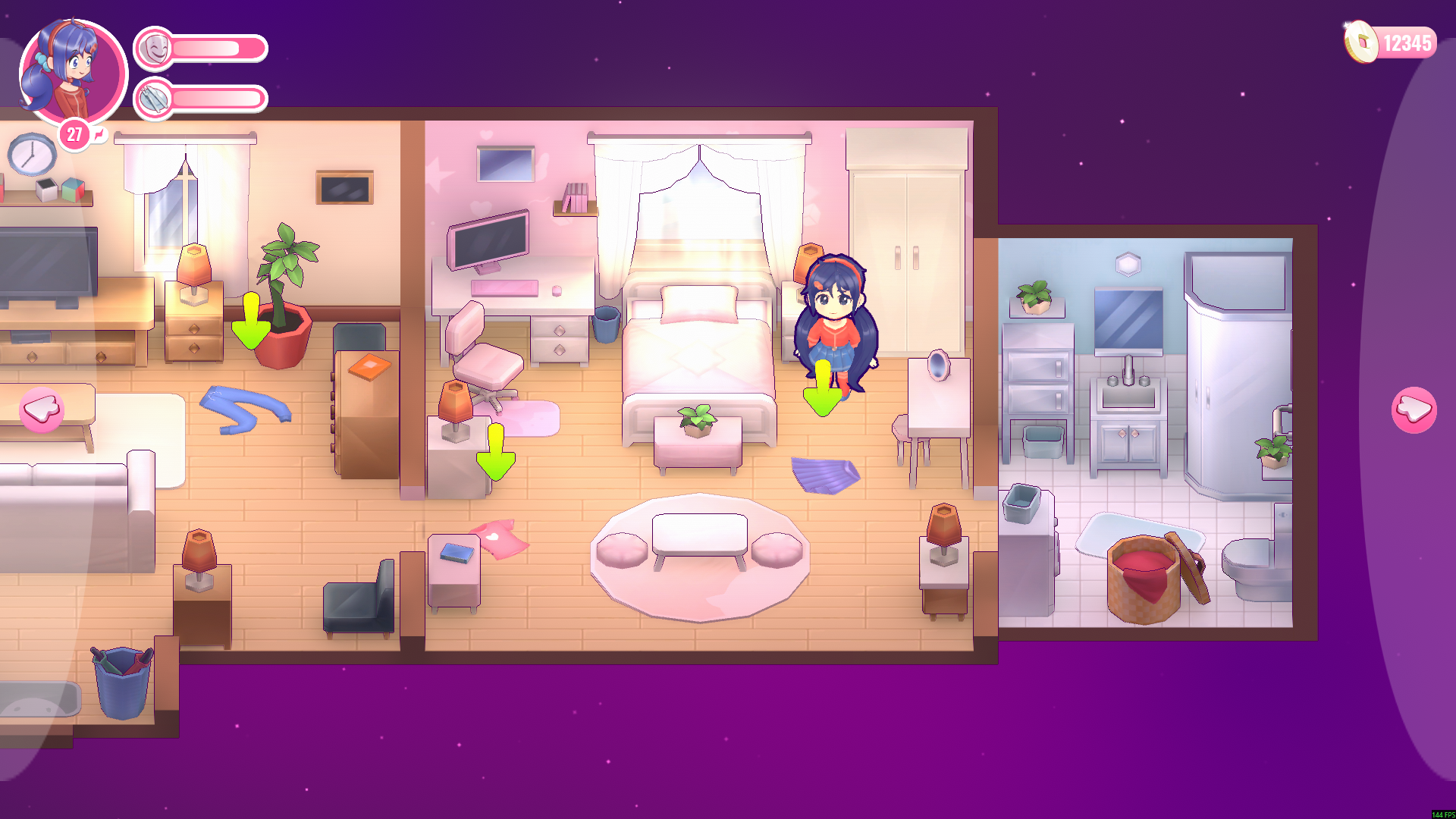
Set your phone-game coins
Choose your coin balance during the demo's phone game. Here, the counter shows 12,345 coins.
EnergyPremium
Set the energy shown in the demo's phone game.
Finish the opening dialogue, refresh the card, then enter a whole number from 0 to 999 and apply it.
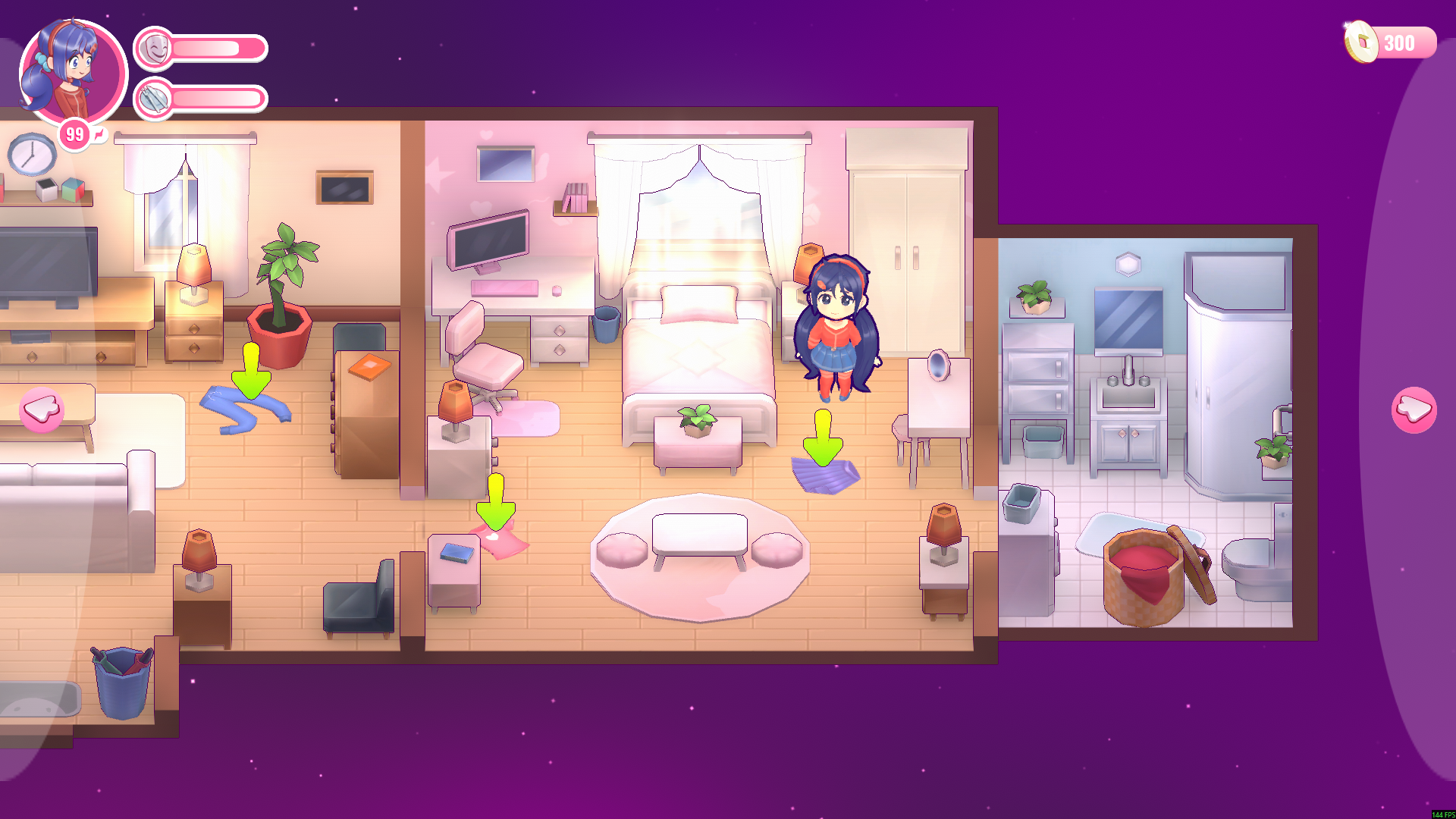
Choose your phone-game energy
Set your energy during the demo's phone game. The counter here shows 99 energy.
Using these features
Choose the feature in the Windows app after connecting your game. Check its requirements before making a change.
Setup for MiSide Demo →