

Adjust your movement
Give swimming strokes more force or adjust sea-glide speed and acceleration. Use separate settings for each movement mode.

Swimming strength
Increase the force of normal swimming strokes while exploring the Mind Ocean. Expand Swimming strength to choose the percentage of normal stroke strength.
Sea-glide diving speed
Adjust speed and acceleration when diving with the sea-glide. Enter sea-glide mode normally, then use Diving speed to choose your setting.
Available stat modifiers
Diving speedFree
Adjust sea-glide diving speed and acceleration.
Enter sea-glide mode normally, enable Diving speed and expand the card to choose a percentage. Turn it off to restore normal settings.
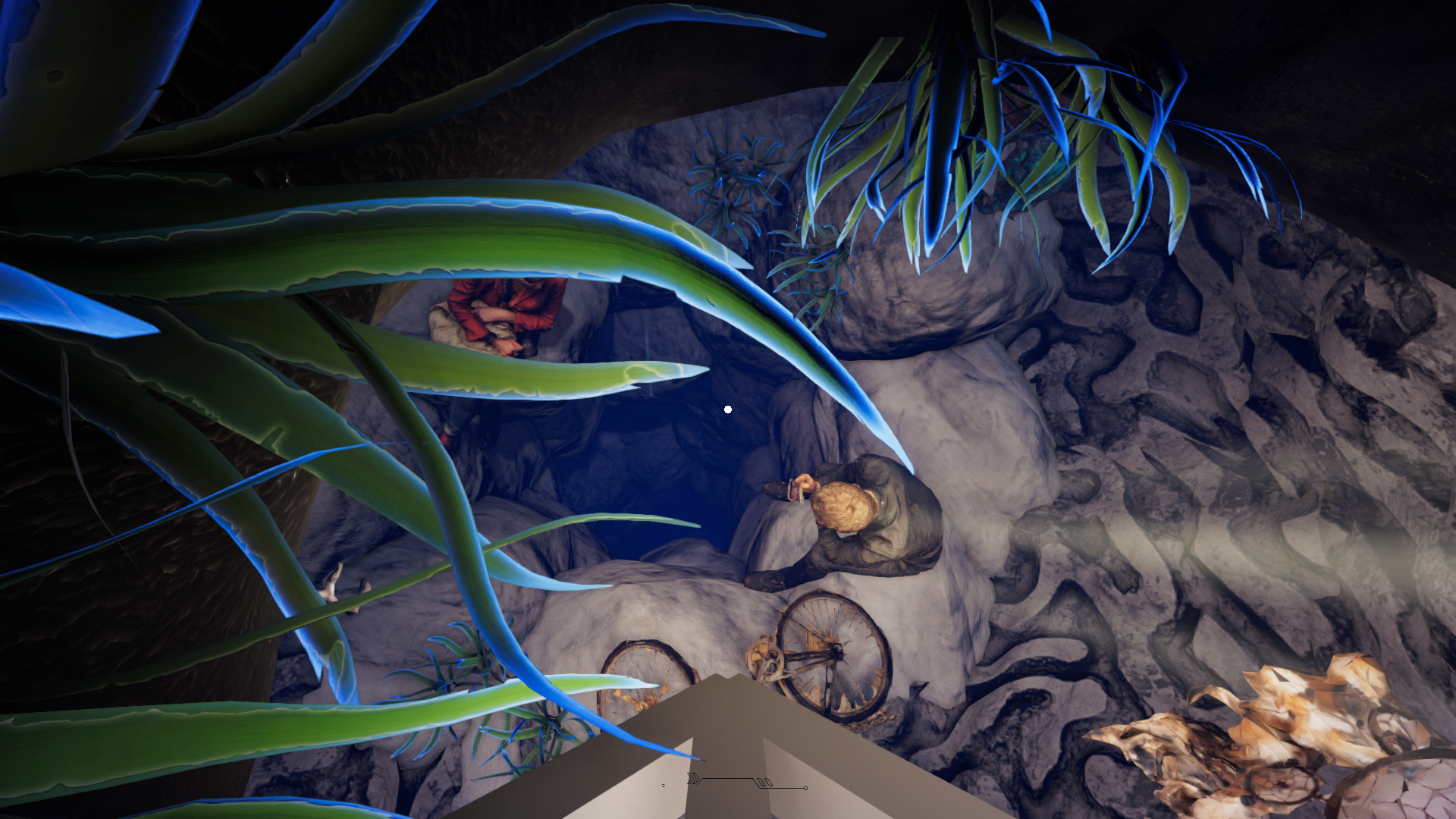
Choose your sea-glide pace
Adjust sea-glide diving speed while exploring Mind Diver's memories.
Swimming strengthFree
Give normal swimming strokes more force.
Enable Swimming strength and expand the card to choose your strength percentage. Turn it off to restore normal stroke strength.
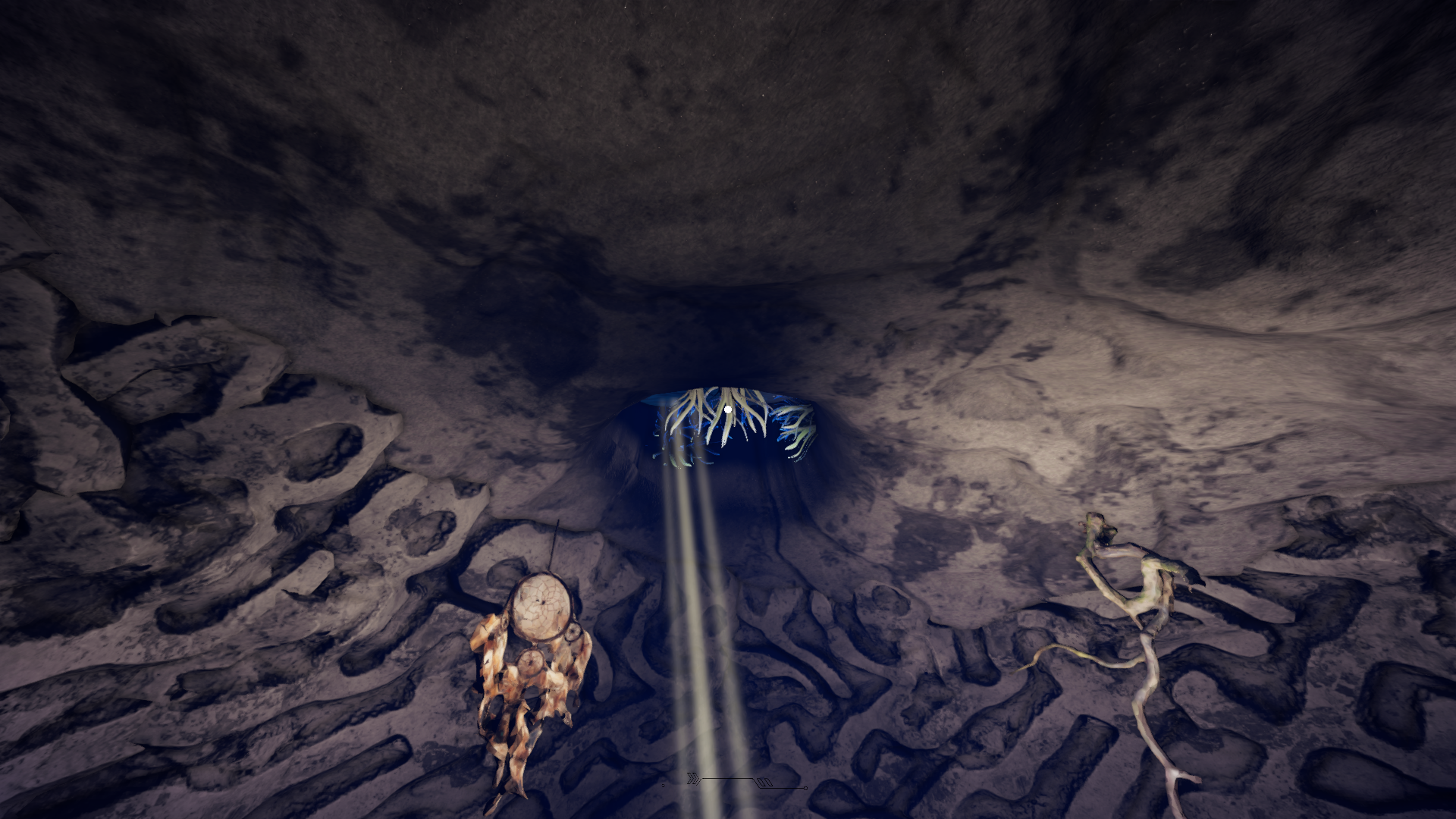
Swim with more strength
Adjust swimming strength while exploring Mind Diver's memories.
Using these features
Choose the feature in the Windows app after connecting your game. Check its requirements before making a change.
Setup for Mind Diver →