

Stat Modifiers
2 optionsChoose swimming strength and sea-glide diving speed.
View stat modifiers →Explore Lina's memories at your own pace in Mind Diver. Adjust the strength of your swimming strokes or change sea-glide speed with two separate free controls.
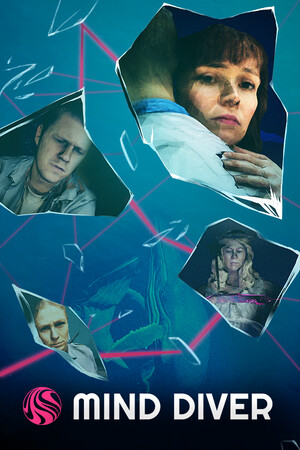
Start with free mods
Download Bytonian Mods for Windows and try these free features. Choose one to see how it works and any requirements.
Give normal swimming strokes more force.
Enable Swimming strength and expand the card to choose your strength percentage. Turn it off to restore normal stroke strength.
Adjust sea-glide diving speed and acceleration.
Enter sea-glide mode normally, enable Diving speed and expand the card to choose a percentage. Turn it off to restore normal settings.
Mind Diver is a first-person detective adventure set inside a sea of memories. Search for clues and restore missing details as you work out what happened.
The movement controls let you change how strongly you swim and how quickly you dive with the sea-glide. Each has its own percentage setting and can be turned off independently.
Install Bytonian Mods, select Mind Diver and open its movement controls. Enable the setting you want, then expand it to choose a percentage.
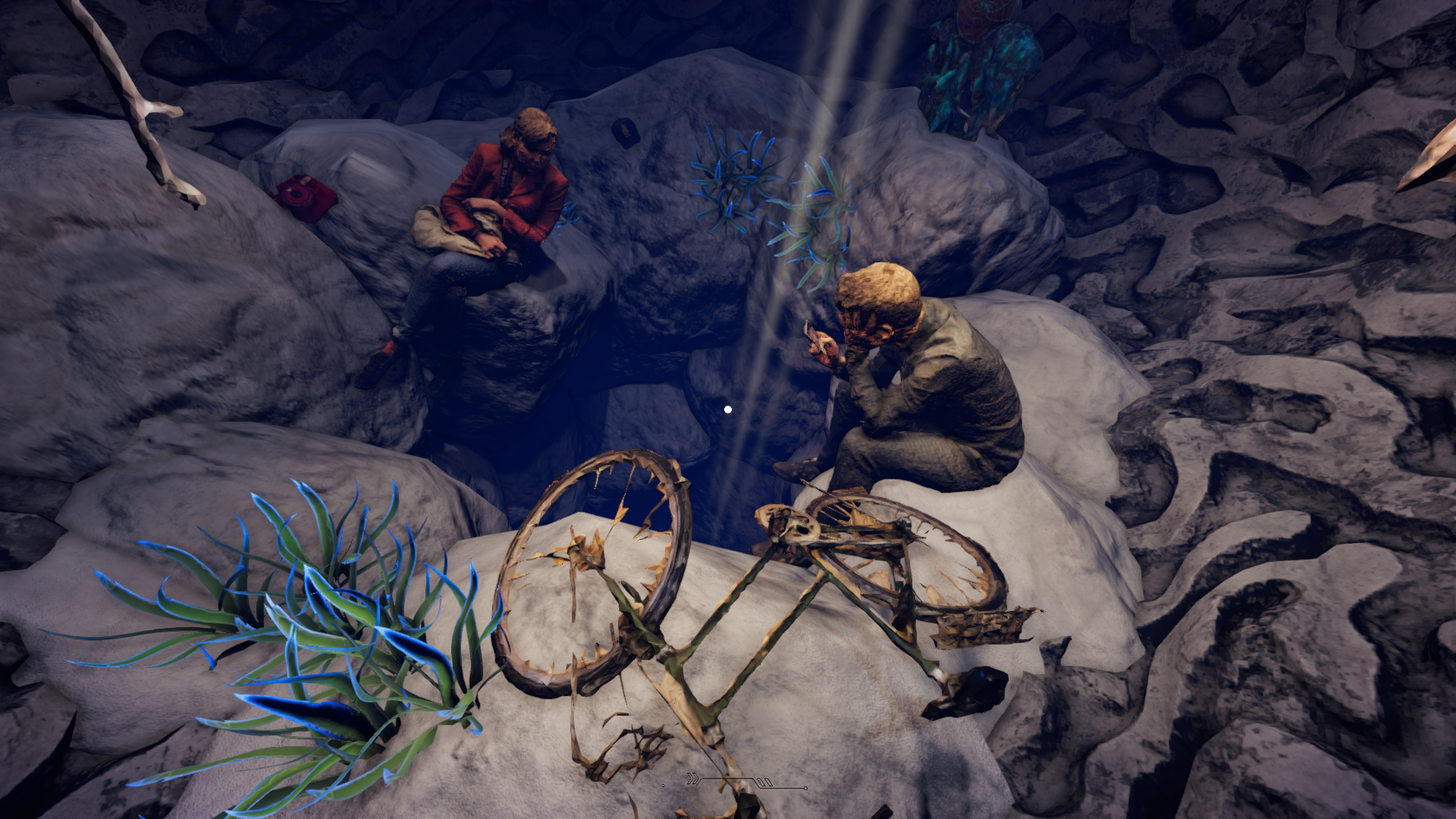
Explore the Mind Ocean
Investigate memories and piece together the mystery in Mind Diver.
Choose swimming strength and sea-glide diving speed.
View stat modifiers →Browse the Steam achievement names and descriptions for Mind Diver. Choose and unlock achievements for free with Bytonian Mods in the Windows app.
View all achievements →Download the Windows app and follow the setup prompts.
Open Mind Diver and select it in Bytonian Mods. Follow the app’s connection prompts.
Review the available options in the app and choose the ones that suit how you play.