
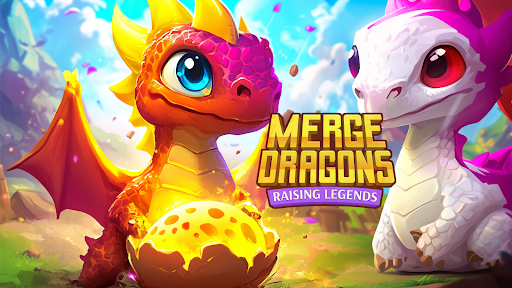
Shape your dragon nest
Choose more room for dragon pairs, a larger flying group or a Gems balance for normal purchases. The next dragon target also affects the dragons offered by the nest.
Requires the Windows app and the Bytonian Mods browser extension for Chrome or Edge. Browser setup guide

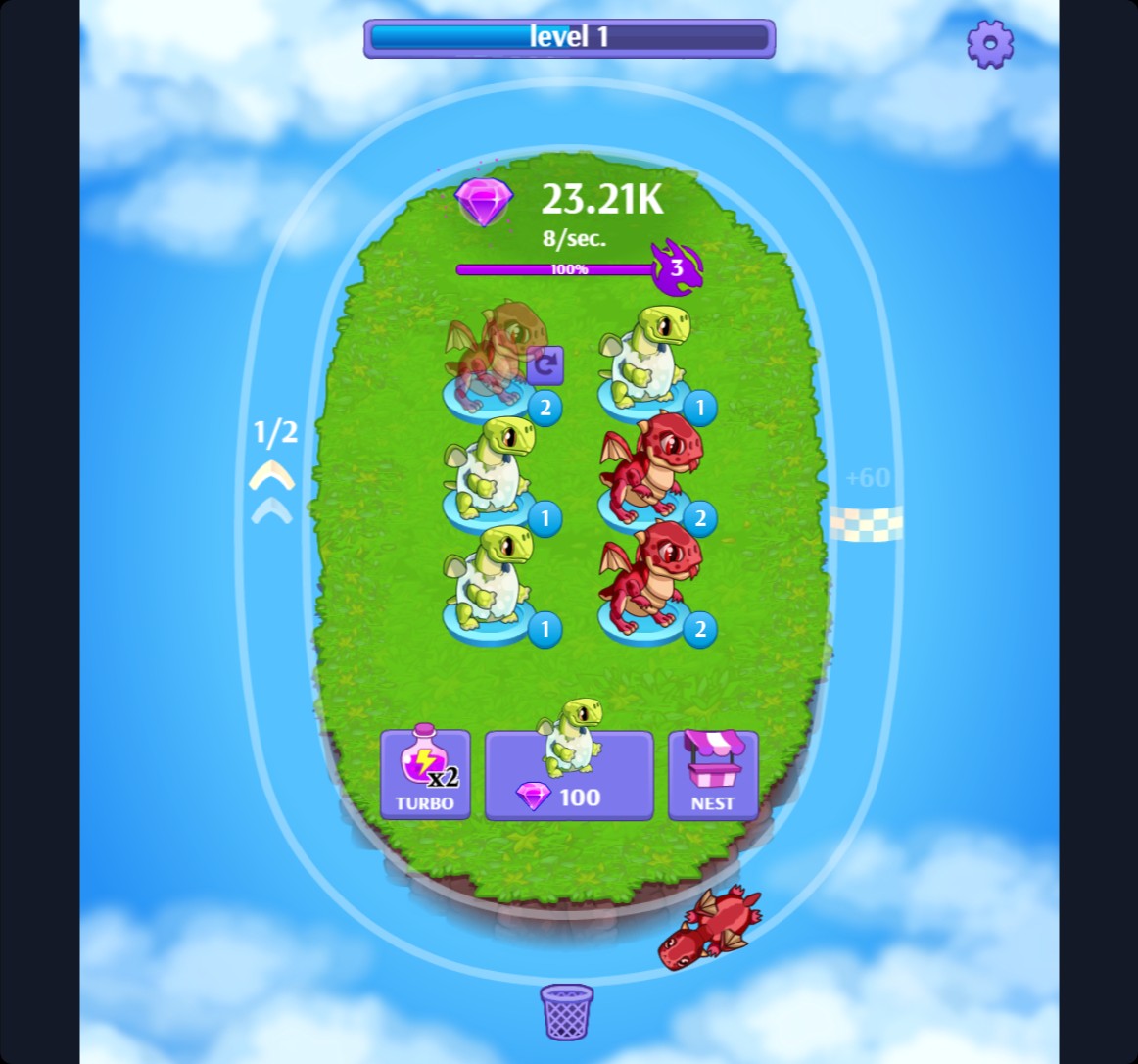
Room for six dragons
Give your dragons more room in the nest. With six slots available, you can keep more dragons ready for merging and flight.
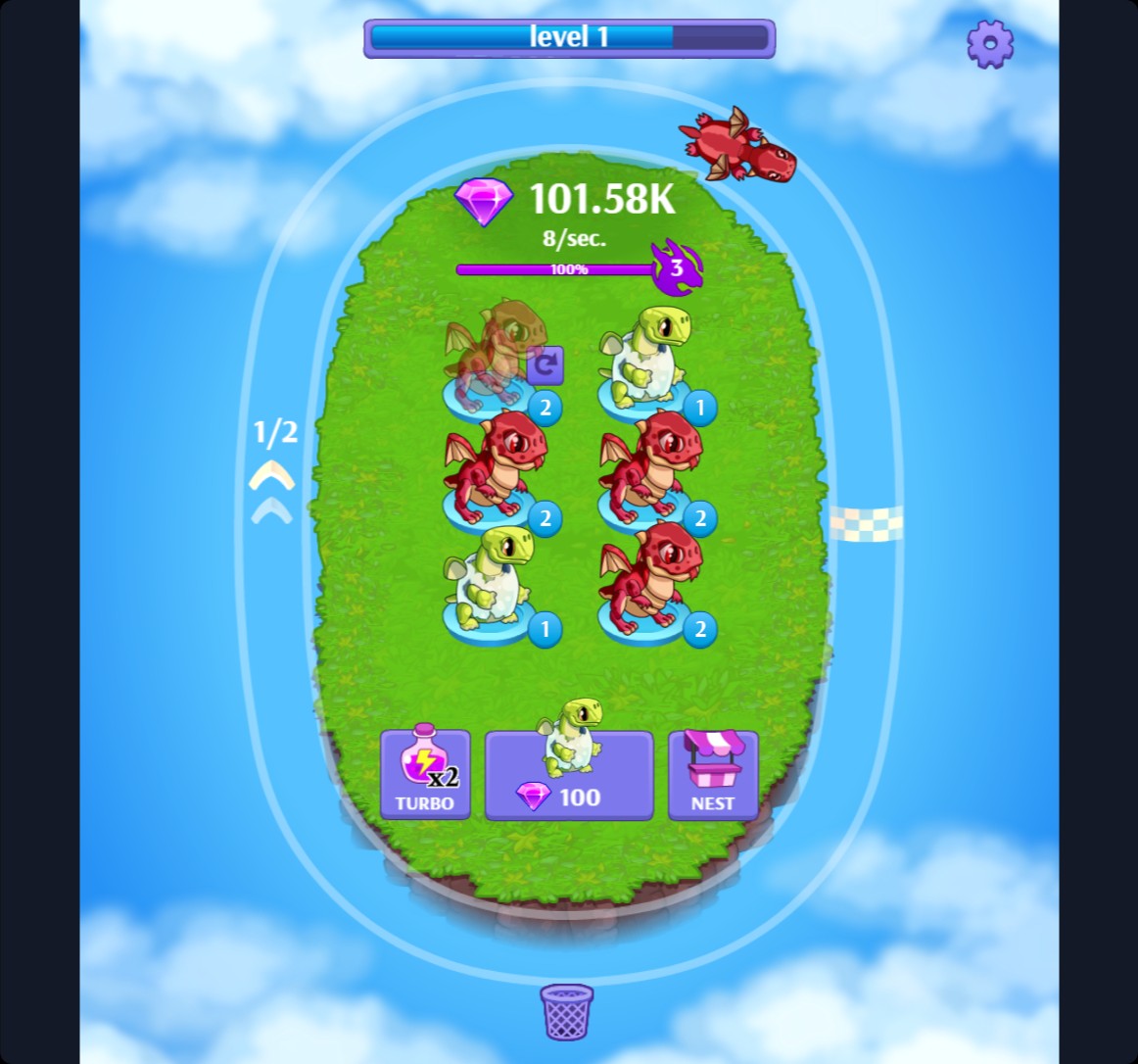
Gems for growing your nest
Choose your Gems balance, then buy dragons through the normal nest controls.
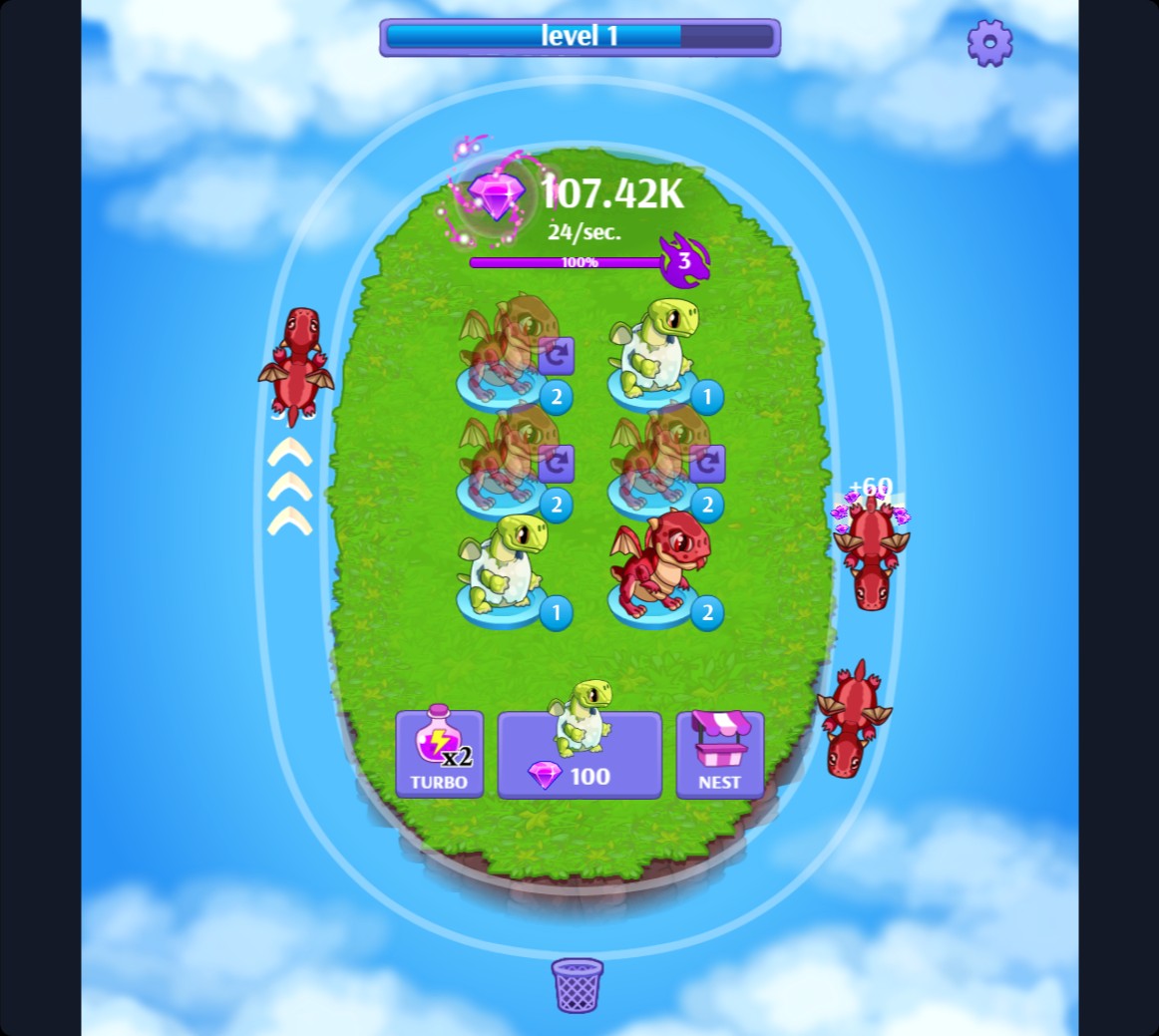
Let more dragons take flight
Increase flight capacity and send more of your dragons around the track to earn Gems together.
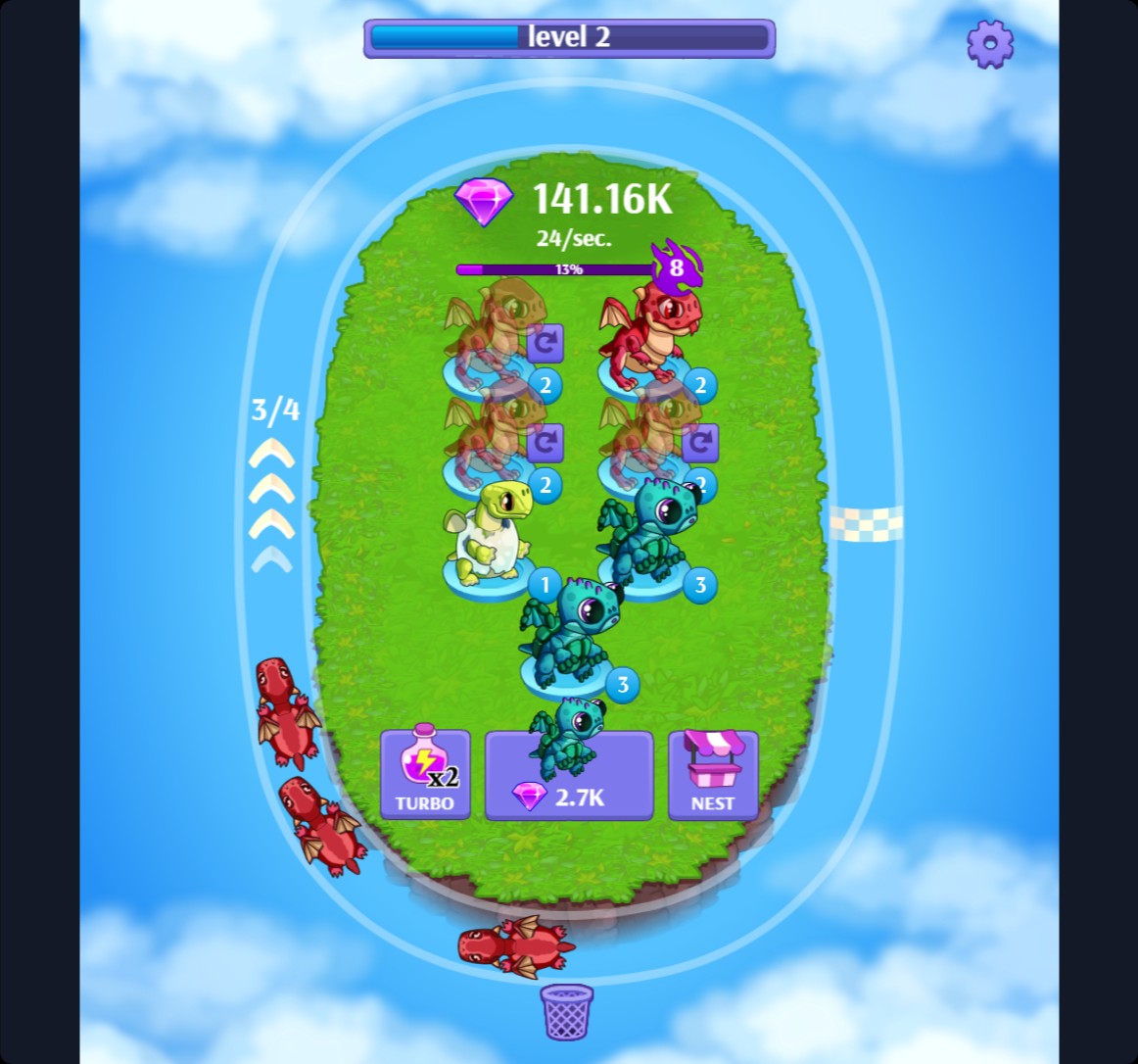
Choose your next dragon target
Set the next dragon tier to change your merge target and the dragons offered by the nest.
Room to keep and merge dragons
Nest Capacity controls how many nest slots you can use. Flight Capacity sets how many of your dragons may fly at once. After increasing it, drag additional dragons onto the flight track to put the extra capacity to work.
Gems and dragon choices
Set Gems for normal purchases, or choose the next dragon tier to change the merge target and related purchase choices. Dragon prices still apply. A higher target does not make every dragon available to buy, and it is separate from your player level.
Available customisation options
GemsPremium
Choose a Gems balance for normal dragon purchases and growing your nest.
Enter the Gems you want and apply. Use the normal purchase controls with a free nest slot.
Normal spending and earnings continue to change the balance.
Nest CapacityFree
Give your dragons more usable nest slots so you can keep pairs ready and make room for new arrivals.
Choose a nest capacity from 4 to 12 and apply. Arrange and merge dragons in the available slots.
Flight CapacityPremium
Let more of your dragons fly around the track and earn Gems together.
Choose a flight capacity from 2 to 10 and apply, then drag more dragons onto the track.
Next Dragon TierPremium
Choose your next dragon merge target and change the dragon purchase choices available from the nest.
Choose a next tier from 3 to 31 and apply. A target of 8 offers Dragon 3 through the normal purchase controls.
Normal prices and dragon purchase requirements still apply. This does not change player level or unlock every dragon.
Questions about customisation options
- Does the Gems option freeze my balance?
- No. Normal purchases spend Gems, and flying dragons and offline earnings continue to add them.
- Does Next Dragon Tier raise my player level?
- No. It changes the next dragon merge target and the associated purchase choices. Your player level progresses separately.
Using these features
Connect your game, then open Customise in the Windows app. Choose an option, check its available values and follow its instructions. Each option lists its own requirements and limits.
Setup for Merge Dragons: Raising Legends →