
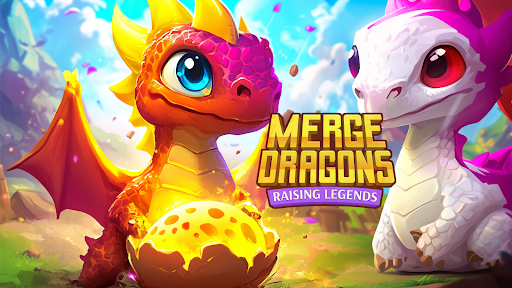
Customise
4 optionsChoose Gems, nest space, flying capacity and your next dragon target.
View all customisation options →Make room for more dragon pairs, send out a larger flying group or set Gems for your next dragon purchase in Merge Dragons: Raising Legends. You can also choose the next merge target, which affects the dragons offered for purchase in the nest.
Requires the Windows app and the Bytonian Mods browser extension for Chrome or Edge. Browser setup guide

Start with free mods
Download Bytonian Mods for Windows and try these free features. Choose one to see how it works and any requirements.
Give your dragons more usable nest slots so you can keep pairs ready and make room for new arrivals.
Choose a nest capacity from 4 to 12 and apply. Arrange and merge dragons in the available slots.
Use Customization to choose your Gems, nest size, flight capacity and next dragon target. More nest space gives you room to arrange pairs, while more flight slots let additional dragons earn Gems together.
Open Merge Dragons: Raising Legends in YouTube Playables and finish its opening tutorial. Open the game in Bytonian Mods, choose Customization, enter the values you want and apply your changes. Return to the game and continue through any normal earnings screen.
Choose Gems, nest space, flying capacity and your next dragon target.
View all customisation options →Download the Windows app and follow the setup prompts.
Set up the browser extension in Chrome or Edge, then open the supported YouTube Playable. Follow the connection guide if the game is already running.
Open Customise in Bytonian Mods, choose an option and follow its instructions. Check the available values and any limits before making your change.