
Choose your next puzzle or star-chest reward
Move your puzzle progress forward or bring your next star chest within reach. These controls let you choose the progress you want before returning to the game's normal play and reward buttons.
Requires the Windows app and the Bytonian Mods browser extension for Chrome or Edge. Browser setup guide

Start from the progress you choose
Completed levels counts the puzzles already behind you. Choose that count and start the next puzzle from the home screen.
Open a star chest
Fill the star-chest progress bar, open the chest and claim its reward. The game handles the reward screen and returns you to the home menu.
Available customisation options
Completed levelsPremium
Choose how many puzzles you have completed and start the next level.
Set completed levels, then start the next puzzle from the home screen.
Star chest progressFree
Fill your progress toward the next star chest and collect its reward.
After filling the bar, open the chest and claim its reward through the normal game buttons.
More ways to customise Match Triple 3D
- Match Triple 3D resources
Coins for continuations, hints for matching help and undo charges to rethink a move.
- Match Triple 3D game actions
Complete the current puzzle and continue through its normal reward screens.
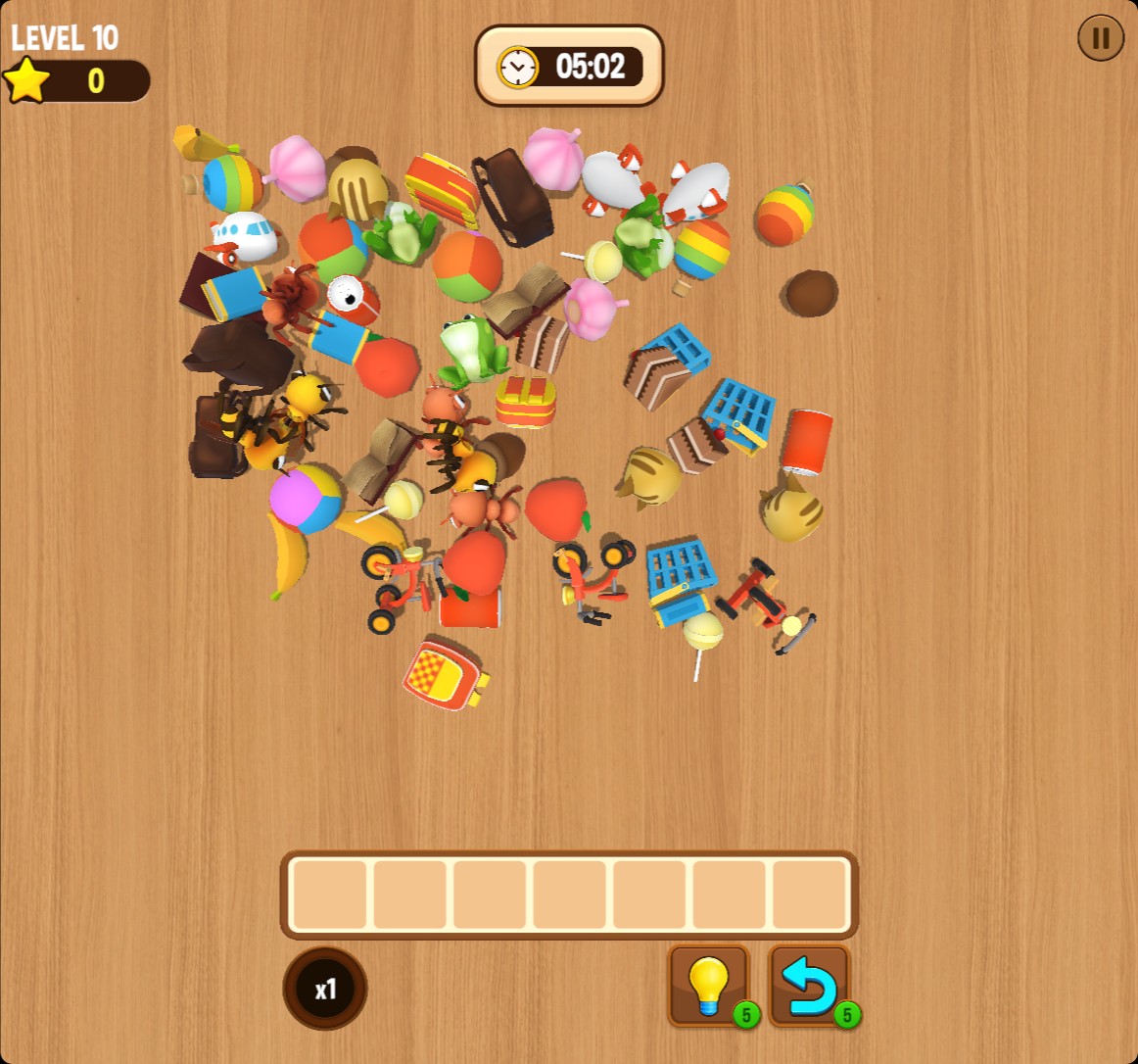
Move ahead to a fresh puzzle
Choose your completed-level count and start the next puzzle, with new matching challenges ready to play.
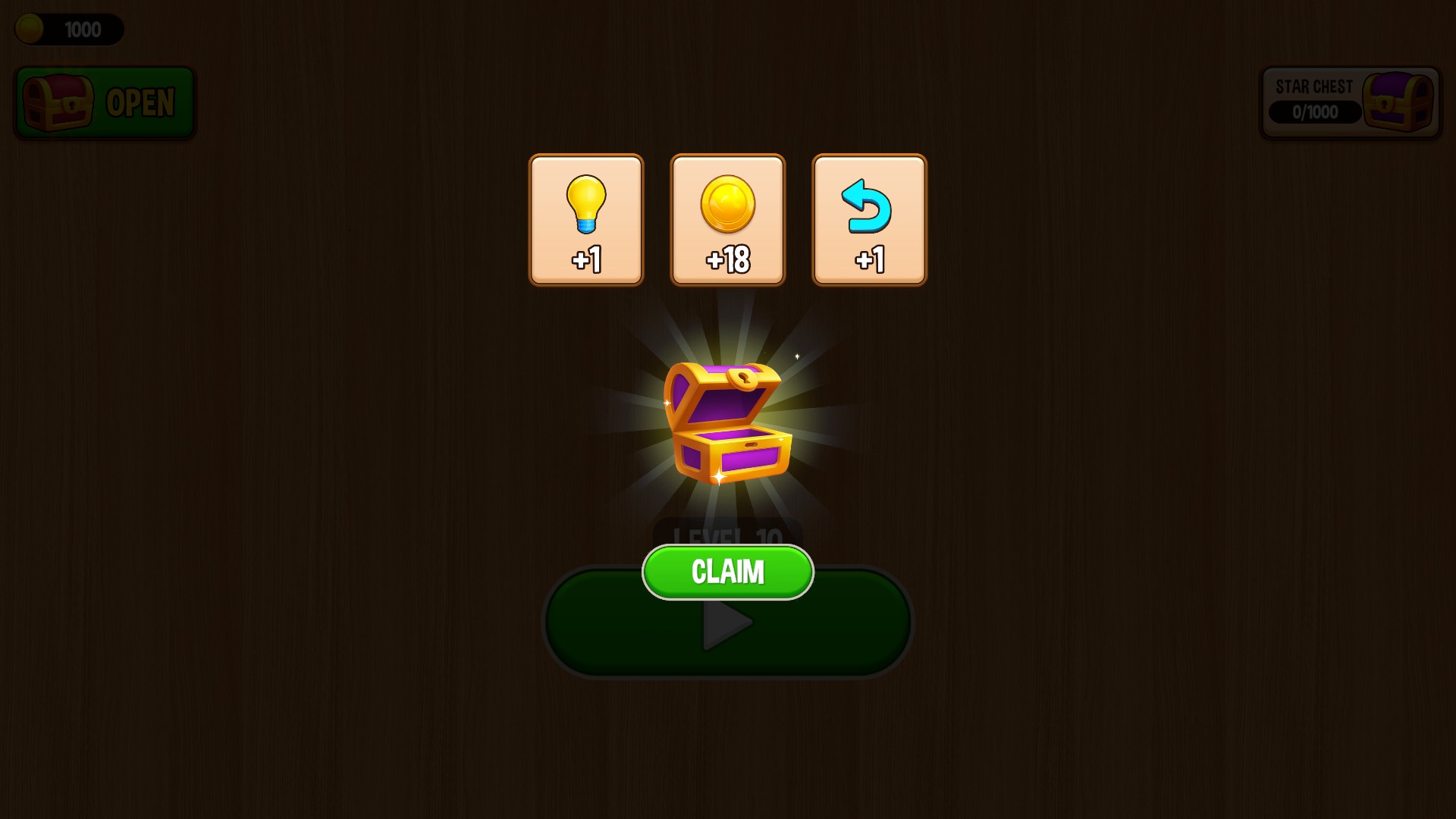
Open your next star chest
Fill your star-chest progress and collect a fresh reward of coins and puzzle tools.
Using these features
Connect your game, then open Customise in the Windows app. Choose an option, check its available values and follow its instructions. Each option lists its own requirements and limits.
Setup for Match Triple 3D →