
Resources
3 optionsCoins for continuations, hints for matching help and undo charges to rethink a move.
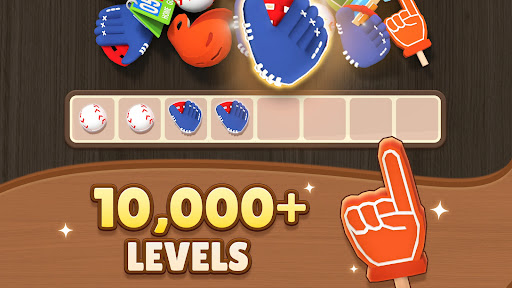
View resources →Stock up on hints and undos, choose your next level or fill your progress toward a star chest. Pick objects from a crowded board and bring three of a kind together in the tray.
Requires the Windows app and the Bytonian Mods browser extension for Chrome or Edge. Browser setup guide

Start with free mods
Download Bytonian Mods for Windows and try these free features. Choose one to see how it works and any requirements.
Choose your coin balance and keep a continuation within reach when the tray fills.
Explore this free feature →Fill your progress toward the next star chest and collect its reward.
After filling the bar, open the chest and claim its reward through the normal game buttons.
Choose how many puzzles you have completed, then start the next level. You can also fill your progress toward a star chest and open it through the game's usual reward screen.
Set your coins for continuations, stock hints for help clearing a matching set, or keep undo charges ready to return an object from the tray.
Finish the active puzzle, claim its rewards and return home to start the next level.
Open Match Triple 3D in YouTube Playables and connect it to Bytonian Mods. Choose the supplies or progress you want, then return to the game to use its normal play and reward buttons.
Coins for continuations, hints for matching help and undo charges to rethink a move.
View resources →Choose completed levels and progress toward your next star chest.
View customisation options →Complete the current puzzle and continue through its normal reward screens.
View game actions →Download the Windows app and follow the setup prompts.
Set up the browser extension in Chrome or Edge, then open the supported YouTube Playable. Follow the connection guide if the game is already running.
Review the available options in the app and choose the ones that suit how you play.