


More marble looks to choose from
Swap between colourful patterns, textured marbles and cartoon designs. Common Skins and Rare Skins open their own collections, giving you two ways to find your next favourite look.

Common Skins
Open the common collection to choose among its marble designs without buying each one. Apply Common Skins, then open the game's Skins menu and pick a design under Common.
Rare Skins
Open the rare collection without waiting for its progress milestones. Apply Rare Skins, open Skins and switch to Rare to choose your design.
Available customise
Common SkinsPremium
Open the common marble skin collection and choose a new look without buying each design.
Apply Common Skins, then open Skins in the game and choose a design under Common.
Rare SkinsPremium
Open the rare marble skins without waiting for their progress milestones.
Apply Rare Skins, then open Skins in the game and choose a design under Rare.
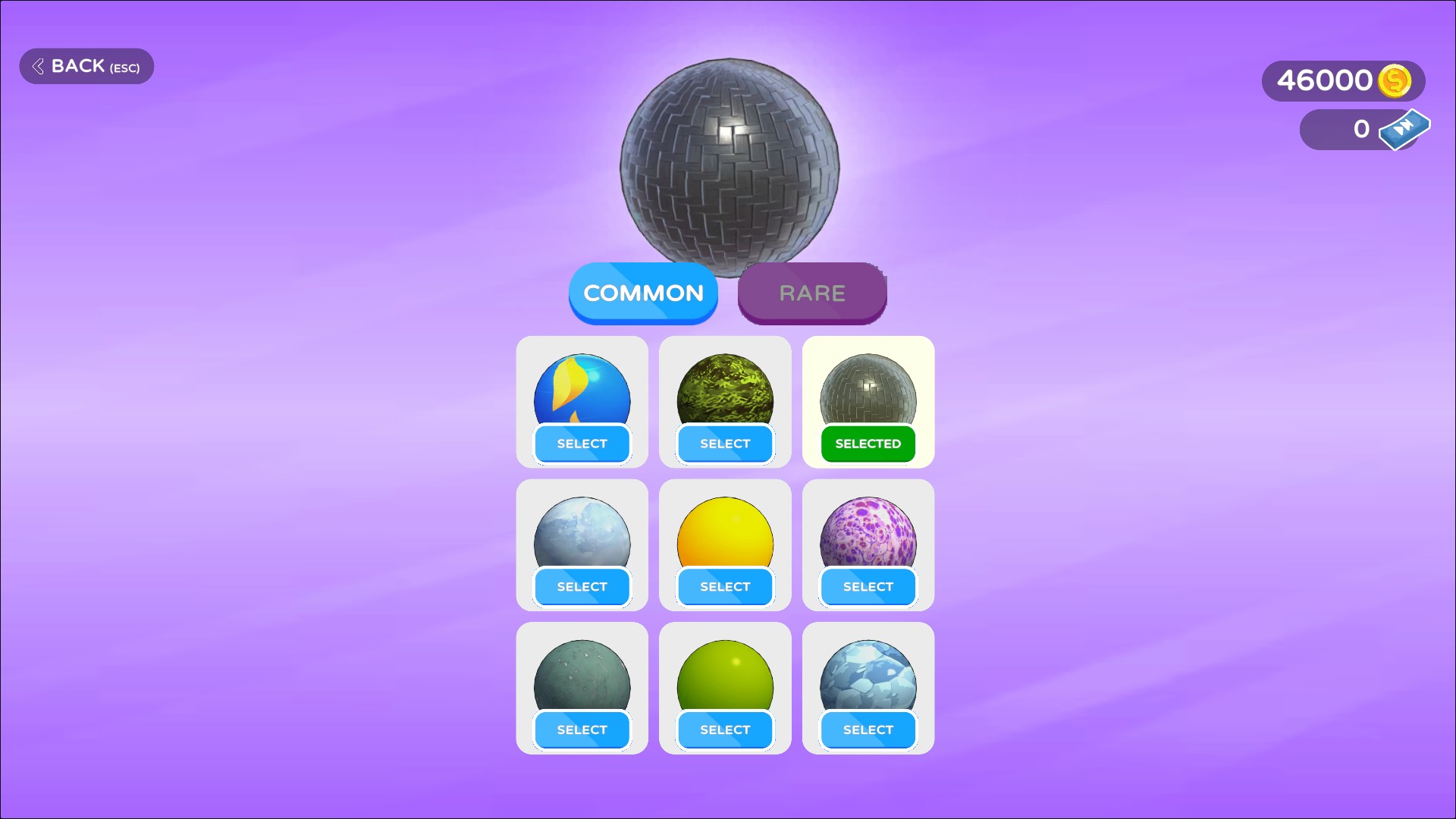
A whole collection of common skins
Open the common skin collection and switch your marble's look whenever you fancy a change.
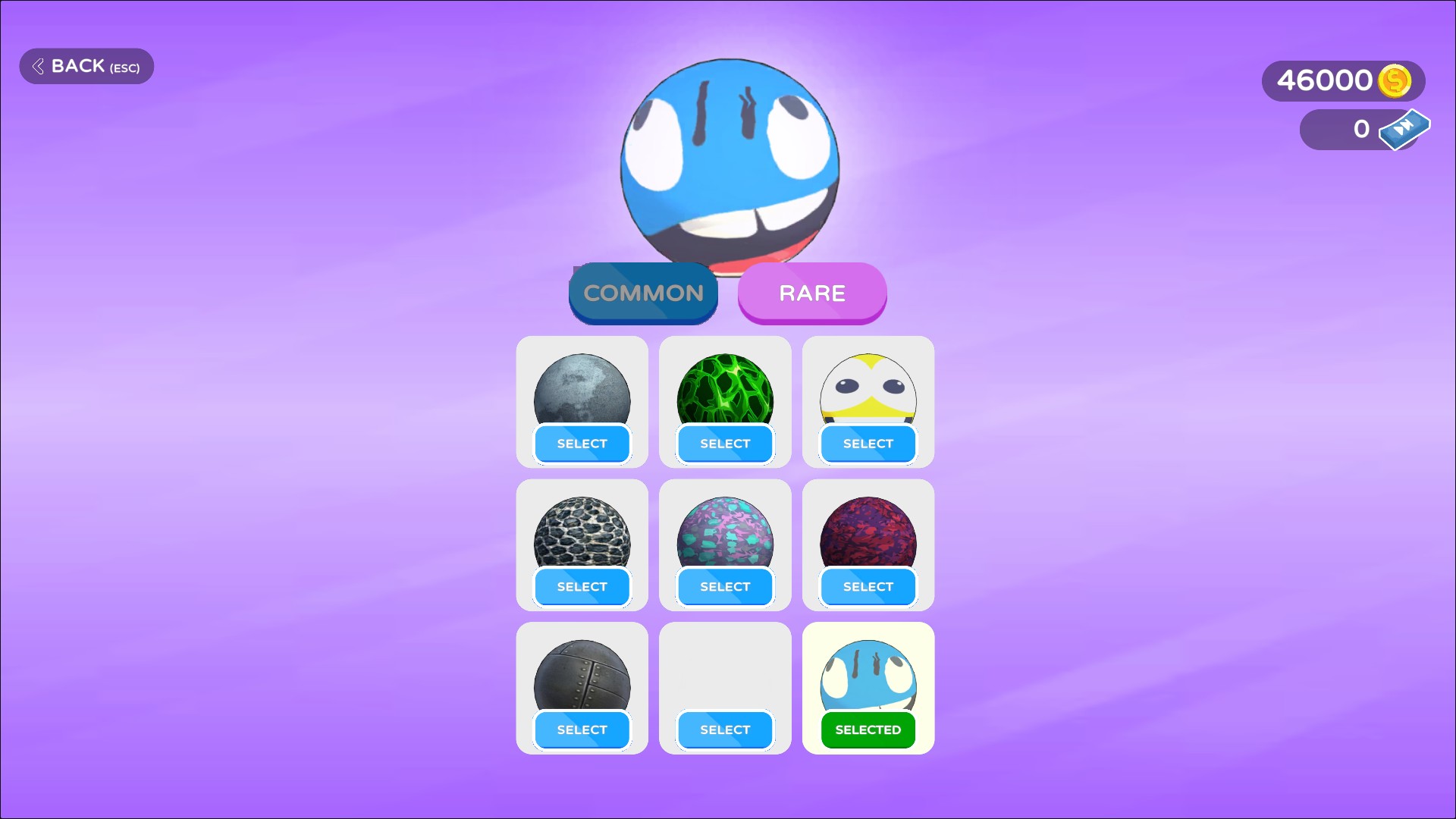
Give your marble a rare new look
Open the rare skin collection and choose a design you want to roll with.
Questions about customise
- Can I open the common and rare collections separately?
- Yes. Common Skins and Rare Skins are separate controls, so you can apply either collection or both.
Using these features
Choose the feature in the Windows app after connecting your game. Check its requirements before making a change.
Setup for Marble Run →