

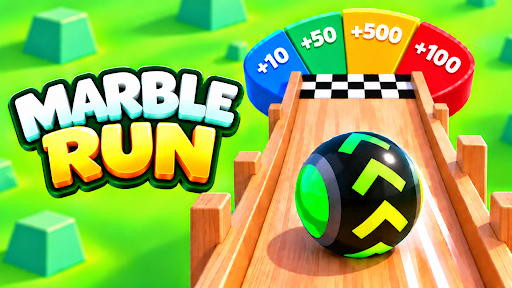
Customise
2 optionsOpen common and rare skin collections with separate controls.
View customise →Steer your marble down winding tracks and pick a look that stands out on the course. Add coins for the skin shop, or open the common and rare collections so you can choose a new design straight away.

The free Coins control lets you choose your balance for normal skin purchases. Browse the shop, find a design you like and give yourself the coins to buy it.
Premium Common Skins and Rare Skins open their collections separately. Apply the one you want, then choose a design from the game's Skins menu.
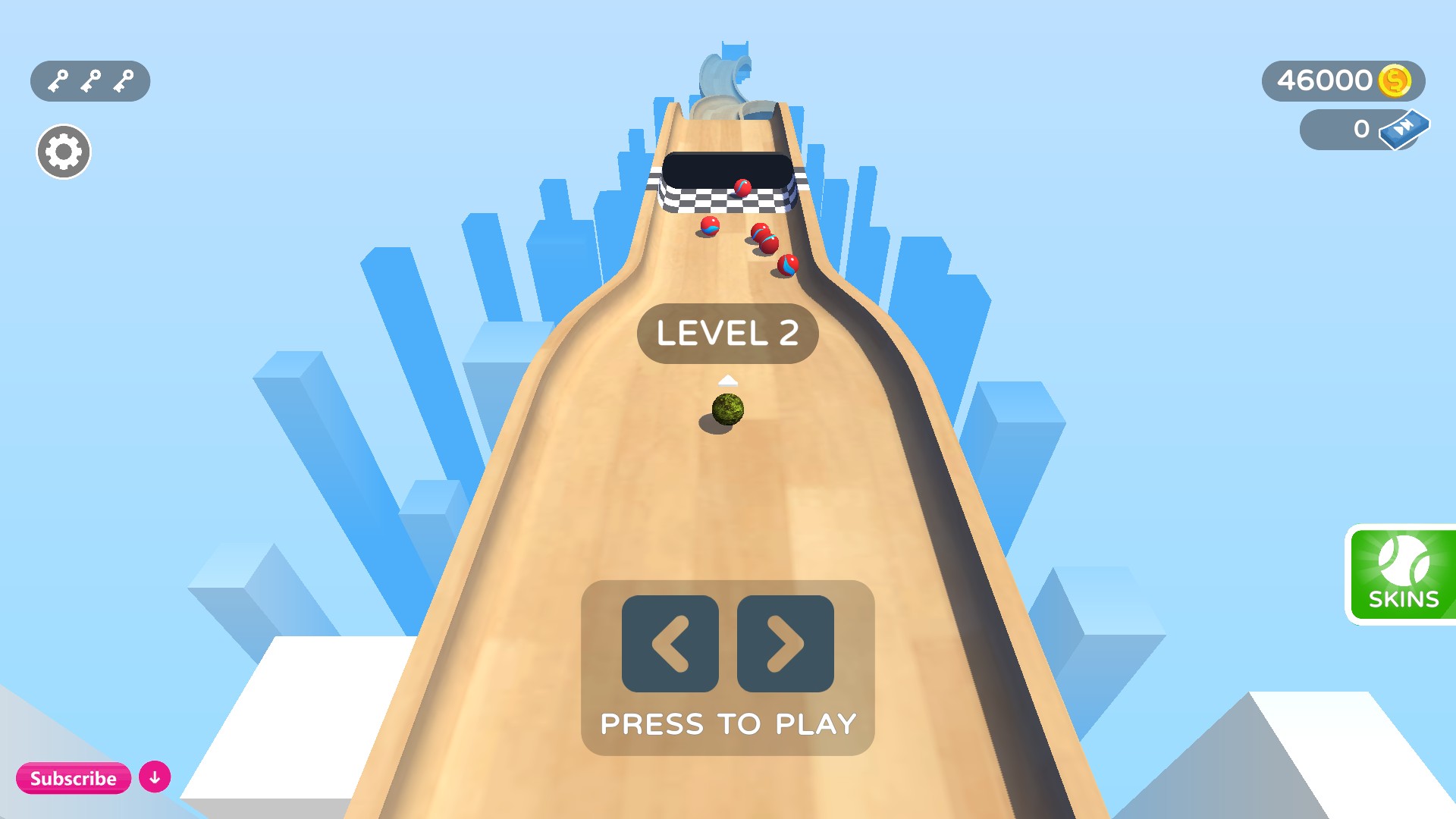
Ready for the next marble run
Choose a marble look you like and head back to the track.
Open common and rare skin collections with separate controls.
View customise →Download the Windows app and follow the setup prompts.
Set up the browser extension in Chrome or Edge, then open the supported YouTube Playable. Follow the connection guide if the game is already running.
Review the available options in the app and choose the ones that suit how you play.