

Choose gems, damage and rockets
Set your gem balance, damage upgrade multiplier or current rocket count, then apply the change and let the game reload.

Gems for normal upgrades
Choose the gem balance you need within the control's allowed range, then use the normal upgrade buttons.
Damage and rocket values
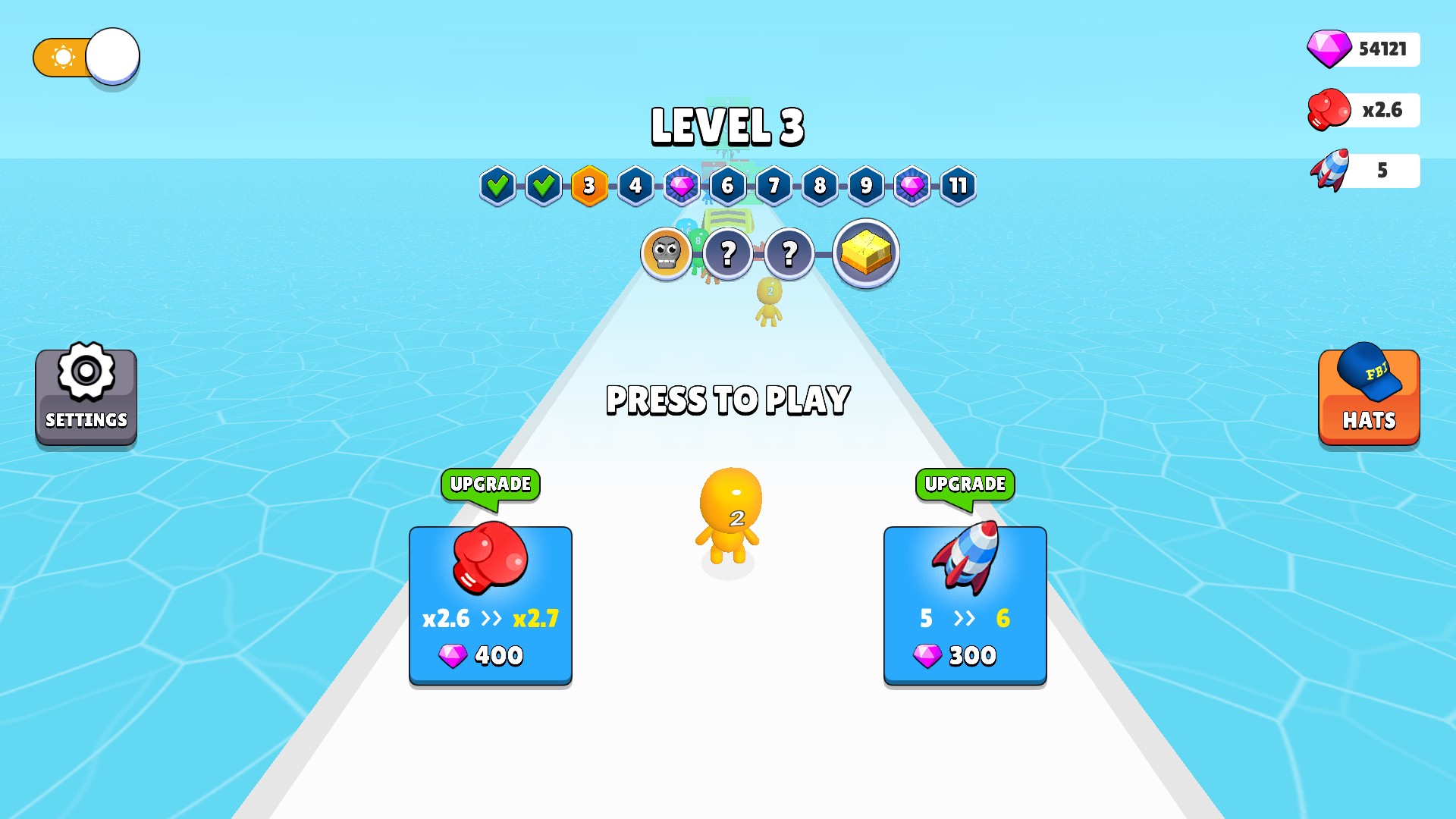
The game accepted a damage multiplier of 2.5 and used it as the starting point for the next normal upgrade to 2.6. A separate rocket-count change appeared as five rockets in the HUD and upgrade offer.
Damage and rocket-count upgrades have separate controls. Choose each setting before returning to your run.
Available customise
GemsPremium
Choose your gem balance for normal upgrades.
Enter a whole number, apply it and allow the game to reload.
Before you use it: Changes your gem balance.
Damage MultiplierPremium
Choose your damage upgrade multiplier.
Apply the amount and let the game reload before continuing.
Before you use it: Changes the damage upgrade setting shown in the menu.
Rocket CountPremium
Choose your current rocket count.
Enter a whole number and apply it to reload the game.
Before you use it: Changes the rocket-count upgrade setting shown in the menu.
More ways to customise Man Runner 2048
- Man Runner 2048 resources
A free current-level runner-number control.
Choose your gems and upgrades
Customise your gems, damage multiplier and rocket count. This menu shows 54,121 gems, x2.6 damage and five rockets.
Using these features
Choose the feature in the Windows app after connecting your game. Check its requirements before making a change.
Setup for Man Runner 2048 →