

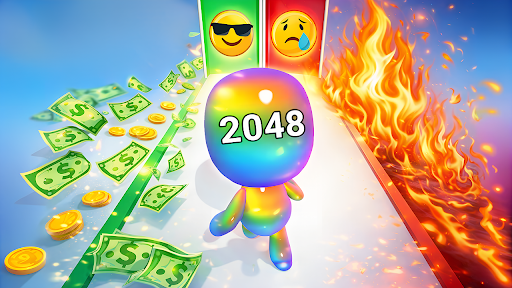
Resources
1 optionA free current-level runner-number control.
View resources →Steer your numbered runner along the track, pass multiplication gates and avoid obstacles before the monster encounter. These controls let you choose the current runner number or customise gems and upgrades.

Resources has a free Runner Number control for the current level. Customise lets you choose gems, damage multiplier and rocket count, then apply them with a game reload.
Change the runner's number or choose your starting upgrades. The runner's label may not update immediately, and a new level resets that number.
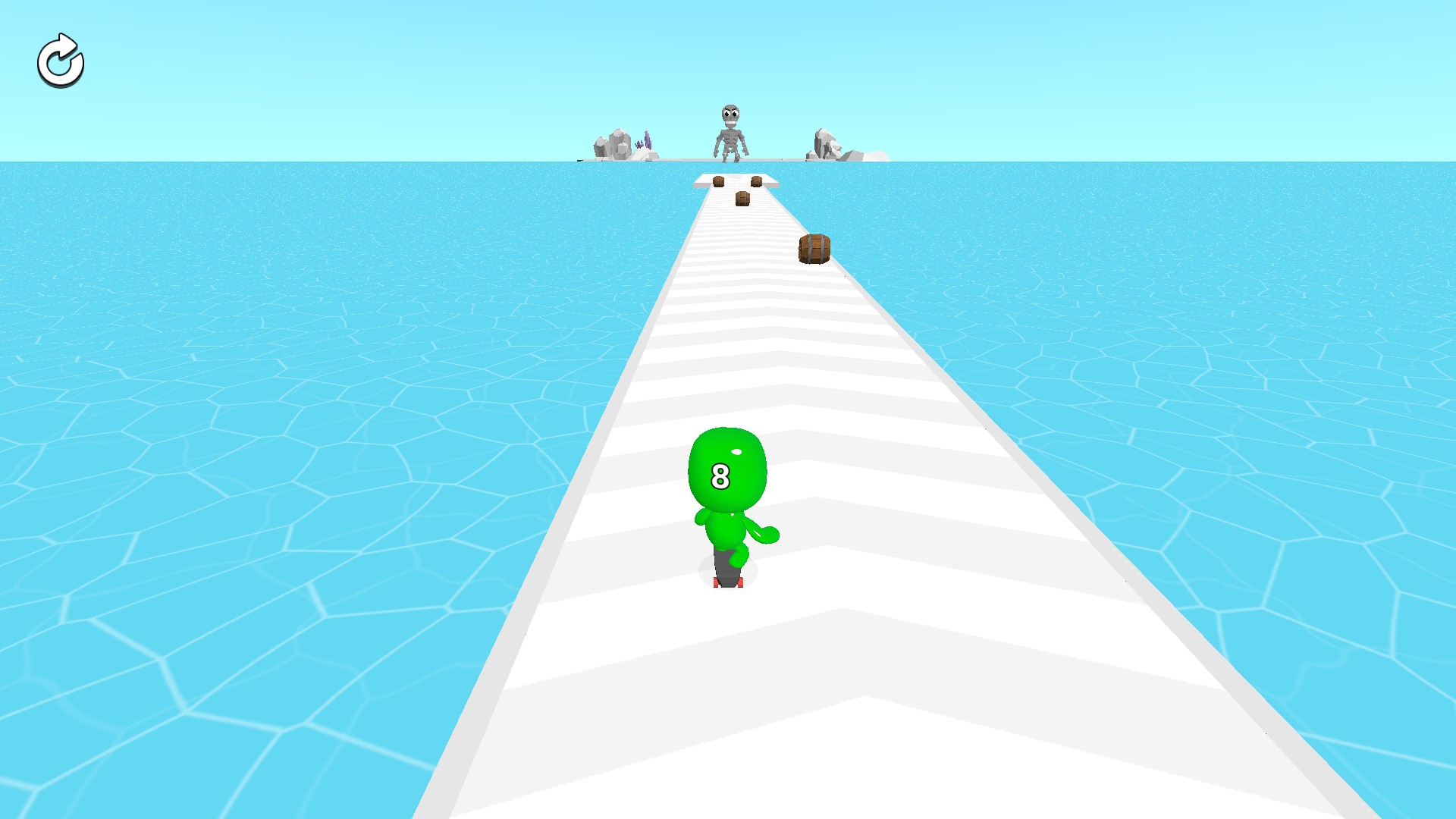
Grow your runner along the track
Steer past obstacles and build your number before reaching the monster encounter.
A free current-level runner-number control.
View resources →Choose three separate saved balances and upgrade values.
View customise →Download the Windows app and follow the setup prompts.
Set up the browser extension in Chrome or Edge, then open the supported YouTube Playable. Follow the connection guide if the game is already running.
Review the available options in the app and choose the ones that suit how you play.