

Time and reshuffles for your saved puzzle
Give your current puzzle more time or restore its reshuffle, then choose Continue to pick up where you left off.

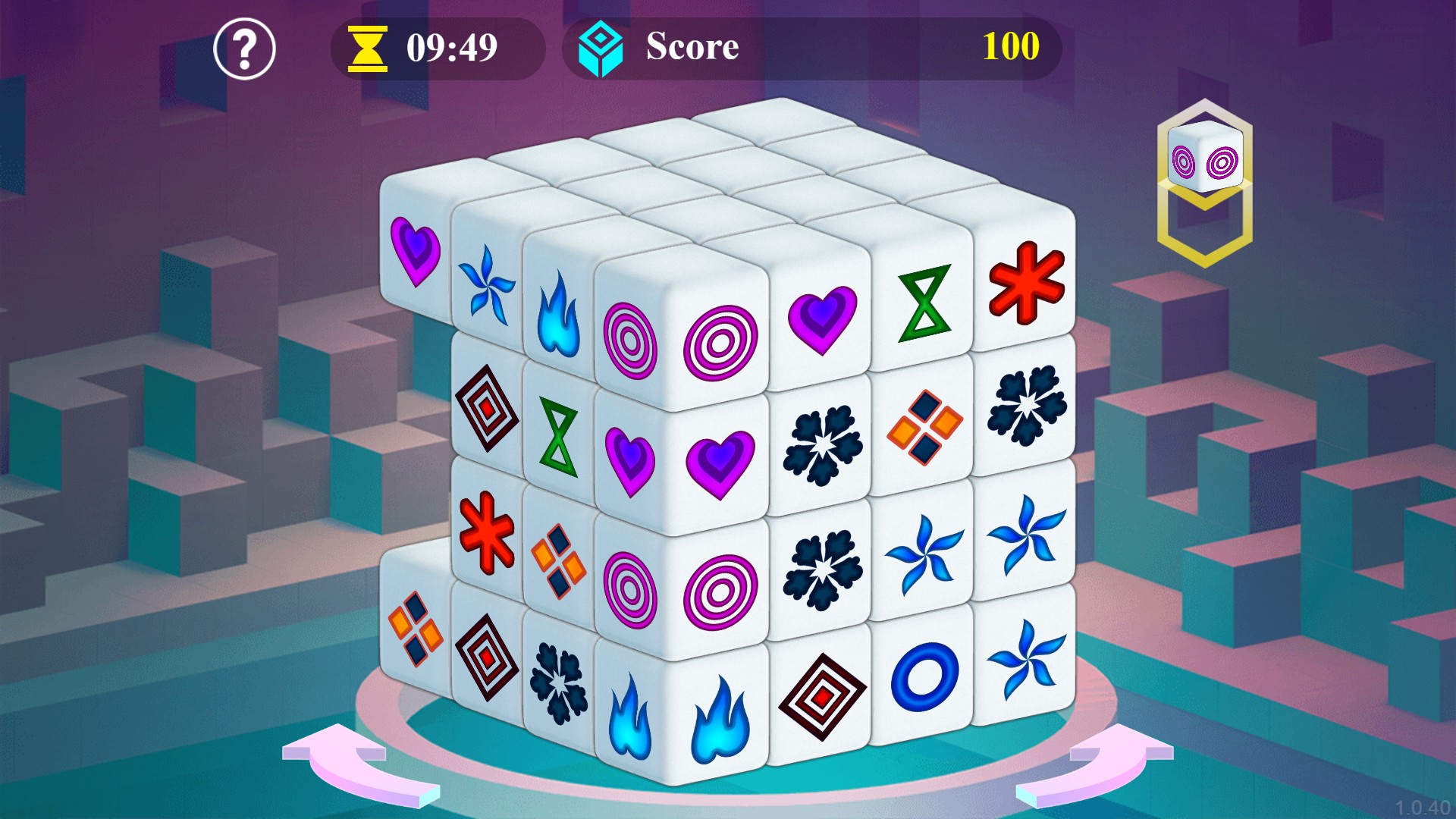
More time to find your next match
Continue your saved Mahjongg Dimensions puzzle with extra time to study the tiles and plan your matches.
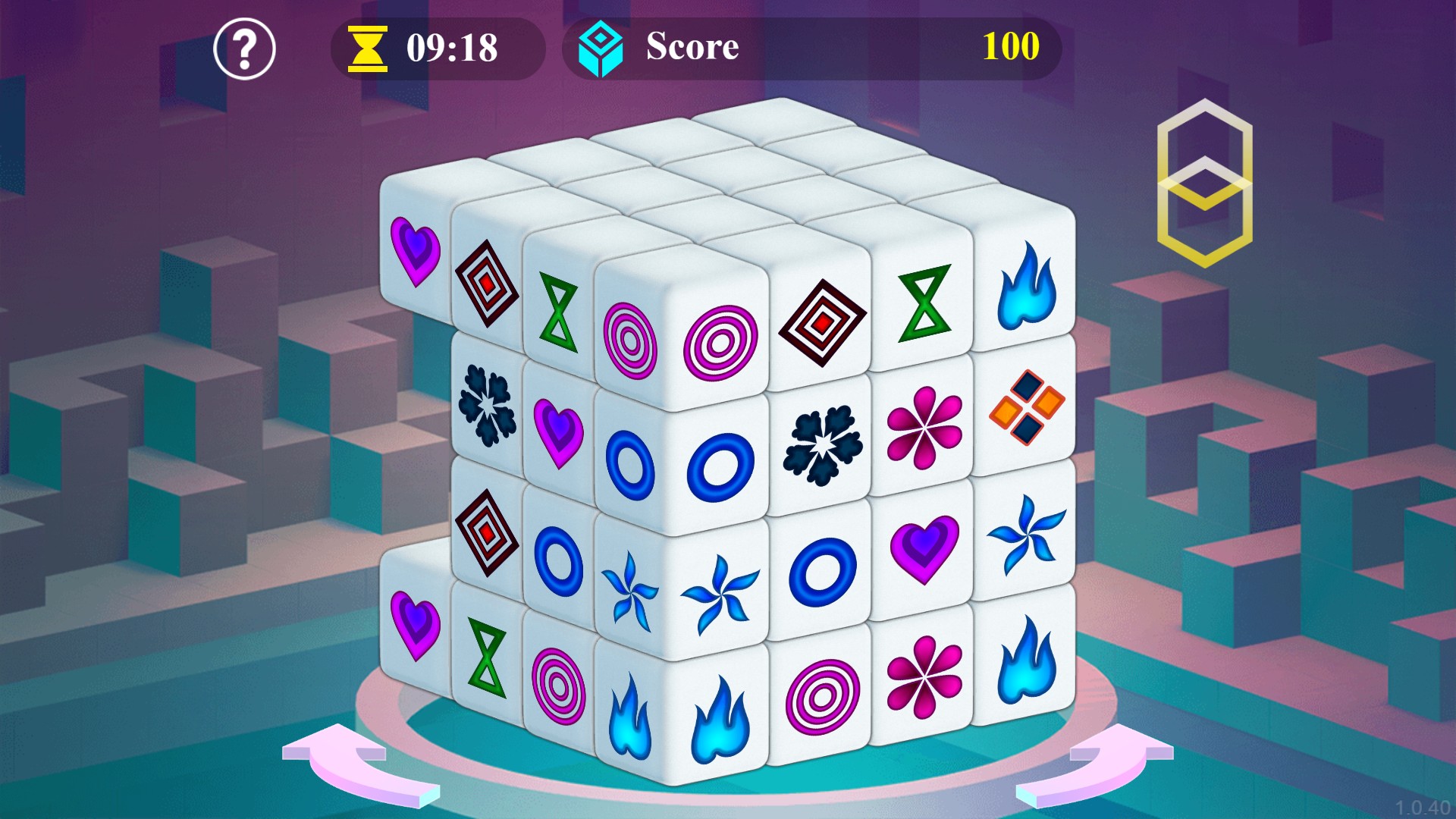
Give the tiles a fresh arrangement
Restore a reshuffle for your saved puzzle, then use the reshuffle button to rearrange the tiles and look for new matches.
Choose your remaining time
Set Time in seconds, then choose Continue. For example, 600 seconds gives you ten minutes to work on the saved puzzle.
Restore a used reshuffle
Select Restore Reshuffle and continue your puzzle. Use the reshuffle button near the top of the game to rearrange the tiles.
This restores one reshuffle use. It does not rearrange the tiles until you press the game's button.
Available customise
TimeFree
Choose the seconds available when you continue your saved puzzle.
Set Time in seconds, then choose Continue. Enter 600 for ten minutes.
Before you use it: Use an existing saved puzzle. Play starts a new round.
Restore ReshufflePremium
Restore the reshuffle button when you continue your saved puzzle.
Select Restore Reshuffle, choose Continue and press the reshuffle button in the game.
Before you use it: Restores one use. The tiles move when you press the game's reshuffle button.
Questions about customise
- Does Time use seconds or minutes?
- Time uses seconds. Enter 600 for ten minutes.
- When will the restored reshuffle happen?
- After you choose Continue, press the reshuffle button in the game to rearrange the tiles.
Using these features
Choose the feature in the Windows app after connecting your game. Check its requirements before making a change.
Setup for Mahjongg Dimensions →