

Customise
2 optionsAdjust your continued puzzle before returning to its tiles.
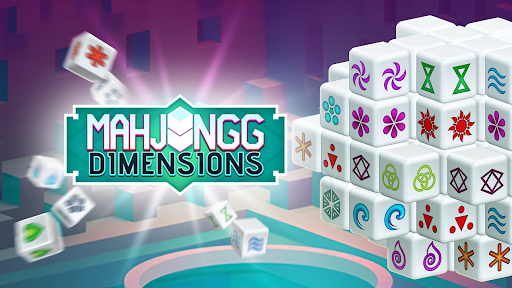
View customise →Rotate the puzzle and match pairs of tiles with open sides before the clock runs out. Give a saved puzzle more time, or bring back its reshuffle when you need a different arrangement.

Choose Time to set how many seconds you have when you continue. Look around the puzzle, line up your next pair and keep matching at your own pace.
Restore Reshuffle brings back the reshuffle button for your continued puzzle. Use it to change the tile arrangement and look for fresh matches.
Adjust your continued puzzle before returning to its tiles.
View customise →Download the Windows app and follow the setup prompts.
Set up the browser extension in Chrome or Edge, then open the supported YouTube Playable. Follow the connection guide if the game is already running.
Review the available options in the app and choose the ones that suit how you play.