

Customize your Magic Tiles 3 start
Choose whether to bypass the first-song introduction and which profile level to display. These options do not automatically complete songs or award stars and crowns.

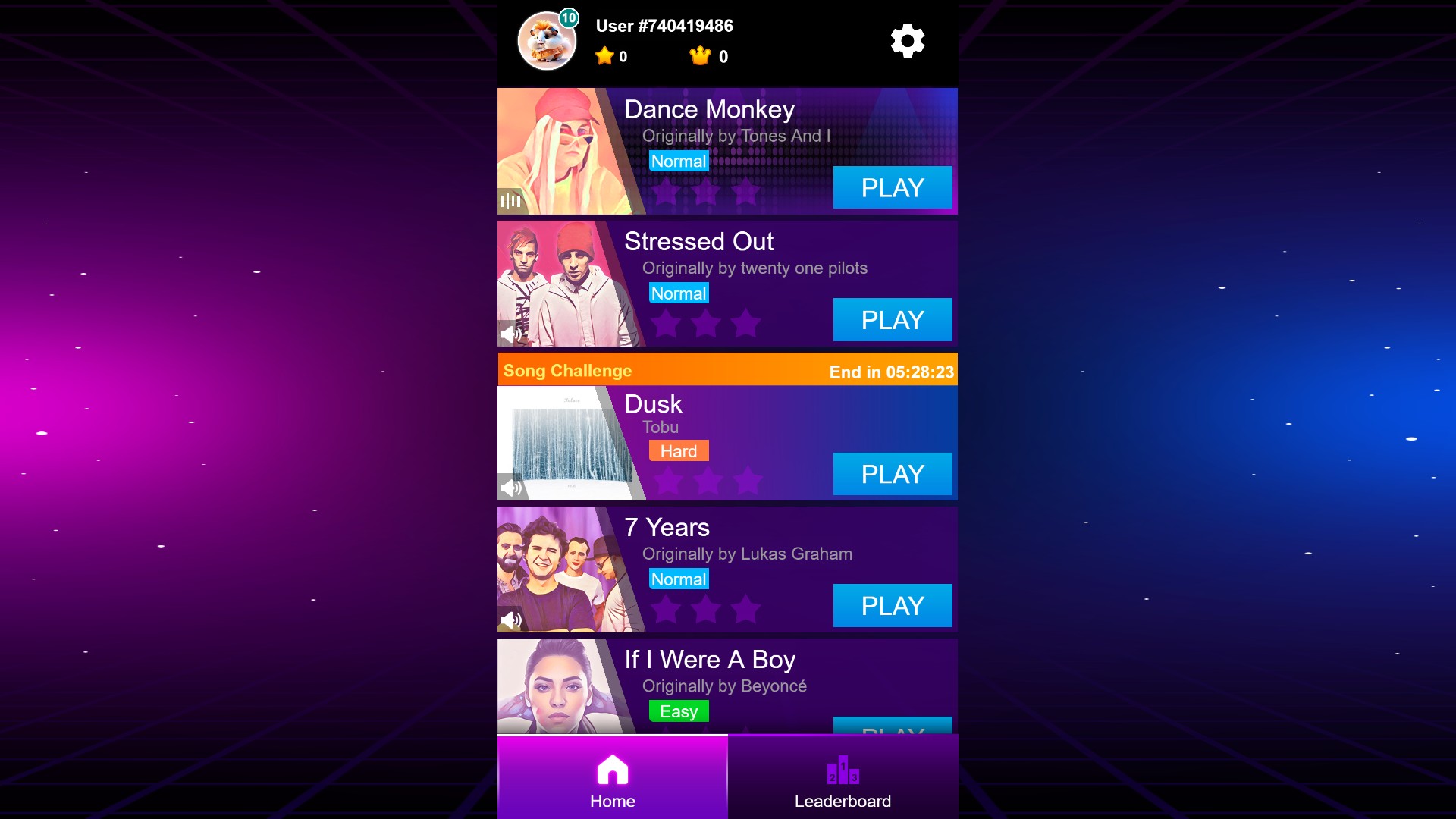
Full song menu and profile level 10
Skip the introduction to browse the full song menu, or choose your displayed profile level. The badge here shows level 10, with zero stars and crowns.
Free introduction bypass
Skip the initial three-song selection and open the full song menu. This changes your starting screen without completing a song.
Experimental Premium profile level
Choose a displayed profile level from 1 to 10. This changes the profile badge; stars and crowns are separate. Later play may update your level again.
Available customise
Skip first-song introductionFree
Go straight to the full song menu instead of the first-song introduction.
Turn on the bypass and apply your choice. The game reloads.
Before you use it: Does not complete songs or grant rewards.
Profile levelPremium
Choose a displayed profile level from 1 to 10. Experimental Premium option.
Choose a level and apply it. The game reloads.
Before you use it: Changes the displayed profile badge. Later progression may update your level again.
Questions about customise
- Does choosing level 10 unlock every song?
- This changes the displayed profile level. You still play songs normally; stars and crowns are separate.
Using these features
Choose the feature in the Windows app after connecting your game. Check its requirements before making a change.
Setup for Magic Tiles 3 →