

Customise
2 optionsControl the introduction and displayed profile level.
View customise →Magic Tiles 3 is a rhythm game where you tap tiles in time with the music. These YouTube Playables options let you go straight to the song menu or try a different displayed profile level.

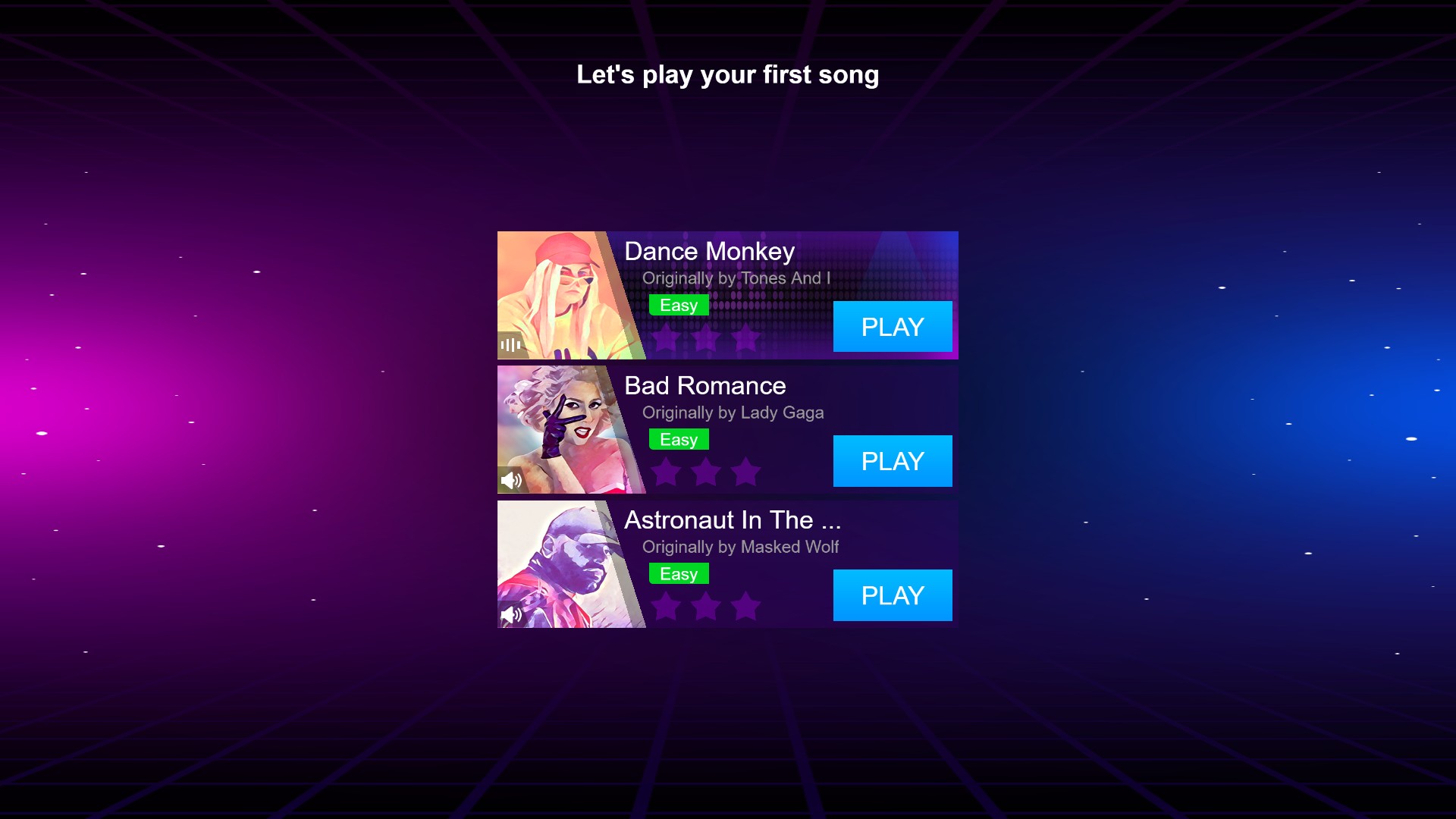
Choose your first song
The first-song introduction offers three songs to start playing Magic Tiles 3.
Use the free introduction bypass to reach the full song menu. Premium members can also choose a displayed profile level from 1 to 10.
Open Magic Tiles 3 through Bytonian Mods, choose Customize, select the values you want and apply them. The game reloads when you apply changes.
Control the introduction and displayed profile level.
View customise →Download the Windows app and follow the setup prompts.
Set up the browser extension in Chrome or Edge, then open the supported YouTube Playable. Follow the connection guide if the game is already running.
Review the available options in the app and choose the ones that suit how you play.