

Choose how you explore
Switch between Fly, Free Walk and Board from one Movement card. Set your movement speed, tune the board and choose comfortable controls.
Explore from above
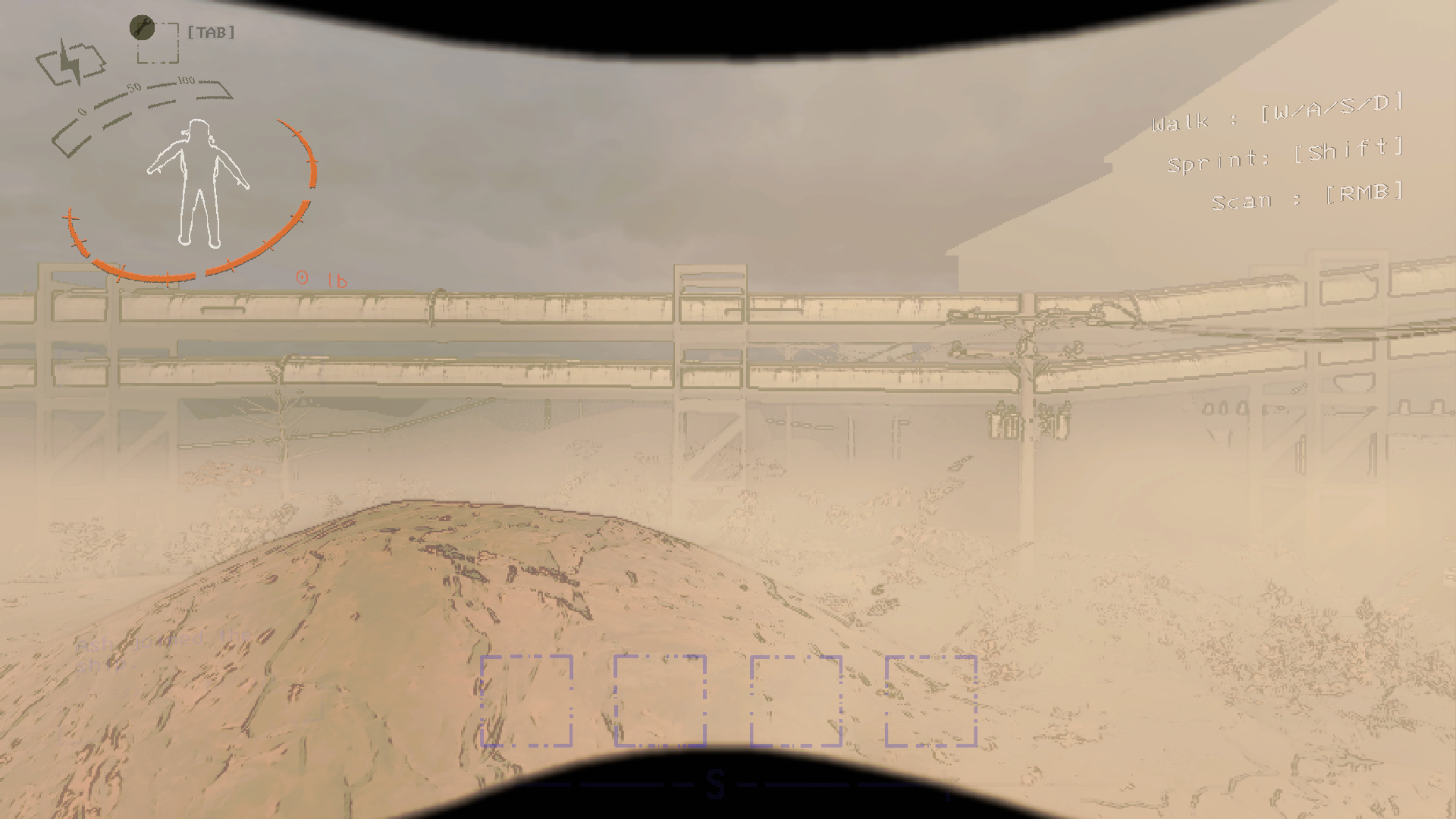
Use Fly to rise above the terrain and explore a loaded moon.
Ride a board
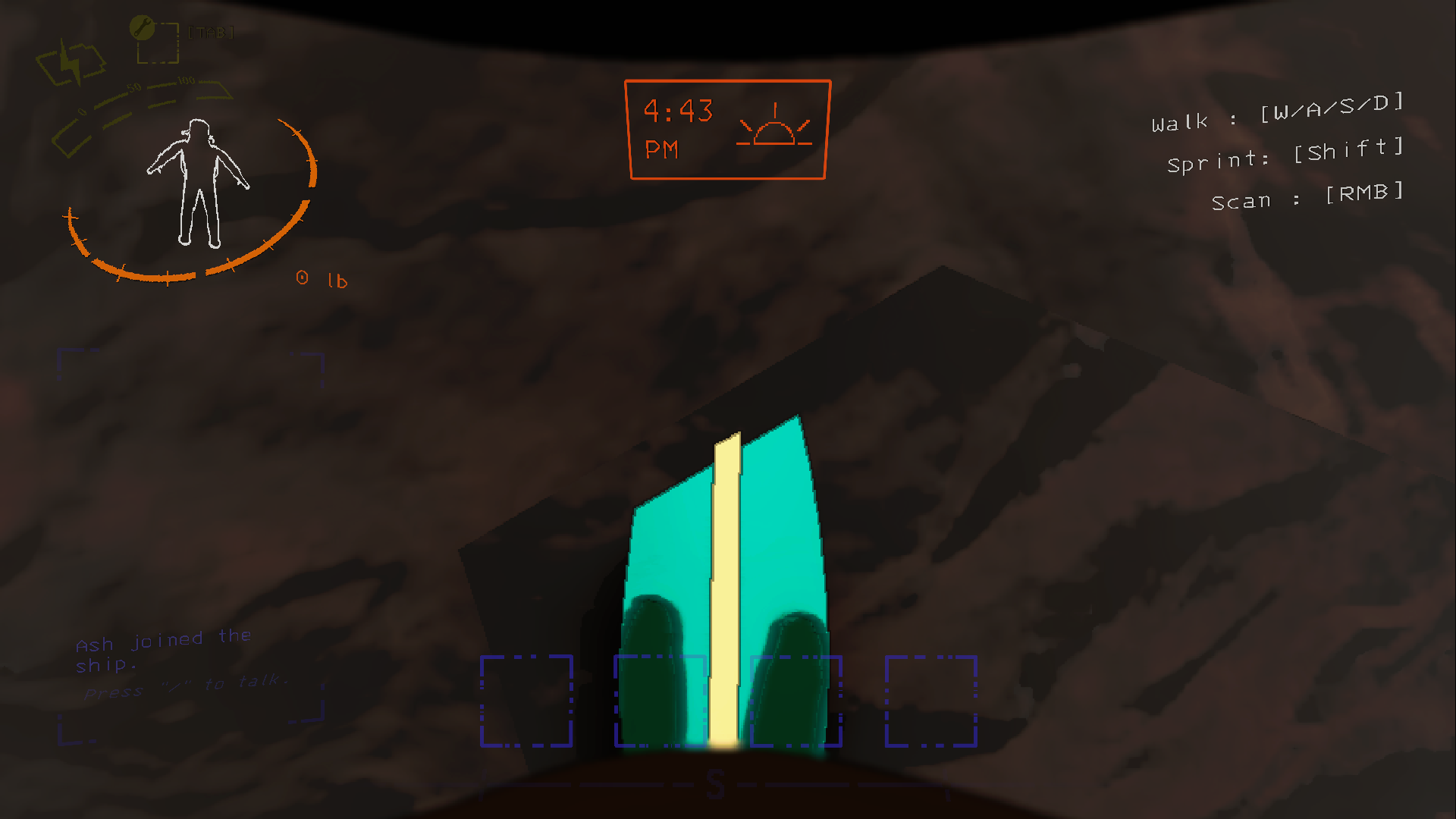
Choose Board to build momentum, steer, brake and charge a jump.
Fly across loaded moons
Move in the direction you look, rise or descend, and use a separate boost speed. The ship boundary still returns you to the cabin while in orbit.
Explore on foot or ride a board
Choose Free Walk for movement on foot with world collision. Choose Board to build momentum, steer and brake. Hold and release Jump to charge a higher jump.
Switch styles from one card
Enable Movement, choose your style and use its configured keys. Movement pauses during terminal use, chat, ladder climbing and special interactions. Turn it off to return to the game's normal movement.
Available ability modifiers
MovementFree
Choose Fly, Free Walk or Board to explore loaded moons at your own pace.
Enable Movement, select a style and use its configured direction keys. In Board, hold and release Jump to charge a jump, or use Brake to slow down.
Use a focused gameplay view. Movement pauses during terminal use, chat, ladder climbing and special interactions. The ship boundary returns you to the cabin while in orbit. Use in a private game.
Supported movement styles: Fly, Free Walk, Board
More ways to customise Lethal Company
- Lethal Company resources
Adjust host credits, refill carried shotguns and keep held or carried equipment batteries full.
- Lethal Company stat modifiers
Keep the local player's health and stamina topped up in private Lethal Company games.
- Lethal Company game actions
Browse 119 tools, scrap items and creatures. Spawning requires the private host; creatures also need a landed moon and suitable ground.
Using these features
Choose the feature in the Windows app after connecting your game. Check its requirements before making a change.
Setup for Lethal Company →