

Resources
3 optionsAdjust host credits, refill carried shotguns and keep held or carried equipment batteries full.
View resources →Choose health, stamina, equipment, credits and movement controls for your next private Lethal Company scrap run. Explore abandoned facilities with your crew and gather scrap toward the shared quota.
Start with free mods
Download Bytonian Mods for Windows and try these free features. Choose one to see how it works and any requirements.
Search tools, scrap and creatures and create them in your private game.
Choose an entry and quantity. Land near suitable ground before spawning creatures.
Requires hosting. For custom-value scrap in co-op, everyone needs the same Spawn mod.
Choose Fly, Free Walk or Board to explore loaded moons at your own pace.
Enable Movement, select a style and use its configured direction keys. In Board, hold and release Jump to charge a jump, or use Brake to slow down.
Use a focused gameplay view. Movement pauses during terminal use, chat, ladder climbing and special interactions. The ship boundary returns you to the cabin while in orbit. Use in a private game.
Keep your living character at full health and block damage while enabled.
Enable during a private game. Turn it off to restore normal damage.
Does not revive a dead character.
Refill a shotgun you hold or carry to two shells.
Enable Infinite Ammo and equip or carry your shotgun.
Applies to your own carried shotguns.
Keep your own health and stamina topped up, carry a charged flashlight or refill a shotgun. Hosts can adjust shared credits and create equipment or creatures. Movement offers Fly, Free Walk and Board.
Open the Windows app, select Lethal Company and enable the options you want. Enter a private game with friends before using them. Credits and spawning require hosting; challenge moons and public hosting are excluded.
Adjust host credits, refill carried shotguns and keep held or carried equipment batteries full.
View resources →Keep the local player's health and stamina topped up in private Lethal Company games.
View stat modifiers →Fly over loaded moons, explore on foot or ride a board with momentum, braking and charged jumps.
View ability modifiers →Browse 119 tools, scrap items and creatures. Spawning requires the private host; creatures also need a landed moon and suitable ground.
View game actions →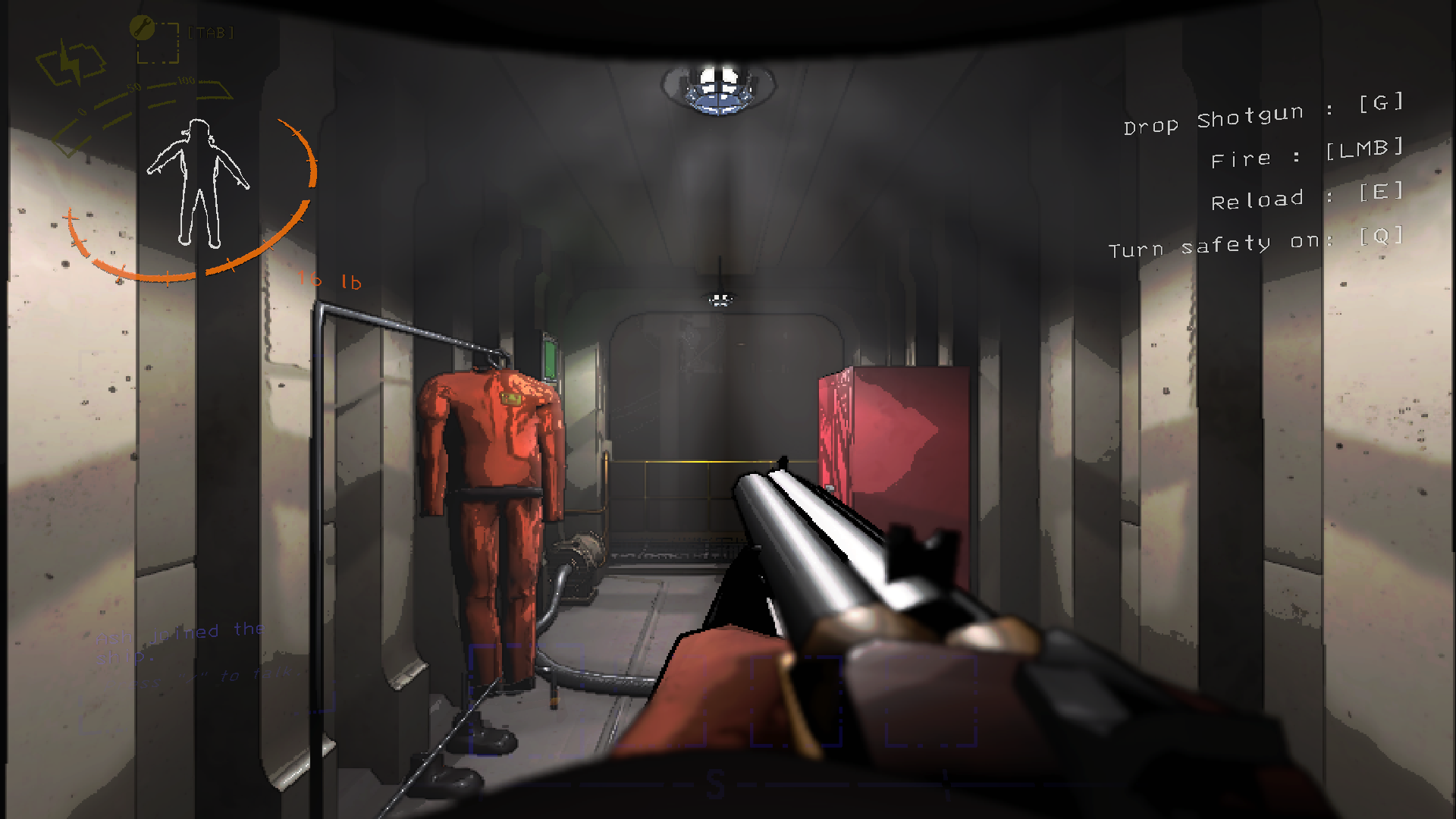
Equipment for your private crew
Adjust your private Lethal Company game with player controls, host credits and equipment spawning.
Download the Windows app and follow the setup prompts.
Open Lethal Company and select it in Bytonian Mods. Follow the app’s connection prompts.
Review the available options in the app and choose the ones that suit how you play.