

Add to your settlement with Spawn
Browse buildings, resource stacks and villagers by name and category, then add the entries you need near the camera. Use your own island as the destination and let new buildings follow normal construction.
Choose a place on your own land
Centre the camera on land owned by your kingdom, choose an entry and select its quantity. Buildings still need a valid site and the usual construction resources; provide the supplies or use Free building when you want to remove those costs.
Grow the town in different ways
Use supply stacks to add materials, villagers to increase population, or building entries to extend the settlement. The available quantity depends on the entry you choose.
Available game actions
SpawnFree
Add buildings, stacks of supplies and more villagers near your camera to shape your kingdom at your own pace.
Open Spawn, browse by name or category, and centre the camera on land owned by your kingdom before choosing an entry and quantity.
Buildings retain normal placement rules, costs and construction. Spawning marks the kingdom as having used cheats.
What you can spawn
- Buildings (95)
- Including Aqueduct, Archer School, Archer Tower, Baker, Ballista Tower.
- People (1)
- Including Villager.
- Resources (10)
- Including Wood, Stone, Wheat, Charcoal, Iron.
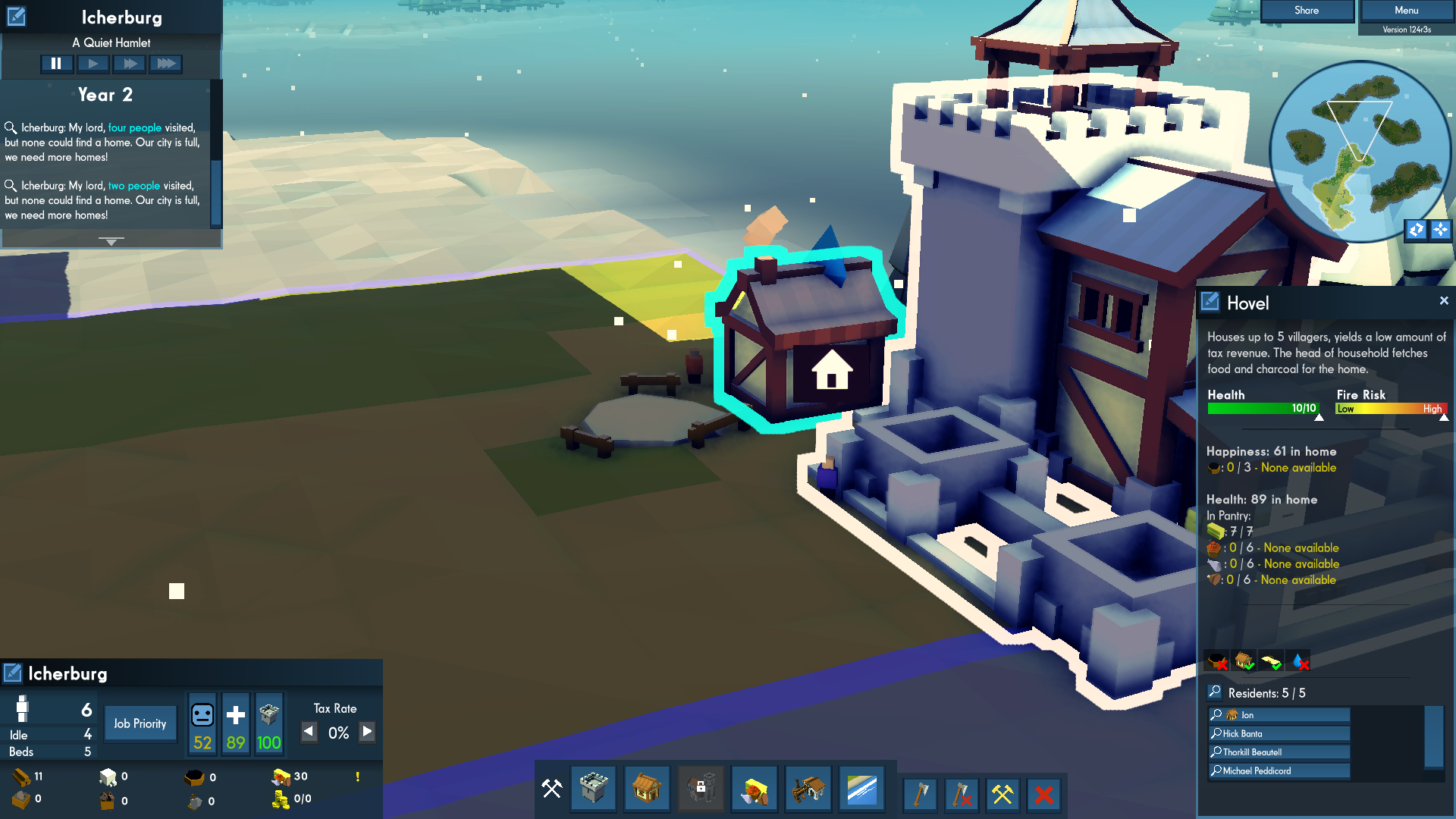
Add homes, supplies and villagers
Spawn buildings, supply stacks and villagers on your kingdom's land. Normal placement and construction rules still apply.
More ways to customise Kingdoms and Castles
- Kingdoms and Castles resources
Set or add gold within your kingdom's current treasury capacity.
- Kingdoms and Castles rule modifiers
Remove building costs or keep villagers fed without consuming your food stock.
- Kingdoms and Castles presentation modifiers
Inspect terrain beneath fog before sending exploration or transport ships.
Using these features
Choose the feature in the Windows app after connecting your game. Check its requirements before making a change.
Setup for Kingdoms and Castles →