

Choose your top-left jewel
Pick regular, bomb, cross-clearing or rainbow for the corner of your board. Your choice changes that single jewel, giving you a new way to plan the next move.
Requires the Windows app and the Bytonian Mods browser extension for Chrome or Edge. Browser setup guide

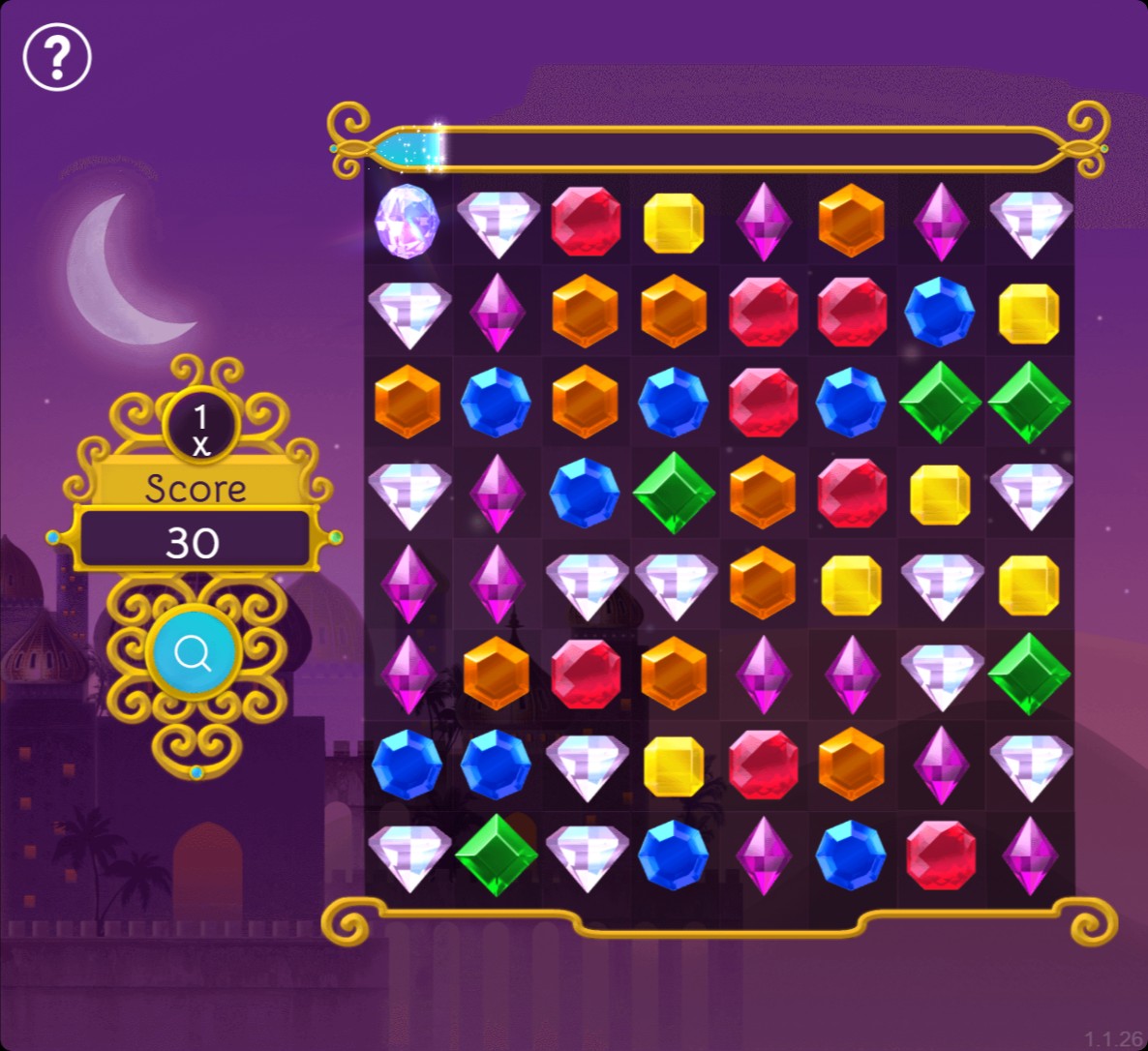
Choose your corner jewel
Set the top-left jewel on your continued board to a special type. This board shows the rainbow choice before its next swap.
Return to your board
Choose the type you want, apply your choice, then select Continue. A rainbow jewel clears the neighboring jewel's color when you swap the two.
Available customisation options
Top-left Special JewelFree
Choose a regular, bomb, cross-clearing or rainbow jewel for the top-left corner of your continued board.
Start a board first. Choose your jewel type, apply it, then select Continue.
Requires an existing board to continue.
Questions about customisation options
- Which jewel does this change?
- The jewel in the top-left corner of your continued board.
Using these features
Connect your game, then open Customise in the Windows app. Choose an option, check its available values and follow its instructions. Each option lists its own requirements and limits.
Setup for Jewel Shuffle →