
Customise
1 optionFour jewel types for the top-left corner of an existing board.
View customisation options →Choose a regular, bomb, cross-clearing or rainbow jewel for the top-left corner of your continued Jewel Shuffle board. Then plan your next move around that jewel using the game’s usual swaps.
Requires the Windows app and the Bytonian Mods browser extension for Chrome or Edge. Browser setup guide

Start with free mods
Download Bytonian Mods for Windows and try these free features. Choose one to see how it works and any requirements.
Choose a regular, bomb, cross-clearing or rainbow jewel for the top-left corner of your continued board.
Start a board first. Choose your jewel type, apply it, then select Continue.
Requires an existing board to continue.
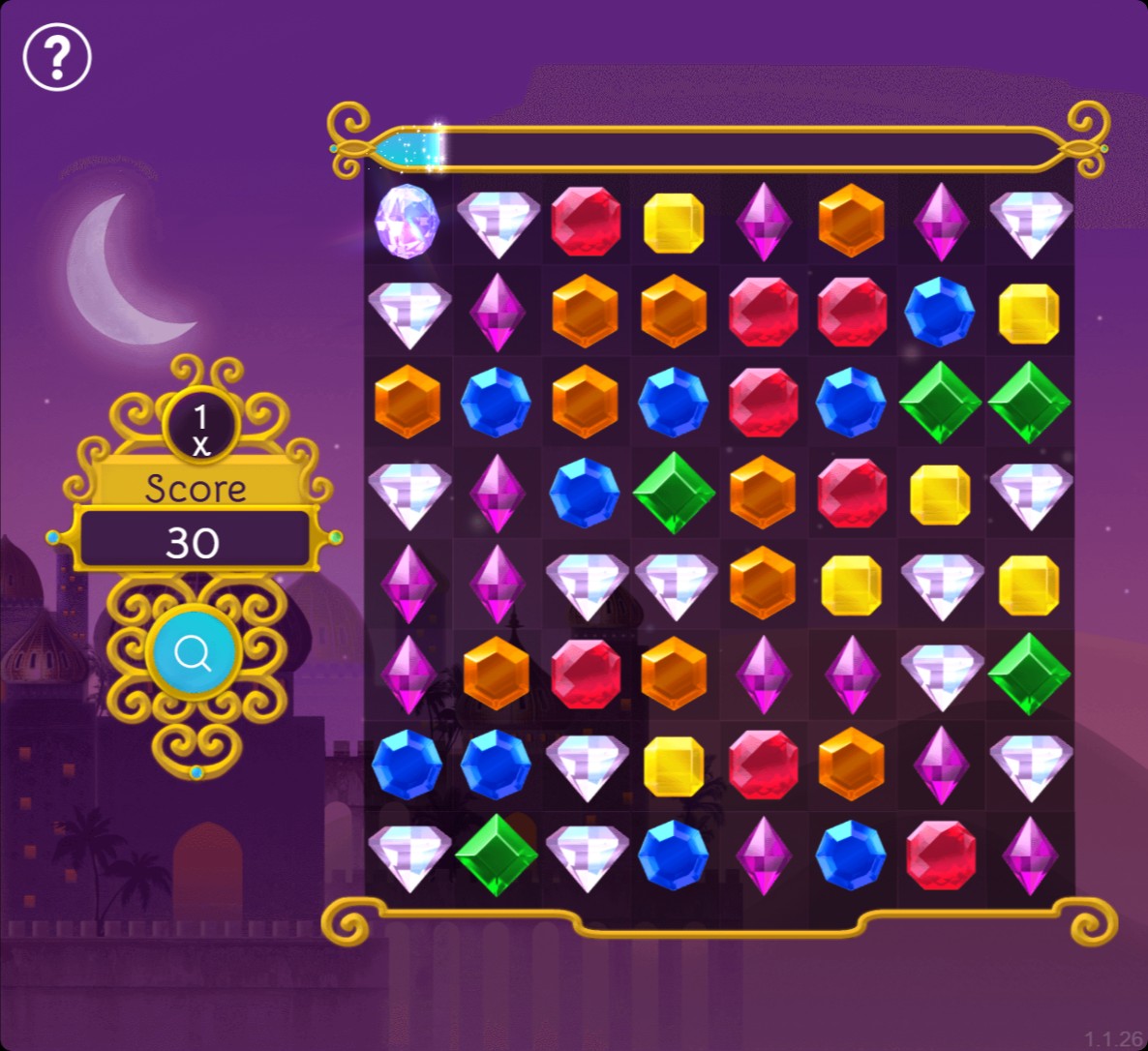
A rainbow jewel ready to play
Choose a rainbow jewel for the top-left corner of your continued board, then swap it with a neighboring jewel.
Jewel Shuffle turns adjacent swaps into colorful matches and cascading clears. Put a rainbow jewel in the top-left corner to clear the color of the jewel you swap it with.
Four jewel types for the top-left corner of an existing board.
View customisation options →Download the Windows app and follow the setup prompts.
Set up the browser extension in Chrome or Edge, then open the supported YouTube Playable. Follow the connection guide if the game is already running.
Open Customise in Bytonian Mods, choose an option and follow its instructions. Check the available values and any limits before making your change.