

Give seated passengers a happier ride
Switch on Happy passengers to give seated passengers maximum scores for their preferences.
Switch help on when you want it
Seat your passengers first, then turn on Happy passengers during the puzzle. Switch it off to return to normal preference scoring. This option does not choose or change their seats.
Available ability modifiers
Happy passengersPremium
Give seated passengers maximum scores for their preferences.
Switch on during the puzzle after seating passengers. Switch off to return to normal scoring.
Before you use it: Does not choose or change passenger seats.
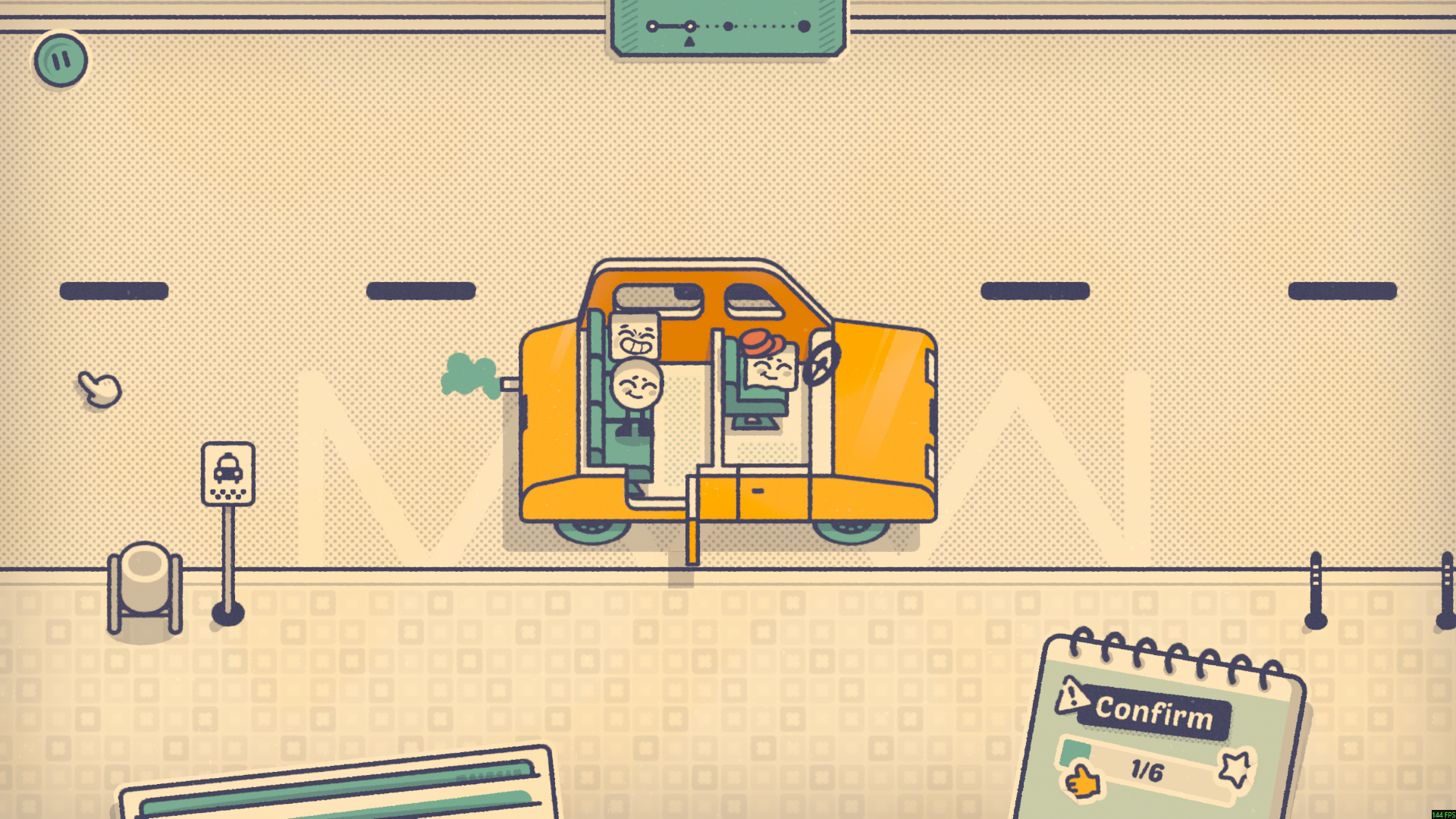
Keep seated passengers happy
Give seated passengers maximum preference scores while Happy passengers is switched on.
More ways to customise Is This Seat Taken? Demo
- Is This Seat Taken? Demo game actions
Move the queue into empty seats.
Using these features
Choose the feature in the Windows app after connecting your game. Check its requirements before making a change.
Setup for Is This Seat Taken? Demo →