


Ability Modifiers
1 optionOptional help with seated passengers' preference scores.
View ability modifiers →Arrange passengers around their preferences in Is This Seat Taken? Demo. Seat waiting passengers with one action, or switch on Happy passengers for extra help with preference scores.

Use Seat waiting passengers to fill available spaces, then adjust the arrangement yourself. Happy passengers gives seated passengers maximum preference scores while switched on.
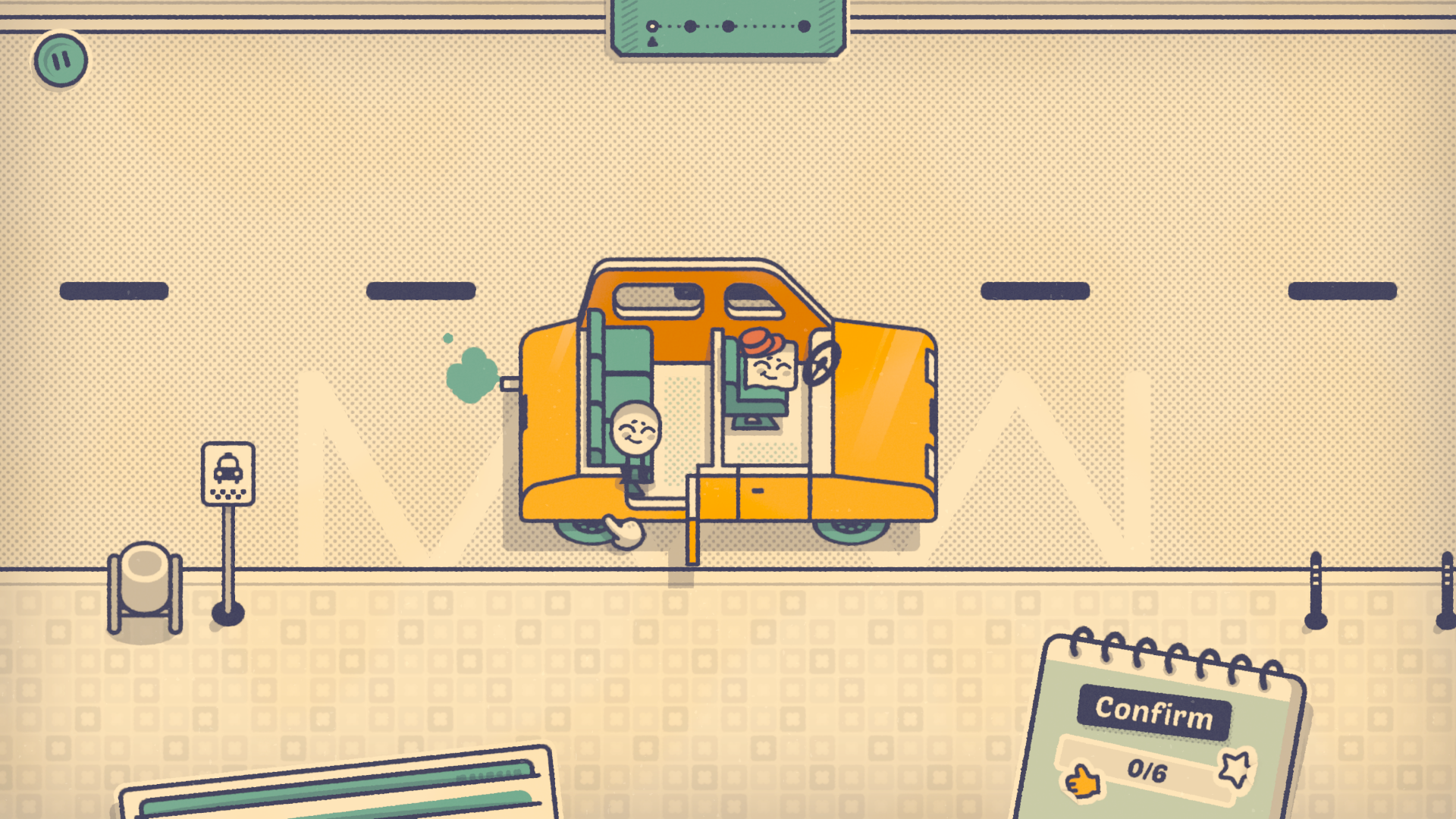
Find a seat in the taxi
Arrange passengers in the taxi as you work through the demo's seating puzzles.
Optional help with seated passengers' preference scores.
View ability modifiers →Move the queue into empty seats.
View game actions →Download the Windows app and follow the setup prompts.
Open Is This Seat Taken? Demo and select it in Bytonian Mods. Follow the app’s connection prompts.
Review the available options in the app and choose the ones that suit how you play.