

Collection, attack and enemy-defeat controls
Keep familiar actions close at hand. Press Collect gathers the cubes waiting on screen, while Press Attack uses them for a normal attack. Both work with the game's available buttons.

Skip a difficult enemy
Kill Enemies defeats the current living enemy. Turn on Auto Next to move ahead when the next phase is available, or leave it off to decide when to continue.
Available game actions
Kill EnemiesPremium
Defeat the current living enemy. Enable Auto Next to advance once when the game's Next button becomes available.
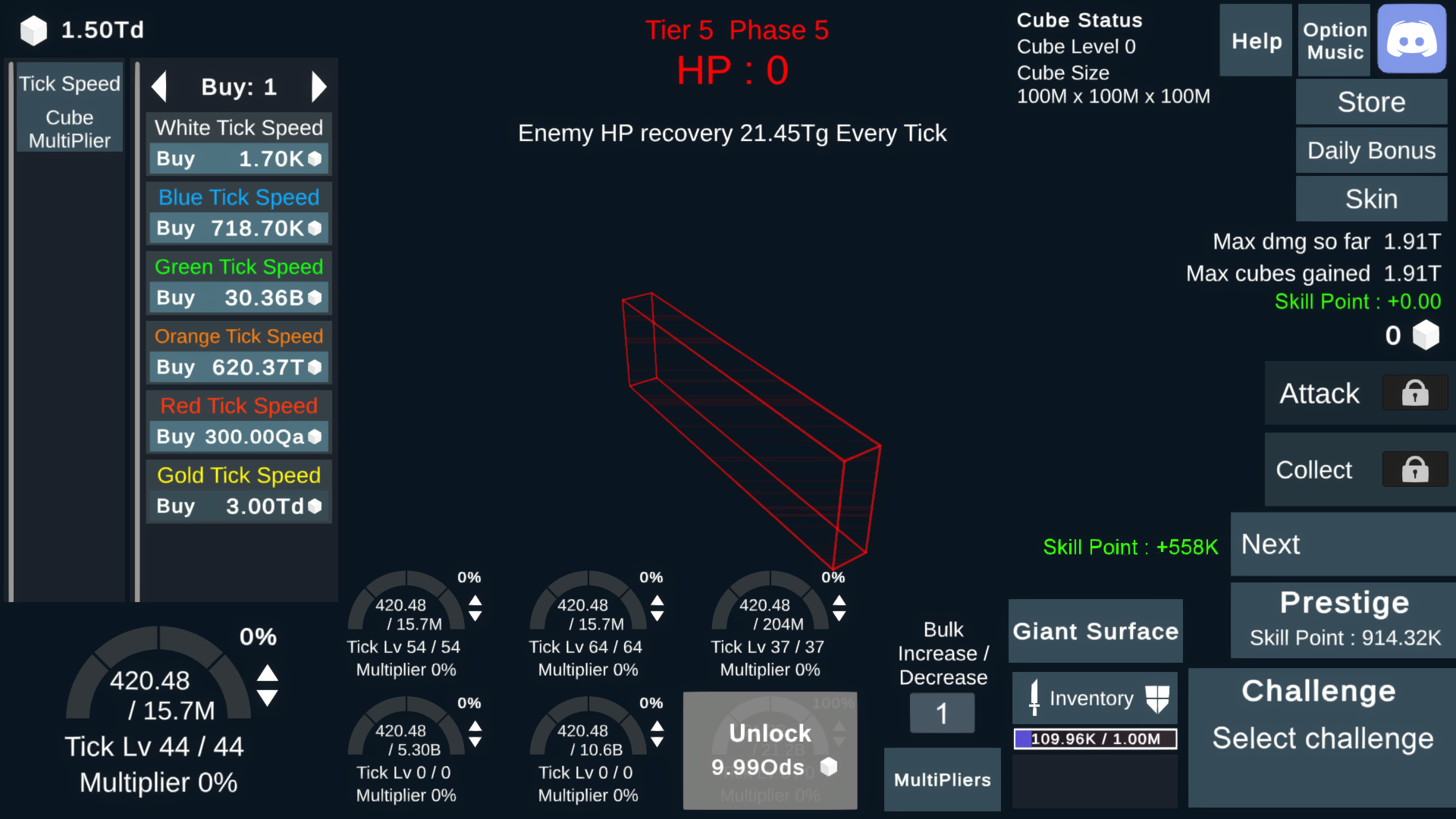
Defeat the current enemy
Use Kill Enemies to defeat the current enemy. The enemy health reaches zero and the game's Next button becomes available.
Press AttackFree
Trigger the available Attack button using the cubes waiting on screen. Bind the action to a shortcut to keep attacks close at hand.
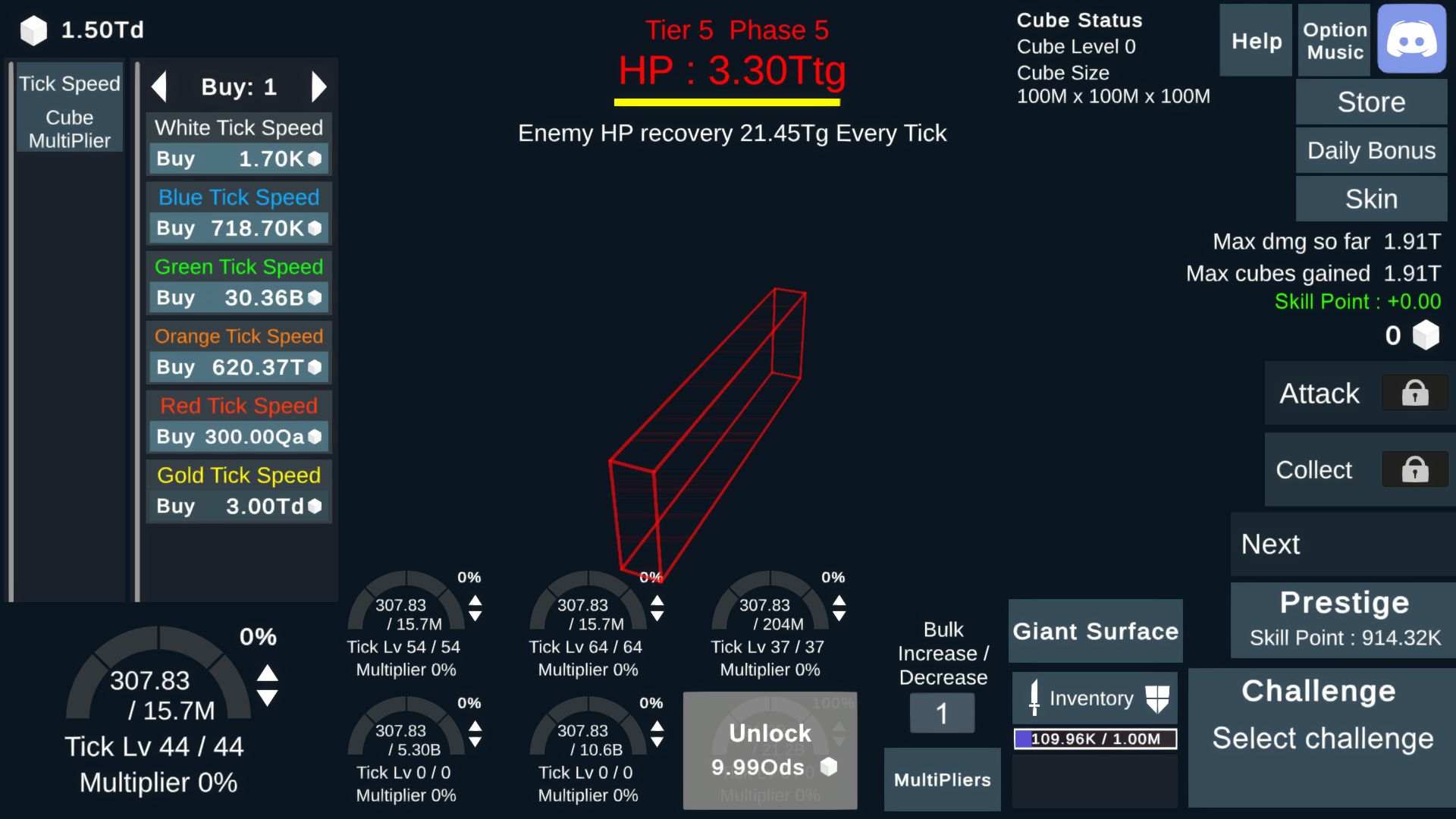
Trigger an available attack
Press Attack activates the game's attack button with the cubes currently waiting. The maximum damage record on the right shows the result of this attack.
Press CollectFree
Collect the cubes waiting on screen through the available collection button. Bind this action to a shortcut for convenient collection.
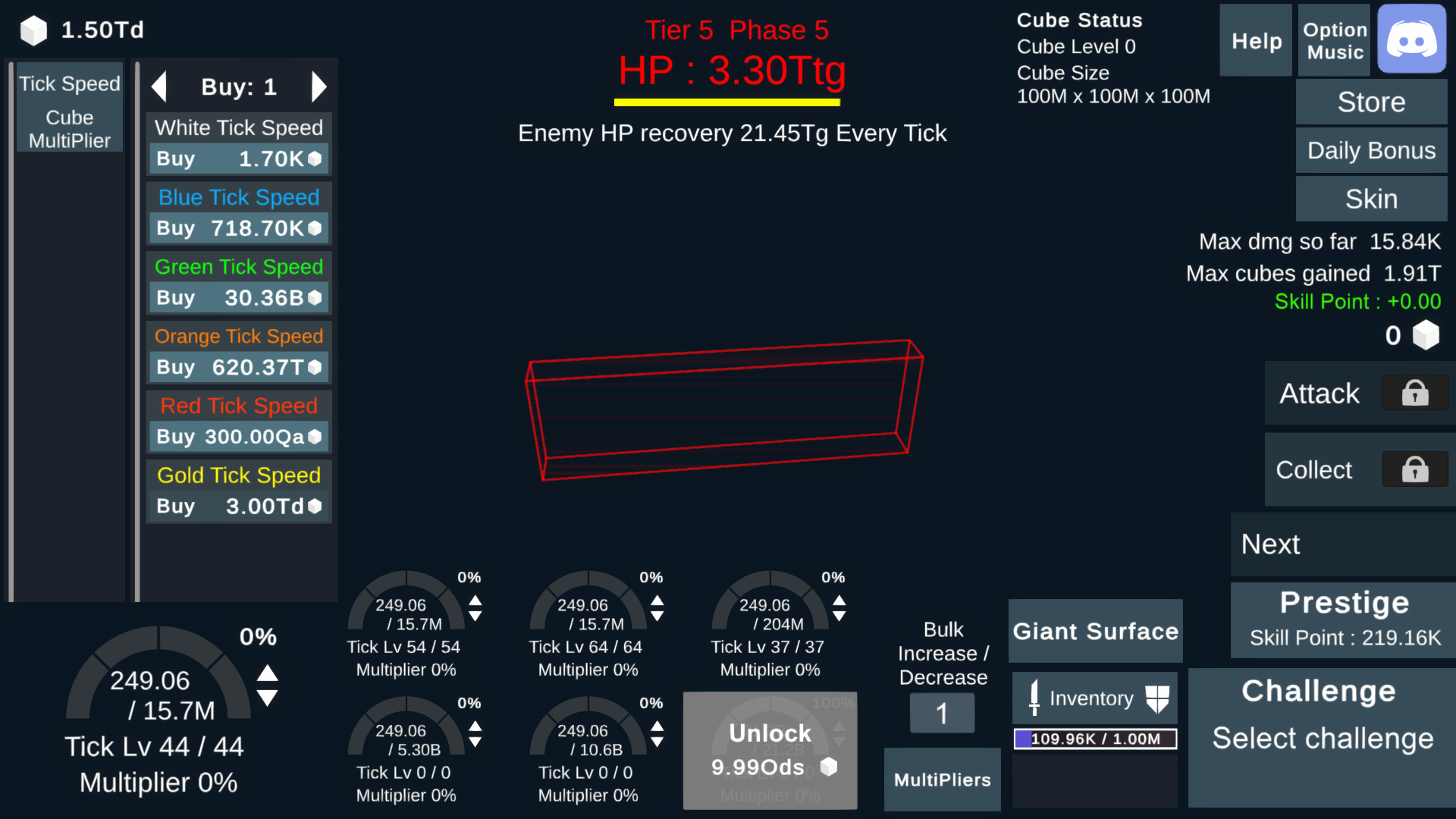
Collect generated cubes with a shortcut
Use Press Collect to activate the available collection button. This frame shows the cleared cube area after collecting, with the collection record updated on the right.
More ways to customise Incremental Cubes
- Incremental Cubes resources
Set or add cubes using a resource control that reflects your current balance.
Using these features
Choose the feature in the Windows app after connecting your game. Check its requirements before making a change.
Setup for Incremental Cubes →