

Resources
1 optionSet or add cubes using a resource control that reflects your current balance.
View resources →Build up cubes, buy upgrades and work through enemy phases with controls that fit your pace. Adjust your cube balance, collect waiting cubes or trigger an attack without hunting for the on-screen button.

Start with free mods
Download Bytonian Mods for Windows and try these free features. Choose one to see how it works and any requirements.
Trigger the available Attack button using the cubes waiting on screen. Bind the action to a shortcut to keep attacks close at hand.
Explore this free feature →Collect the cubes waiting on screen through the available collection button. Bind this action to a shortcut for convenient collection.
Explore this free feature →Game Actions includes free shortcuts for the game's Collect and Attack buttons, plus an enemy-defeat action with optional Auto Next. Resources lets you set or add cubes for your upgrades.
Install the Windows app, choose Incremental Cubes and open your game. Enable the features you want, then use their controls while playing. Collect and Attack become available when the game has cubes waiting.
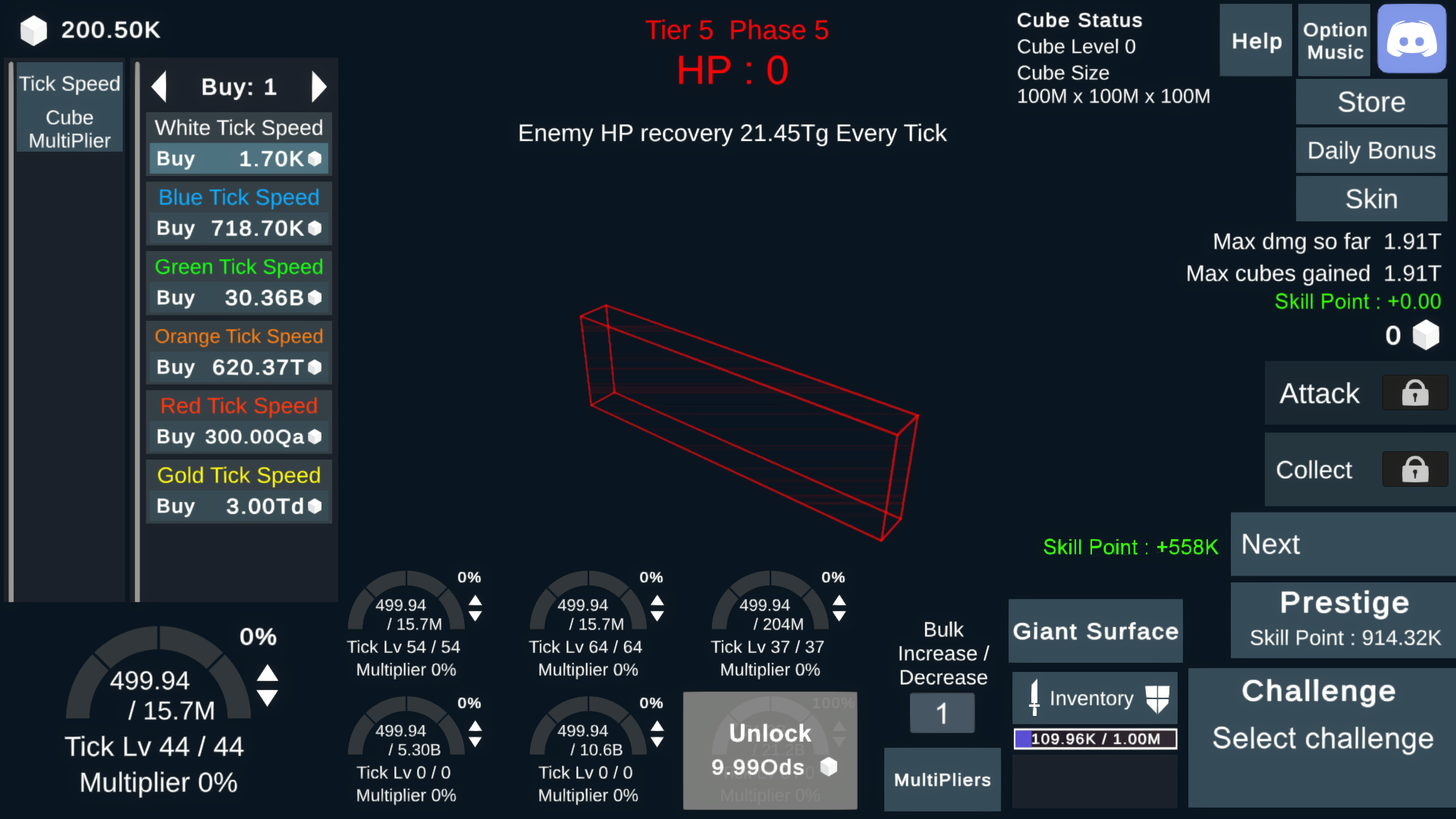
Take control of your cube progression
Choose your cube balance and use action shortcuts for collection, attacks and enemy defeats. The game keeps its normal upgrade panels and progress display.
Set or add cubes using a resource control that reflects your current balance.
View resources →Free collection and attack shortcuts, plus enemy defeats with optional Auto Next.
View game actions →Browse the Steam achievement names and descriptions for Incremental Cubes. Choose and unlock achievements for free with Bytonian Mods in the Windows app.
View all achievements →Download the Windows app and follow the setup prompts.
Open Incremental Cubes and select it in Bytonian Mods. Follow the app’s connection prompts.
Review the available options in the app and choose the ones that suit how you play.