

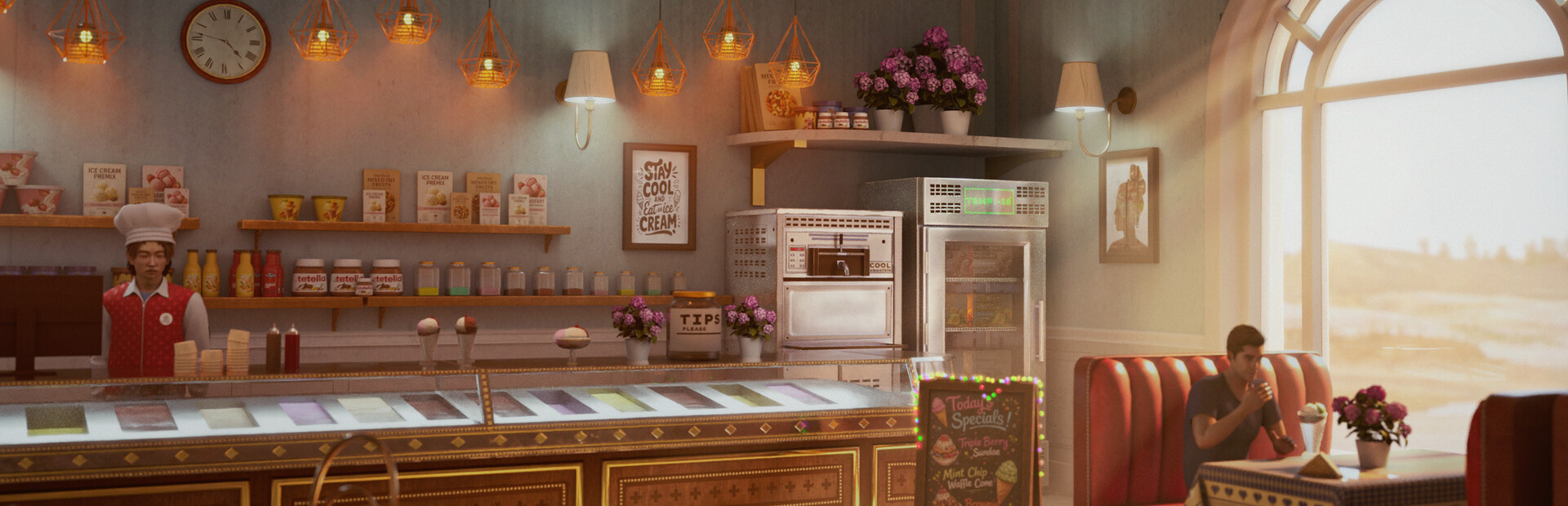
Look around the shop with Fly
Move above the usual walking route and through scenery with the Premium Fly option. Camera-relative movement and separate normal and fast speeds let you change position while inspecting your shop and its surroundings.
Looking for the full game? View Ice Cream Simulator mods.
Check the controls before flying
Review the movement, up, down and faster-flight bindings shown in the app, along with both speed settings. Move to a clear, walkable spot before disabling Fly to return to ordinary movement.
Flight and shop work are separate
Flying changes your position. It does not finish recipes, serve customers or advance shop tasks automatically, so return to the usual work area when you want to continue those activities.
Available ability modifiers
FlyPremium
Fly around your shop and through scenery to explore from different positions.
Check the configured movement keys and both speed settings, then enable Fly.
Before you use it: Changes movement rather than shop tasks. Return to a clear, walkable position before disabling.
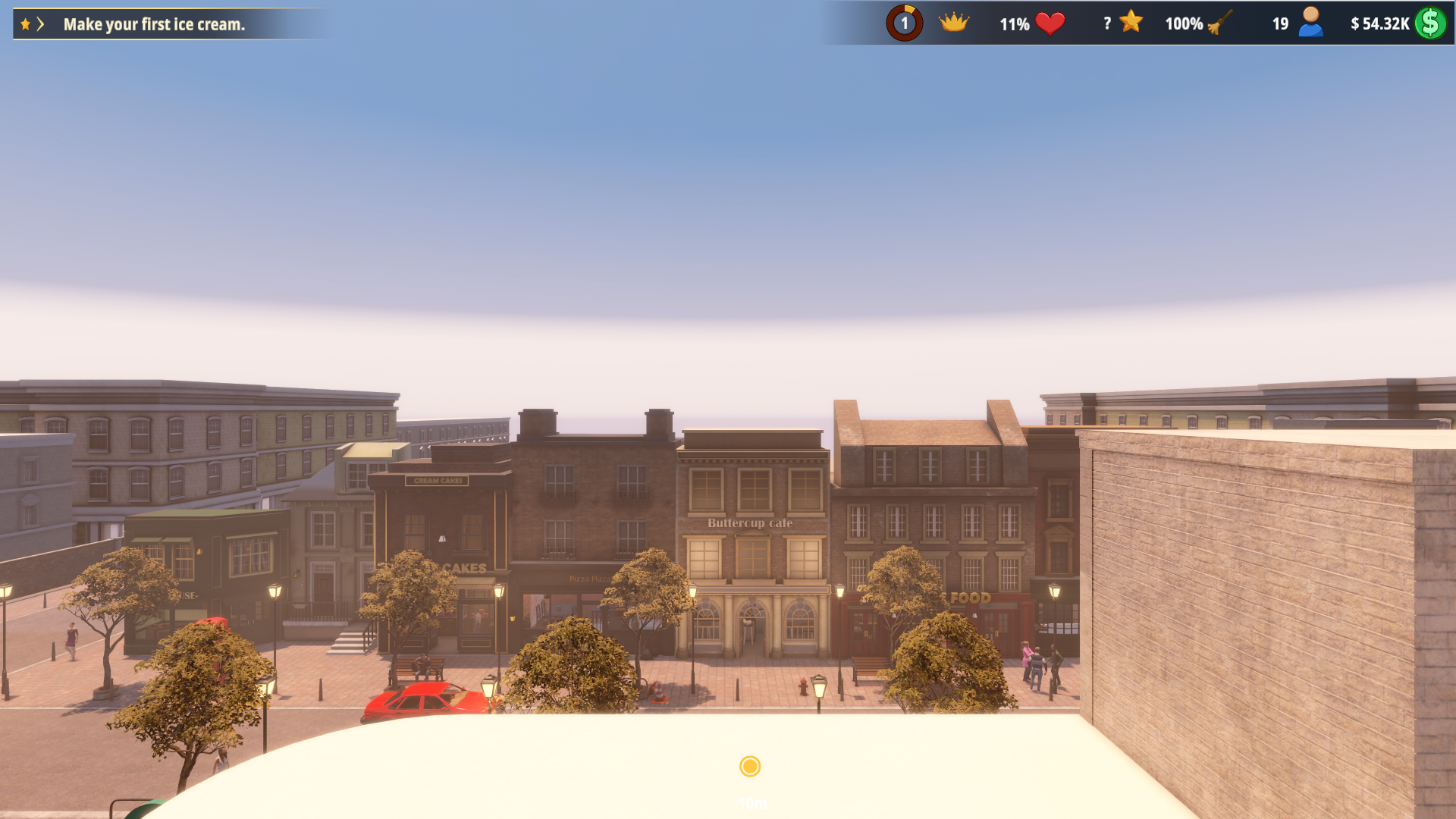
A rooftop view of the street
Use Fly to rise above your shop and look across the street toward Buttercup Cafe and the surrounding rooftops.
More ways to customise Ice Cream Simulator Demo
- Ice Cream Simulator Demo resources
Set your available money up or down.
- Ice Cream Simulator Demo rule modifiers
A free rule removes the freezing wait for prepared ice cream.
- Ice Cream Simulator Demo game actions
Complete recipe ingredients and continue the preparation.
- Ice Cream Simulator Demo progression systems
Grant experience during a loaded game.
Using these features
Choose the feature in the Windows app after connecting your game. Check its requirements before making a change.
Setup for Ice Cream Simulator Demo →