


Resources
1 optionSet your available money up or down.
View resources →Try the ice cream shop routine with more control over preparation, spending and movement. These five Windows options for Ice Cream Simulator Demo help you choose how much time to spend on ingredients and freezing while exploring the demo.

Looking for the full game? View Ice Cream Simulator mods.
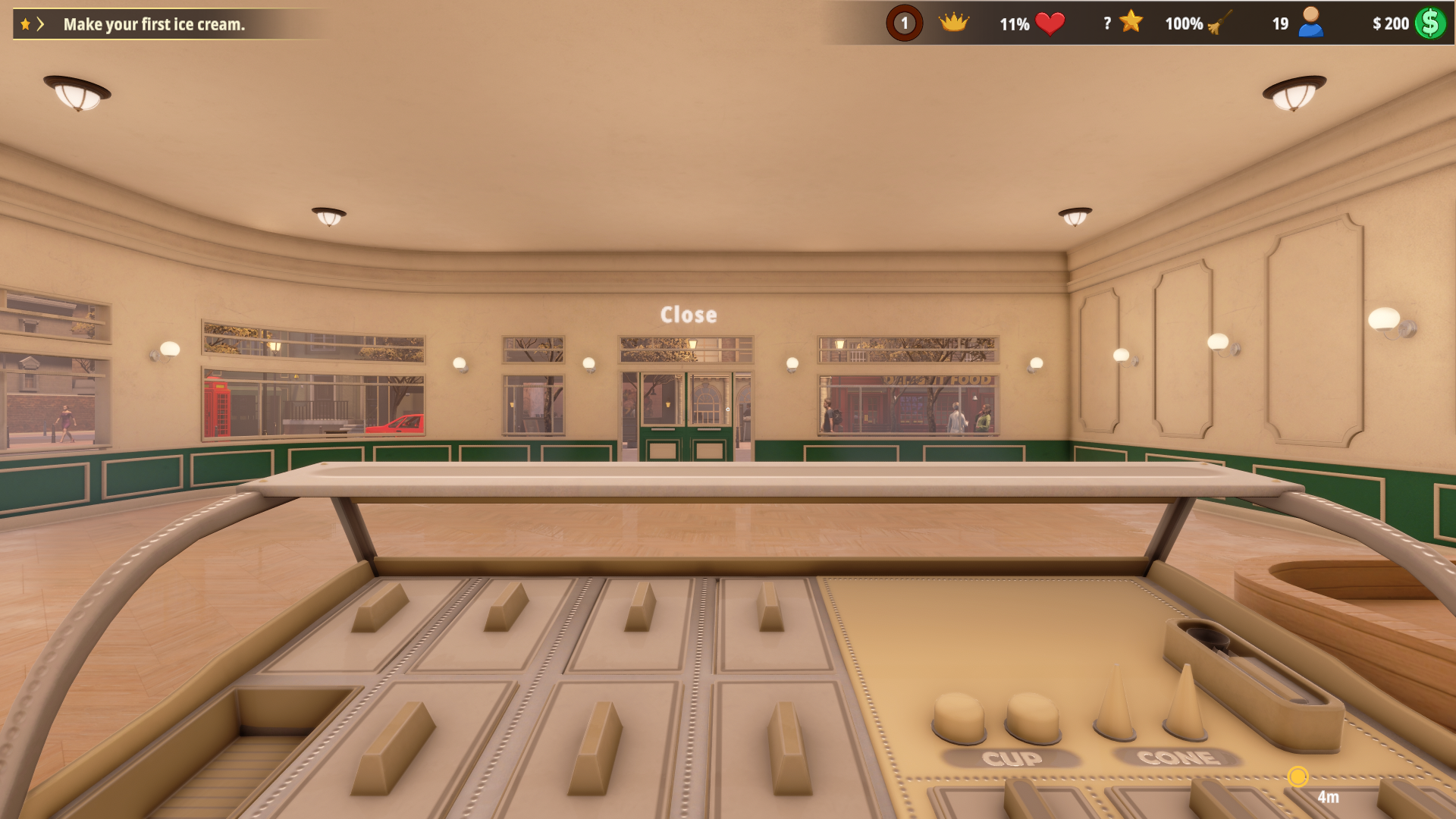
Your first shop in Ice Cream Simulator Demo
Get ready to make your first ice cream behind the shop counter.
Resources changes money, Game Actions completes recipe ingredients, Progression Systems grants experience, Rule Modifiers skips freezing waits and Ability Modifiers contains Fly.
Install Bytonian Mods, launch Ice Cream Simulator Demo and select this demo in the app. Follow the connection prompts, load your shop and choose an option.
Set your available money up or down.
View resources →A free rule removes the freezing wait for prepared ice cream.
View rule modifiers →Adjustable flight for exploring the shop environment.
View ability modifiers →Complete recipe ingredients and continue the preparation.
View game actions →Grant experience during a loaded game.
View progression systems →Download the Windows app and follow the setup prompts.
Open Ice Cream Simulator Demo and select it in Bytonian Mods. Follow the app’s connection prompts.
Review the available options in the app and choose the ones that suit how you play.